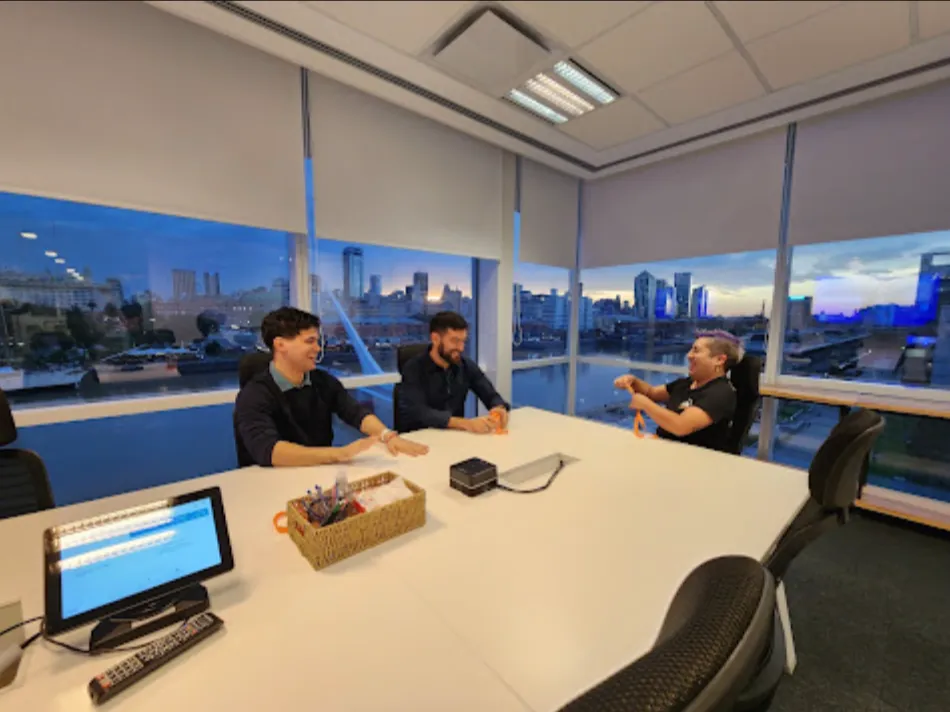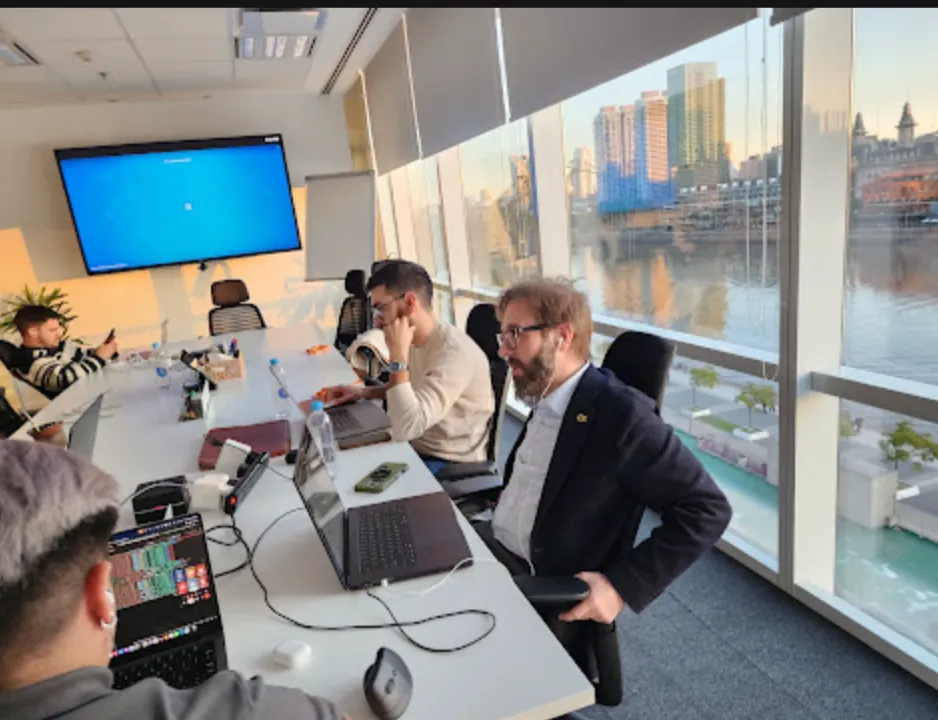

On April 2, Vantegrate recorded a no-frills Thursday masterclass on Slack and Salesforce.
The angle wasn't the marketing brochure. It was the real connection that Trailhead barely sketches: from Salesforce to Slack, with Flows and out of the box actions.
The full class is on YouTube. Juan Manuel Garrido (JuanMa) hosted with Francisco Morales (Fran), Josué Mendoza (Josu), Esteban Morales (Esti, Bebé Corazón) and guest Cecilia Chiercki (Ceci / Sisi), solution architect at Sealed Partners (US-based, Argentine).
If you're coming from the recent Pulse classes on Spring '26, the focus here is different. It's not release notes for Apex or LWC: it's operational integration between the CRM and the place where your team already talks.
The Vantegrate team put together the live session for admins and developers who need to stop jumping from screen to screen. In resources and in the Salesforce CRM section the platform map keeps growing; this class drills down into a case you can replicate.
Why Slack doesn't replace Salesforce
Fran opened with the mood of the moment. Salesforce has put a lot of weight on Slack and Slackbot as an entry point: you ask what's happening with an opportunity and the answer shows up without opening the org.
JuanMa pushed back on the extreme reading. A Salesforce license and a Slack license don't play the same game: the CRM is still the system of record; what changes is the interface where you look for information.
Slackbot coordinates and routes. It doesn't create records or rewrite the org: that's what agents and automation in Salesforce are for.
The operational message was clear. If your org uses Slack, internal email and “ping me in chat” stop being the default: the opportunity or project channel concentrates context, history and next steps.
That doesn't kill Chatter by decree. Later in the class they debated it, with no official announcement of its “death.”
It does change where it makes sense to operate day to day when Slack is already the team's nervous system.
Two integration paths (today we look at one)
Josu laid out the map in two worlds. One: you're in Slack and trigger things in Salesforce.
The other: you're in Salesforce (Flows, triggers, CRM data) and trigger actions in Slack.
Today the focus was the second one. Salesforce → Slack, with OOTB (out of the box) actions that already live in Flow without you writing Apex.
Ceci said it plainly. Before agent magic or nice demos, there's a mandatory step: connecting the Salesforce org to the Slack workspace.
There is step-by-step documentation (screenshots and bookmarks). You don't need to be a developer: just follow the order.
Slack can connect to several Salesforce orgs (it's not 1:1).
If you also want Agentforce from Slack (calling an agent built in Salesforce), there is a second setup. That second step doesn't replace the first; without the base connection there's nothing.
Sandbox first (in Slack too)
Salvador asked in the chat whether the connection only lives in production. Ceci worked through the entire case in a sandbox.
Slack also has a development environment (sandbox). You can request one even if you use a different messaging tool in your daily work.
The hygiene rule is the usual one. Prototype in a sandbox, test the Flow, measure channel noise; then move to production.
Never the other way around.
For Salesforce developers this is familiar territory: same deployment discipline, a different surface (workspace, apps, conversation IDs).
The case: professional services from end to end
Ceci brought a professional services case (consulting / delivery). Closed-won opportunity → the deal moves from sales to projects.
In almost any stack (Certinia, Kantata, Workday or a custom Project object) the concept of a project appears. The demo's trigger: the project moves to In Progress (active, ready to execute).
At that moment the Flow does the work that today is usually human and slow:
Create a Slack channel named with a formula (project + date, for example).
Find the scope file (Statement of Work / SOW) associated with the project.
Summarize the document with an Agentforce Prompt Template (flex: question + file).
Send a welcome message to the channel with that summary.
Pin the message so whoever joins later sees it right away.
Save the Slack Channel ID on the project record.
Invite the project manager (user lookup) to the channel.
The promise isn't “never read the contract.” Ceci's disclaimer was explicit: the summary does not replace reading the scope.
What it does prevent is each person downloading the PDF, hunting through it and losing half an hour before the first meeting.
If you operate in B2B SaaS or in implementation delivery, the pattern is the same: a sales → delivery handoff with context in the channel from minute zero.
OOTB actions already in Flow
When you add an action in Flow and filter by Slack, a catalog appears. Ceci highlighted the ones they used (and the ones you should know):
Create Slack Channel
Invite users to the channel
Send message
Check whether a channel already exists (key to avoiding duplicates)
Archive a channel
All of that with no Apex in the demo. Ceci admitted she thought there was code somewhere: there wasn't.
It was 100% preconfigured actions.
Governance (the pro tip that resonated most). If you create channels automatically, design how you remove them.
Archived 90 days after the project closes (scheduled Flow) is one example. Deleting is possible at the admin level; archiving is usually the healthier choice when there was real conversation.
If you end up with “80 million channels,” the problem is not Slack: it is the lack of a cleanup strategy designed on day one.
Think through the full lifecycle before the first Create Channel. Creation, use, archive: three moments, one design.
The Flow in detail (asynchronous path)
The diagram fits on one screen. Trigger: project status changes to In Progress.
You work in the asynchronous path (Add Asynchronous Path). With Slack and Agentforce, the run immediately path is not the place: Flow will either block it or fail.
Create the channel
Create Slack Channel action. Minimum parameters: Slack app, workspace, channel name (formula).
The output returns the channel ID that you chain afterward.
Files subflow + flex prompt
Ceci reused a subflow that locates the project file (Salesforce Files). It could live in the main Flow; she modularized it because it already existed.
The Prompt Template is flex: a string input (the question) + a file. Demo question: summarize this in 250 words.
Output: the model's response.
Here comes the prompt architecture. You could hardcode the question inside the template.
Ceci did not: she reuses the same prompt across several cases and only changes the question.
That is real reusability (like a Flow or a modular Apex class). Otherwise, in a year you have 500 nearly identical prompts and a governance headache.
Those who design AI agents and document pipelines (also take a look at Arconte) already fight this same pattern: less proliferation, more input/output contracts.
Message, pin, update, and invite
Send message uses the conversation ID (the channel ID from step 1) and a text formula: welcome + project name + prompt summary.
Pin Message takes the message ID from the send step and the same channel. Anyone who joins later sees the scope at the top.
Update Records saves the Slack Channel ID on the project (Ceci is “obsessive” about not depending on a future query).
Assignment + Invite: you put the PM in a variable (prefix var in your naming framework) and invite them to the channel. If tomorrow you add another user lookup, you don't rewrite the action: you adjust the collection.
Naming framework (another craft). var variables, for formulas, readable elements.
Today you maintain it; tomorrow someone else from Vantegrate or the customer opens it and has to understand it without archaeology.
Consumption: what spends credits and what doesn't
Josu and Ceci cleared up an expensive confusion. Using OOTB Slack actions (or custom Apex to Slack) does not consume Agentforce credits.
Calling a prompt / Agentforce does count toward consumption. In the demo the cost shows up because they summarized the SOW, not because they created the channel.
If the org doesn't have Agentforce (or you don't want to track consumption), remove the prompt block. The Flow is still valid: channel + welcome message + invite to the PM.
Flow best practices apply to the extreme. Avoid DML in loops; think about limits; design asynchronously.
A poorly built Flow doesn't just break Slack: it blocks other processes in the org.
If you are measuring Agentforce consumption, isolate the prompt from the rest of the Flow. That way you can turn off the SOW summary without touching channel creation or the PM invite.
On product pricing and capacity, the class was not a sales brochure. It was architectural clarity: separate Slack automation from AI credits.
Slack channels vs. Salesforce channels
Marcelino (from Wisconsin) asked whether you can see the channel embedded in the Lightning Record Page. Yes.
There are two types (and it confuses everyone):
Slack channels: they live in Slack; they can be related to records and carry context, but you don't see them “inside” Salesforce as a native chat.
Salesforce channels (in Slack): you see them and talk in them on both sides; there is an OOTB Slack Channel component on the Lightning page and an Open in Slack button to link an existing channel or create one.
Ceci showed the link from the created channel to the record and the page with the component. Writing in Salesforce is reflected in Slack: same conversation, two surfaces.
It is not free in operational cost. Slack requires administration, admin/dev certifications, and a different app model.
Chatter you switch on and it works; Slack takes craft. In orgs where it pays off, the efficiency of shared context covers that cost.
Chatter: fear, history, and nothing official
The chat raised the ghost: “without Chatter, what happens to Field Service and a decade of posts?”
The panel's answer was sober. There is no official announcement that Chatter is going away.
Thousands of customers have years of recorded conversations: migrating that would be a brutally expensive project.
Ceci offered her read on the product (opinion, not roadmap): the Salesforce channel in Lightning feels like “I give you the same and more.” It pushes you to operate in Slack; it doesn't wipe out the Chatter history in one stroke.
Philosophy for the coffee break, not for a change ticket tomorrow. Operate on setup facts and the business case, not on keynote rumors.
Meanwhile, the case from this masterclass stands even if Chatter lives a hundred more years. The handoff from project to Slack channel doesn't depend on that product fight.
Diagram before touching the org
Ceci's takeaways before the demo deserve a poster:
Check the OOTB catalog before customizing.
Slack + Agentforce → always asynchronous.
Prompt / agent → consumption; Slack actions → no.
Don't automate just because you can: diagram the process first.
The product moves weekly: Trailhead, Help, masterclasses, and the community are not optional.
That ties into security and how they protect integrations and data. A poorly governed channel is noise; a poorly thought-out connection is risk surface.
If you're reviewing data policies, add data transparency.
Live demo: from Draft to channel noise
Ceci changed the project (Lima Full Implementation) from Draft to In Progress and saved. No manual magic: the channel was created, the welcome message arrived with the SOW summary, it was pinned, and the PM was invited (herself, in the demo).
The little Slack ping was the invite notification. At that moment, even if they hadn't touched the project, the PM already knows they were assigned and has the summary at the top.
The sky is the limit for the message. You can add kickoff dates, customer context, and highlights from opportunity meetings.
The next natural Flow: when a resource is assigned to the project, invite them to the channel and onboard them (Ceci mentioned a use case with questions to Confluence from Slack).
Vanguard, community and the April 2 wrap-up
Before the QR code, Fran announced Vanguard: the study platform they've been building for certification (original theory, quizzes, hands-on exercises, mocks). They launch first with MuleSoft Developer (where Trailhead helps less) and then OmniStudio.
The release is staggered. Access codes go out in the community's WhatsApp group (limited capacity); the first people to use them get in.
They will also raffle off access in upcoming masterclasses.
Josu shared the group's QR code. JuanMa closed with the usual ritual: thanks to Ceci (a great guest, and also a guide for English for Salesforce), thanks to everyone who joined on a holiday, and see you next Thursday.
If you missed the live session, the recording on YouTube is the artifact. If you're going to implement it, start with the org↔Slack setup in a sandbox, list the action catalog, diagram the project handoff, and only then touch Agentforce.
The Spring '26 session was about the Release and the developer craft. This April 2 session is the integration class that Trailhead doesn't tell you about, with a complete delivery case.
Connect Salesforce to Slack with intent: fewer tabs, more context in the right channel.