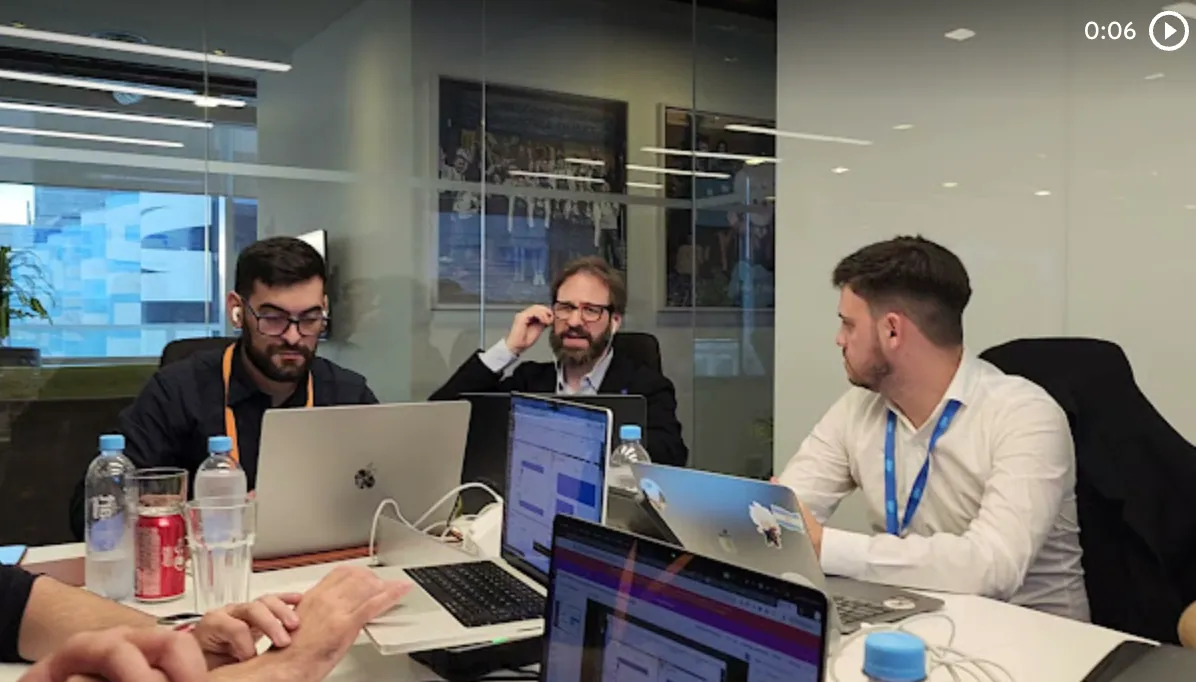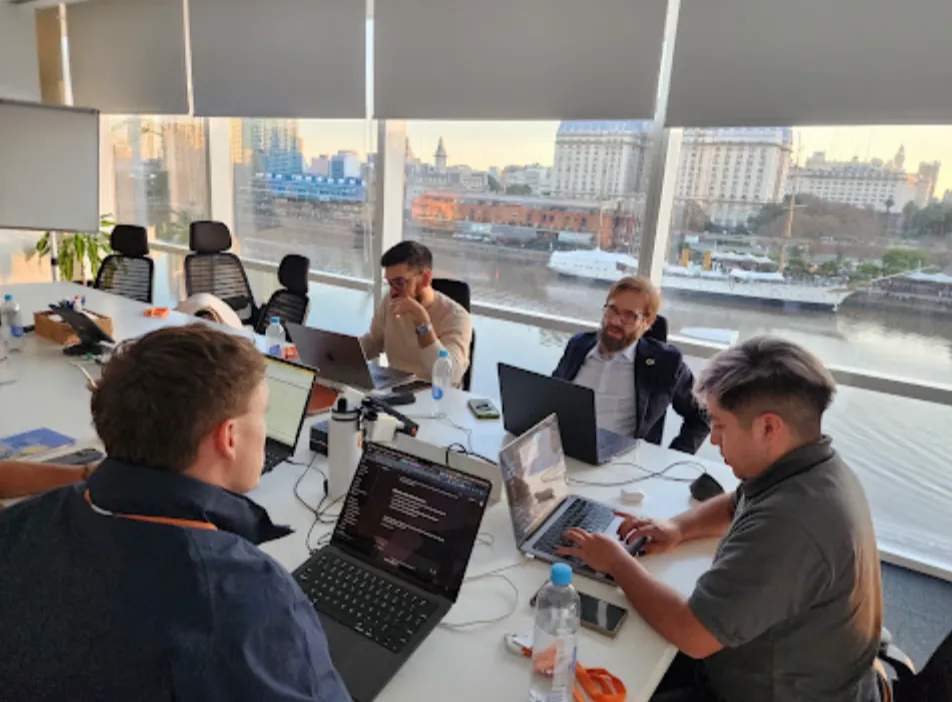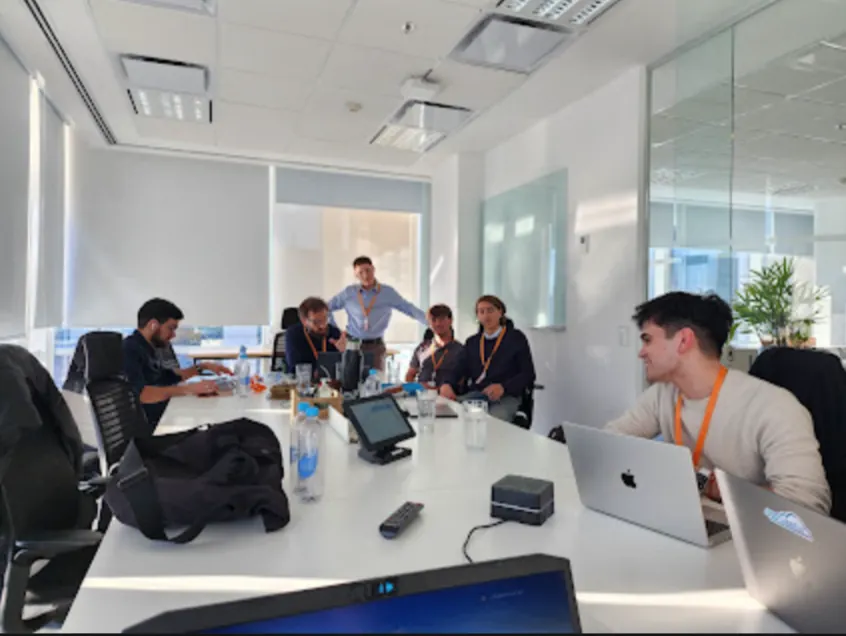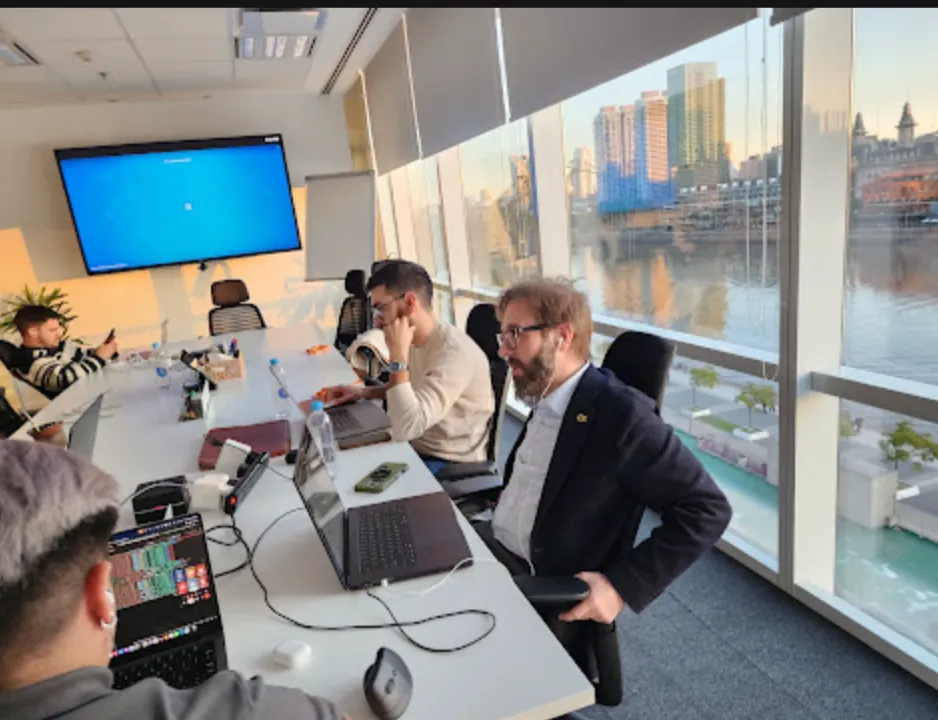

In December, Vantegrate recorded a Thursday masterclass on a topic that seems simple and isn't. Security and governance in Salesforce is not a module you switch on at the end: it's the map of who sees what, from day one.
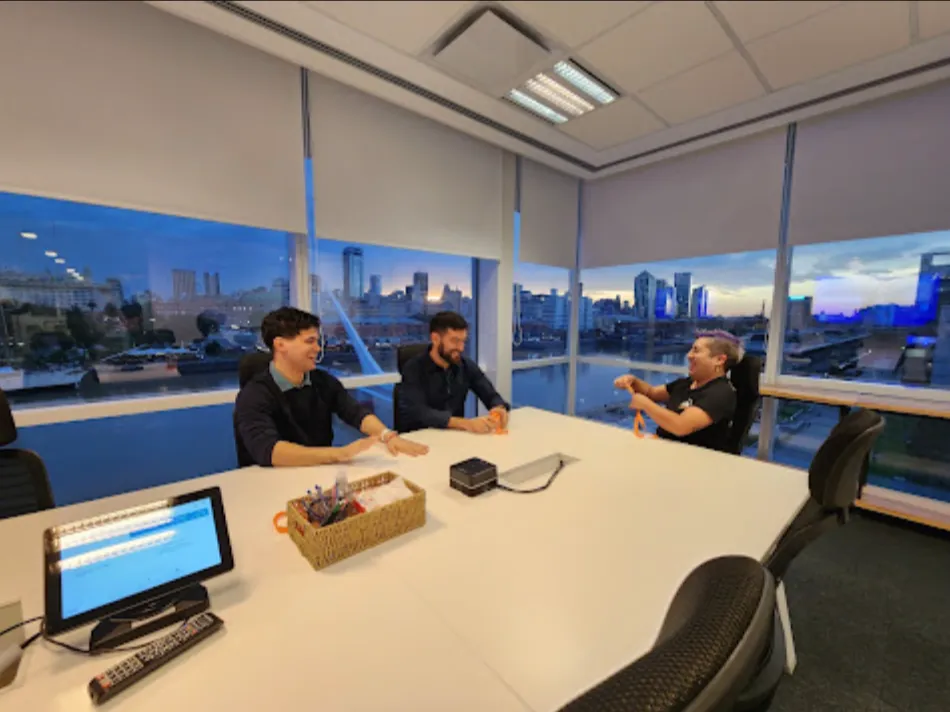
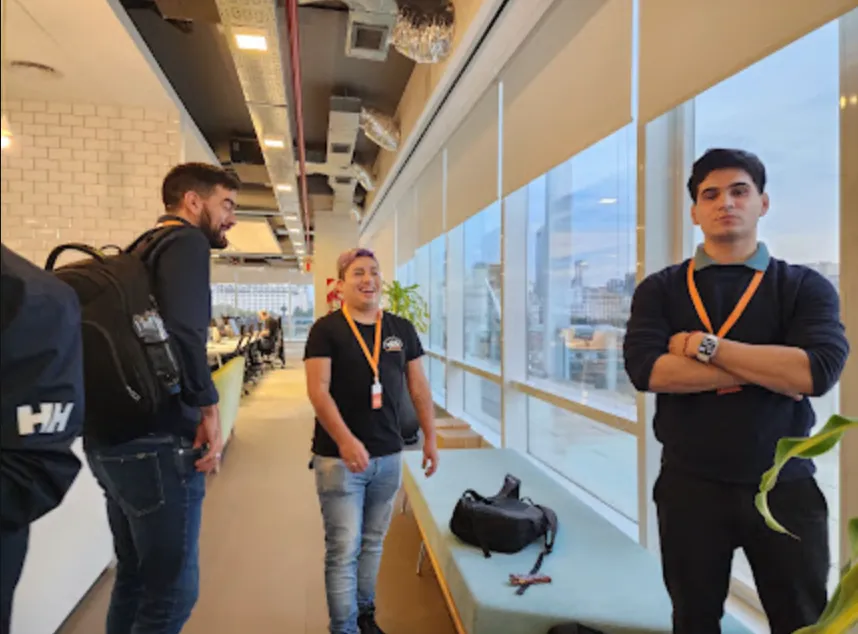
The class was filmed on December 11 and you can watch it in full on YouTube. Francisco Morales, Josué Mendoza and Adrián (a guest architect with years of sharing work under his belt) approached it through concepts, not screenshots.
The Vantegrate team said it up front. Configuring a sharing rule takes ten minutes.
Understanding when to use each tool is the real work. If something goes wrong, it's not a minor ticket: someone saw data they shouldn't have seen, and the problem can be legal, reputational or a matter of continuity.
Why security is not just another module
Think of a real company, not a demo org. Collections, payroll, purchasing and sales live in the same system, and not everyone needs to see everything.
Someone who works in collections shouldn't open the payroll spreadsheet. Someone who prepares salaries shouldn't see what a supplier is paid for an invoice.
That applies to Salesforce and to any system that stores information. Security here is not a cosmetic lock: it's trust, compliance and continuity.
The impact changes with the data. A company that sells bread is not the same as a bank that holds highly sensitive customer information.
In financial services, an employee with bulk download permission can publish the entire database online. The next day the bank is in every newspaper.
In healthcare the data is just as delicate. In the class, Juliana raised a concrete case: cleaning data with a third-party tool, and the question of how to hand it over without opening up more than necessary.
There is also data transparency as a promise to the outside world. If data leaks, people stop trusting you, and some crypto exchanges went under right after a leak.
Salesforce has always paid a lot of attention to security. The type of customer (and the regulations they require) pushes it to bring in the latest standard and to be able to prove it.
The additive model (the dark room)
Salesforce doesn't think of visibility as "whose light do I turn off." It thinks of it the other way around: whose light do I turn on.
Adrián called it the additive model (you won't find it in an encyclopedia, it comes from practice). Instead of asking who can't see a piece of data, they ask who can.
The analogy from the class is the one that sticks. You don't start in a fully lit room and turn lights off one by one: you start in a completely dark room and turn on small lights.
There is a catch. If you turned on a light in the first room, you can't turn it off later (or turning it off hurts a lot).
That is real governance. Try to keep the baseline as restrictive as possible and keep adding thin layers of access, not the other way around.
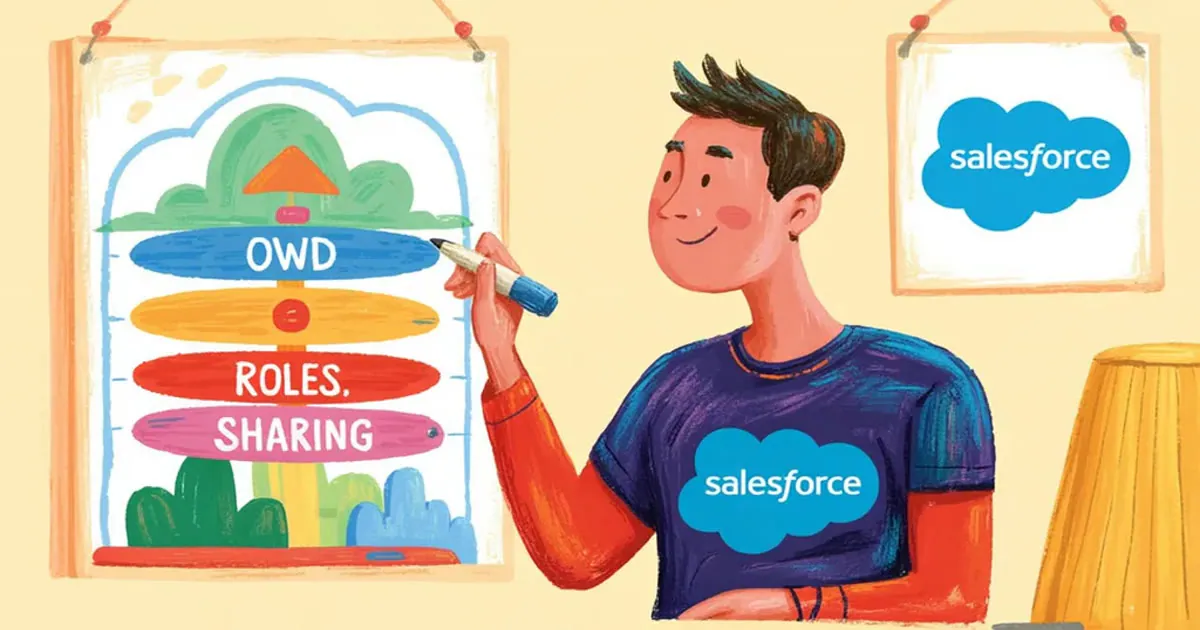
The visibility layers (from OWD to manual sharing)
Salesforce offers so many tools that it can be overwhelming. The trick is to see them as a map, not as a menu of loose buttons.
If you use them as isolated pieces, someone sees a record and nobody knows why. The hunt begins, and in security that hunt is never a small ticket.
Organization-Wide Defaults: the floor of the org
The Organization-Wide Default (OWD) is the base permission for the whole org. That's where you define whether accounts are seen by everyone, by no one, or something in between.
The recommendation from the class was almost a mantra. Always as private as possible, and then open up from there.
"Private" is not paranoia. It's the only floor that can withstand a business change without rebuilding the whole building.
Roles: the org chart, not decoration
Roles are easy to understand if you think of them as the company's org chart. The manager sees their team's records and the person below doesn't see what's above.
That hierarchy works at the record level. It is vertical: visibility from the top down, not the other way around.
When the business doesn't fit in an org chart (it happens all the time), that layer falls short. That's where horizontal rules come in.
Sharing rules, teams and territories
Sharing rules share records by criteria that aren't hierarchy. The textbook case is a regional sales team.
The Buenos Aires team sees the accounts geolocated in Buenos Aires and the Córdoba team sees those in Córdoba. You're no longer climbing an org chart: you're cutting the map horizontally.
Team access is the same idea: you build a team and share an account. In Field Service, territories move visibility when a job starts in one place and ends in another.
For Salesforce, that mix (vertical plus horizontal) is power. It is also the point where a large org turns into a maze if nobody drew the whole map.
Manual sharing: the vacation exception
Manual sharing is the "this account, this person, now" button. It's useful when no system rule accounted for the case.
The example from the class is an everyday one. Adrián is an executive in Córdoba, Francisco is in Buenos Aires and is going on vacation, and he wants Adrián to take over an account because the customer got along better with him.
He shares it by hand. It's an exception, not a model.
If you live on exceptions, the model is wrong. The button exists for the rare case, not to sustain the operation.
The story that hurts: public first, corporate later
Adrián described a large project with two worlds. First they designed the B2C segment (selling to individuals).
In a call center, the customer doesn't have a fixed rep. Anyone can answer, so the account OWD was set to public: anyone can see them.
It worked, it grew a lot, and time went by. Then they wanted to add corporate customers, and only the person who serves them should see those, not the whole org.
The problem is that the light was already on at the first level of everything (the organization). They had to lower the OWD and readjust the rest: a huge rework.
Back then, Restriction Rules didn't exist. Only now are there tools to restrict access (and they are limited).
The lesson is not subtle: never ship Public "because nothing will happen anyway." At the first business change, something happens.
Josué shared a workaround worth its weight in gold. You leave the OWD at Private and create a sharing rule along the lines of "if the name is not equal to 1, everyone sees it."
That behaves like public. The day you need to turn it off, you turn off the sharing rule and the floor stays private.
It's a trick. It doesn't replace thinking through the map, but it gives you a lever for when the business turns upside down.
Lean profiles and atomic Permission Sets
When the actual users come in, the first thing that shows up is the profile. Years ago the profile was the best practice and the place where you started granting access.
Today Salesforce pushes the opposite way. The profile should be as minimal as possible (the Minimum Access that appears in the documentation) and everything else is granted with Permission Sets and, above all, Permission Set Groups.
Permission Set Groups feel like a disguised profile. They bundle atomic Permission Sets (edit opportunity, read opportunity) and you assign them to the user as a combo.
The profile is still mandatory. Every user has one, and some things that haven't moved out yet still live there: the license, the default app, some basic field permission.
There is a practical reason, and it hurts on every deploy. The profile covers everything (objects, fields, system, apps) and, through dependencies, drags the whole world along when you migrate from a sandbox to production.
You created a test field you didn't want to carry over, and the profile says that field exists, so you have to migrate it too. Nobody escapes these stories.
A Permission Set can grant access to one field and nothing else. You migrate it and that's it, with no system or app permission dragged along.
The best practice that came up in the class is to make them atomic and group them. If you build one Permission Set per feature and then don't group them, maintenance turns into an impossible inventory.
For integrations, Named Credentials come in. A Lightning Web Component can pull data from another system with a different access level for the manager and for whoever supervises.
If your team of Salesforce developers deploys in small stories, this distinction is not cosmetic. It's the difference between a clean package and a profile that carries along test junk.
Restriction Rules: the switch that arrived late
For years the model was purely additive. You turned lights on and, once they were on, you couldn't turn them off.
Then Restriction Rules arrived. They are rules to restrict visibility when you've already granted too much.
The tool is simple: you pick a field and a value, and that user stops seeing those records. The example in the class was hiding government-type customers.
If the permissions architecture is well built, you should never need them. Salesforce kind of nudges you not to use them.
The world is not perfect. A company starts with sales, adds marketing, adds purchasing, and what was an account for one team changes meaning.
Permissions change because the business changes. A Restriction Rule can cover that edge case without redoing the whole org.
Now, Restriction Rules have restrictions of their own. They can hardly be used on standard objects (accounts, contacts, opportunities, the ones that hurt the most).
They support a few standard ones (tasks, events, some contracts). In practice, they were created for custom objects.
Permission control was already easiest on custom objects. On standard objects there is also implicit security: if you see an account, you see the related contacts, and you usually see that customer's opportunities.
You weren't given literal access to that object. You inherited it through the relationship, and that explains a thousand tickets of "why does this guy see this."
Another hard limit: a maximum of two Restriction Rules per object. Think it through, because there is no third chance.
Jonathan asked about performance (list views, reports, searches). Adrián was direct: a complex model (sharing, restriction, inherited permissions, manual sharing) ends up generating locking errors.
Behind the scenes, Salesforce creates invisible records that link a user to a visible record. When you change an attribute, it has to delete and recreate that network.
If a contact is related to ten thousand users and visibility depends on five combined attributes, a small edit becomes a jam. The org stalls figuring out who gets access.
Adrián's recommendation was to cover as much as possible with the basics. Permission Sets and OWD, and little else, unless the edge case demands it.
Apex sharing (when declarative is not enough)
Almost all of this is native. Getting to the point of granting access through Apex, they said, is a sign that something has already gotten thick.
The most cited exception is Field Service. A job starts in one place and ends in another, and there are rules the classic model doesn't cover.
Josué remembered a project in agribusiness (Brazil, many rules between territories). When a territory or an account was created, a giant Apex deleted the previous day's shares and recalculated everything.
Salesforce's magic happens there: profiles and roles generate invisible assignment records behind the scenes. Apex can create those relationships by hand (the famous Apex shares).
It's a last resort, not the everyday path. If you get there, document the Apex share as part of the map, not as a loose patch.
Sharing Hierarchy: the permissions debugger
There is a button that saves entire projects. It's called Sharing Hierarchy and it answers who sees this record and why.
It used to live only in Classic, hidden in the layout of that UI. Today it's in Lightning and it's still half hidden: you have to add it to the layout, it doesn't come by default.
You stand on the Acme account, click, and see the list of users with their access type. Under "see more" the reason appears: they're an administrator, they're the owner, they inherited access through the hierarchy, or they have an indirect permission.
Indirect permission is the elegant villain. The profile was not given permission to see customers, and the user still sees them because they own a related contact.
In Field Service the chain gets long. Francisco could see an account because he was the owner of a service appointment related to a work order related to that account.
That screen saves you two or three days of analysis. It's permissions debugging, and in orgs with public groups, territories and extra clouds (each with its own logic on top of classic sharing) it's not a luxury: it's survival.
How to build the matrix (without thinking about profiles first)
Juliana asked what every admin asks at the kickoff. How do you build a permissions template for the customer, beyond an Excel sheet of read / write / delete?
Francisco and Adrián agreed. They all started with that Excel sheet of rows (profile versus object), and today they no longer design the solution at that point.
First they document profiles of people, not of Salesforce. Sales reps, supervisors, directors: who needs to see what in the customer's own language.
Then they look for the tool. A single minimal profile, two Permission Sets, one sharing rule, and in the worst case a Restriction Rule.
Josué increasingly thinks about it by functionality. This function, who uses it, what is that person's role, and only then: objects, records, layouts, Flows.
In large orgs this is full-time work. There are architects who only manage sharing, and it's not a whim: it's the cost of growing without losing control.
If you want to apply this to your org (OWD, Permission Sets, the Sharing Hierarchy button and a map you can explain), request a demo. It's easier to understand on your own objects than on a slide.
Growing without losing control
The challenge of the class was not "putting up locks." It was growing without losing control as you add users, features, integrations and teams.
That's almost impossible to guess on day one. That's why, when in doubt, go private and open up bit by bit, not open "because we're only a few anyway."
AI agents add another layer. Agentforce, from what we're seeing, comes in as short projects (two weeks, one month) on top of an org that still needs the same forty integrations and the same permissions model.
The agent doesn't replace governance. It inherits it, and if the foundation is wrong, the agent sees too much or too little, with the same logic as a human.
The December class didn't show every Setup screen. It showed the map: dark room, lights that never turn off, minimal profiles and a button to ask why a user sees a record.
That is governance. The rest is just clicking.