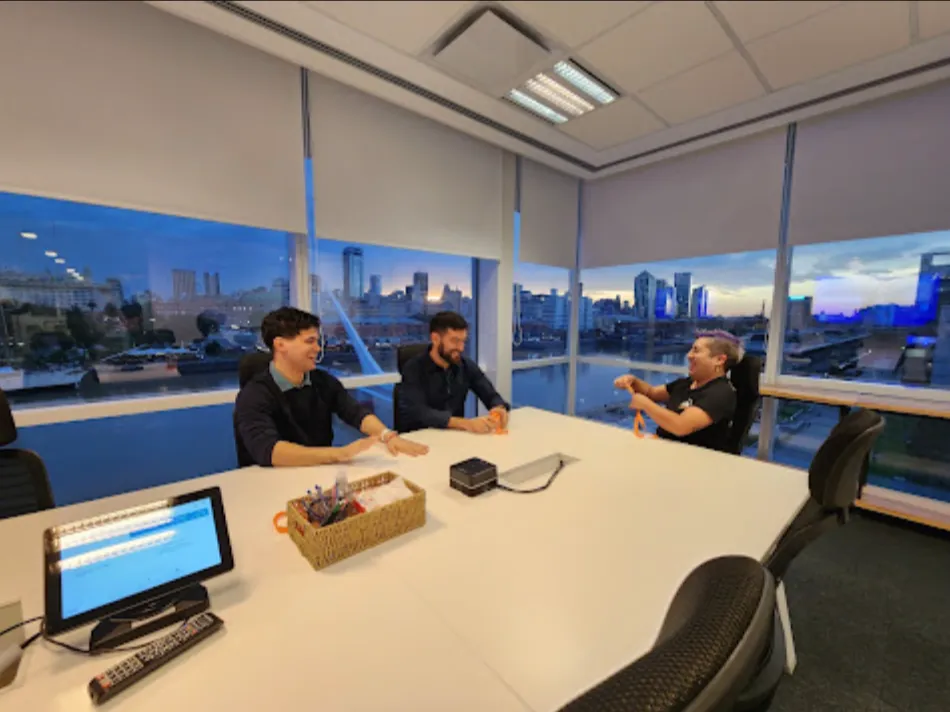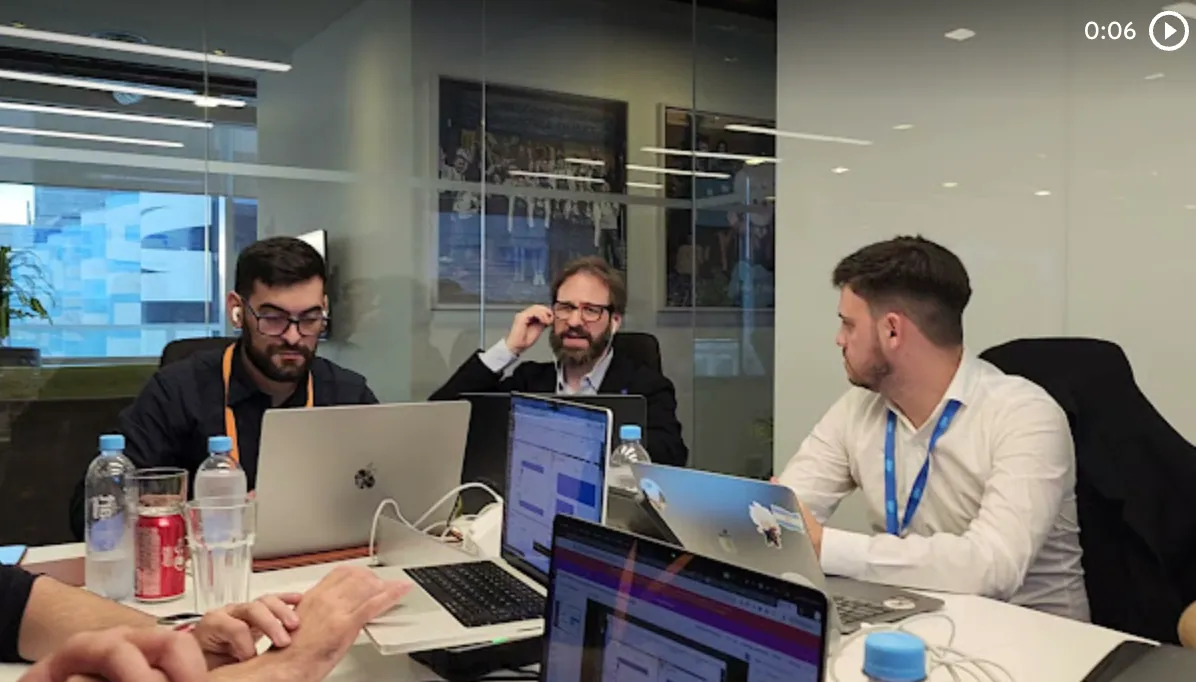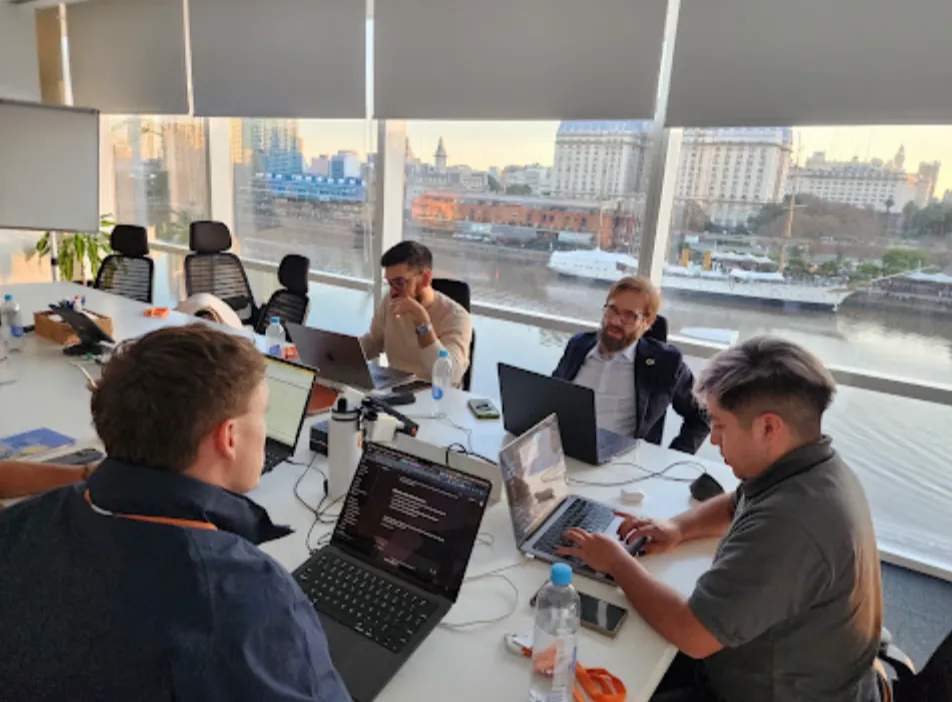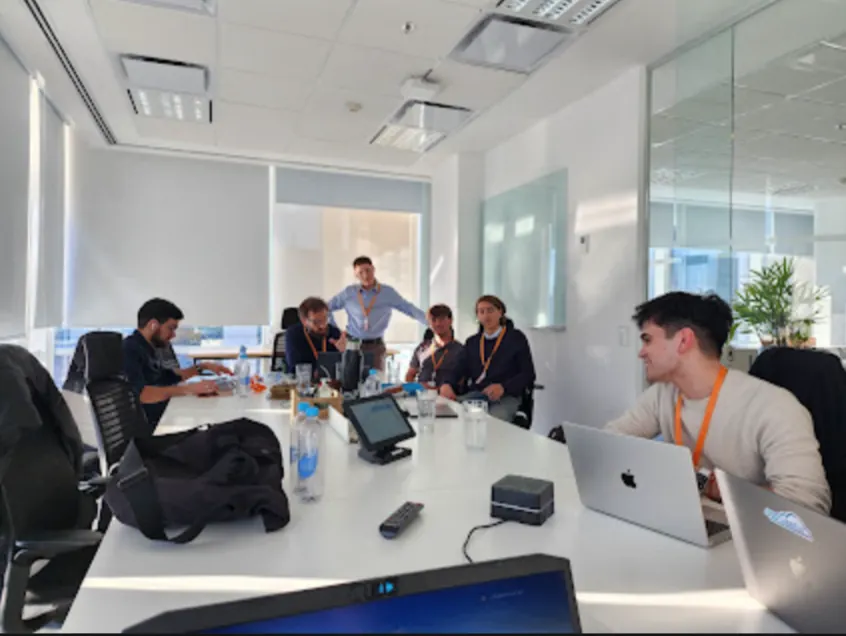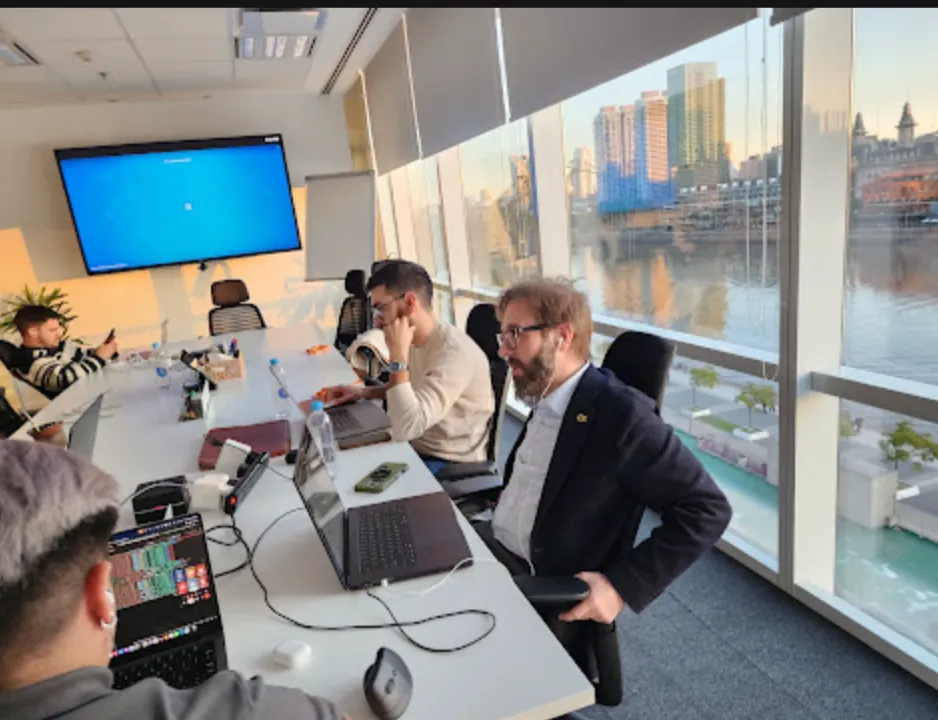

On March 5, Vantegrate recorded its Thursday masterclass, no brakes. The focus was Spring '26 and what really changes about how admins and developers work.
The full class is on YouTube. Juan Manuel Garrido (JuanMa) hosted it with Esteban Morales (Esti, Bebé Corazón), Francisco Morales (Fran) and Josué Mendoza (Josu), all over the Release.
The Vantegrate team made it clear from the start. It is not an endless deck of release notes: it is practice you can apply right away (with one exception that still fails).
Fran promised a full demo. Esti brought the map: Winter '26, older improvements that many people don't use, and what's new in Spring '26.
Josu closed with the security blow in Connected Apps. If you live on integrations, that block alone justifies watching the recording.
Why look at the Release (and not just the hype)
Salesforce keeps naming versions after seasons. JuanMa joked about it in passing: customers in two hemispheres, same weather name.
Jokes aside, the Release is the official rhythm. Three times a year (approx.) it brings what Trailhead, Help and your orgs are going to push.
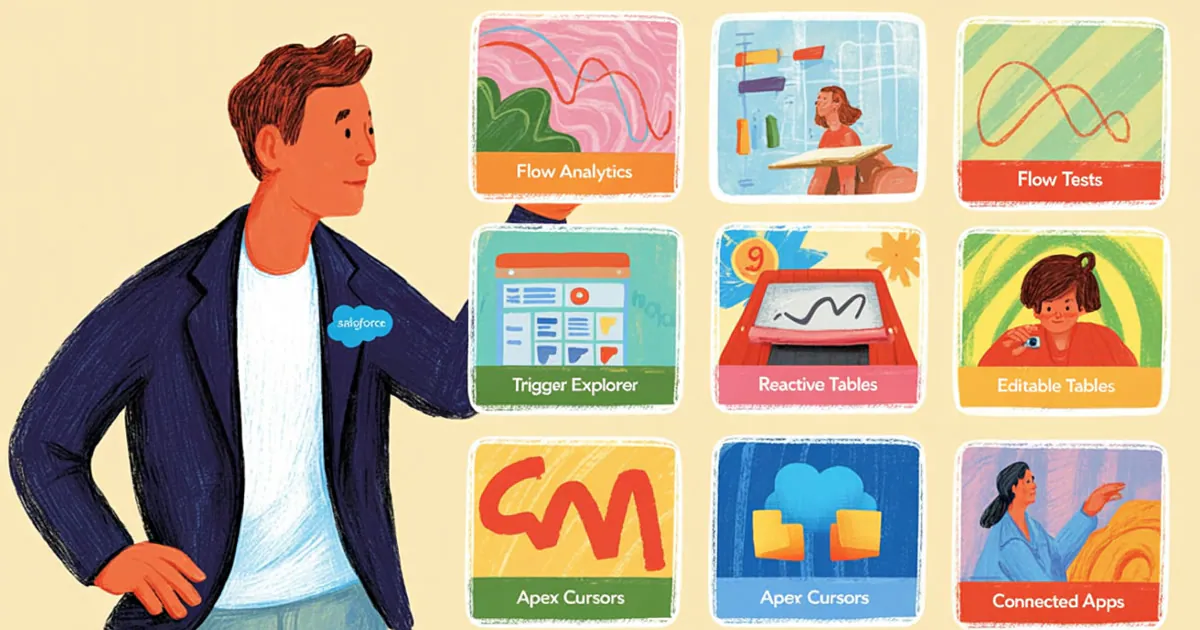
The trick of the class was not memorizing the PDF. It was prioritizing: what Flow admins look at first, what Apex developers look at, and what you can't ignore in integrations.
They also mixed releases. Not everything useful was born in Spring '26; there are pieces from Winter '26 (and earlier) that are still news in real orgs because nobody turned them on.
If you live in the Salesforce CRM, this map saves you hours of rereading scattered release notes. In Pulse and resources you will find the cycle of these masterclasses.
The operational promise is simple. You leave the class and can already test almost everything in a sandbox (except the Agentforce piece that is still struggling).
1. Flow analytics: see failures and paths (not just the email)
Esti opened with Flow analytics. Reports and views to see runs, failures and the paths taken.
An interview is one run of the Flow. The Flow is the container; each run is an interview.
In Pause and Fail Flows you see failures, version, type and message. You stop depending only on the plain email that lands in the admin's inbox.
Fran compared it to tools like Make or Zapier. Salesforce added visual observability where there used to be cryptic text.
The use case is brutal. Flows that look like a subway map: you need to know which path is taken and where it hurts.
Esti built a short Flow (Opportunity to Qualification, decision by Type). In total runs he saw whether it ran, and whether it entered the New Customer branch.
JuanMa added the classic pain. Every failure sends an email; this shifts your focus to something visual and actionable.
There is another, finer layer (Flow logs / Open Items) that in the demo was tied to Data 360 (formerly Data Cloud). Fran and Esti clearly separated the two worlds.
One thing is the basic analytics enabled for everyone. Another is deep logging per run (values, detailed paths) when you have that piece active.
If you only need failures and runs, you already have material. If you want detail like "what value each variable had," check the advanced logging.
2. Flow Tests: quality before you break production
The second block was Flow Tests. A sibling idea to Apex testing, brought to the declarative world.
You create a test with an existing record, define the event (a Stage change, for example) and build assertions on the expected result.
A clear limitation (they said it with no sugarcoating). It is not like an Apex test: you don't create data inside the test; the record has to already live in the org.
JuanMa asked whether it is "a debug with another name." Fran clarified with the precision of the trade.
The debug investigates what happened. The test ensures quality every time you touch something and don't want to break what came before.
You can also turn a debug into a test. Useful when you inherit a giant Flow and want to document "with this record, it should end like this."
Fran admitted a developer shortcut. In Record-Triggered he would sometimes go straight to an Apex test from Cursor or Antigravity.
He sees the real value more where the screen debug gets cumbersome. Esti left it as a tool to use more, not as TDD religion.
It is not mass magic. It is a safety net so you don't break what was already working in production.
3. Flow Trigger Explorer: order, filters and sanity
Then came the Flow Trigger Explorer. For complex orgs, JuanMa compared it to an AppExchange app you would pay for without hesitation.
You see automations by object and by trigger. You drag the execution order with one gesture.
Fran nailed it in one sentence. Many "works in sandbox but not in prod" cases were just a badly set order.
In this cycle they improved filters. Active, orchestrators, managed packages, standard: less noise, more focus.
They also showed the friendlier Flows launcher (versions, description, admin-level sharing). Watch the permissions nuance.
The sharing they showed applies differently in a trigger vs a Screen Flow. For screens, who runs it follows another path.
The Explorer shines in the record-triggered world. If your org has stacked layers, this is the map before you touch a single node.
4. Reactive Screen Flows: no hacks and no invented buttons
Esti moved on to reactive screens. Formulas and components that find out when a value changes on the same screen.
Classic example. First name + last name feed a full name formula; now the engine reacts and you can update the UI live.
Before, you had to force "Next," validate, go back, or invent an LWC with booleans. Fran read it as an architectural leap.
They went from a rigid MVC to a more event-based model. Everything finds out what happens on the screen.
For developers: an embedded LWC can tell the Flow that a value changed (refresh attribute). That way you decouple components and leave the orchestration in the Flow.
JuanMa remembered the old hack. They hid the native Next button and built a custom button in a Lightning Web Component.
A lot of that gymnastics is now unnecessary. If you build data capture screens, this feature alone justifies reviewing your old Screen Flows.
5. Editable Data Tables: the Excel the business was asking for
This one, yes: Esti flagged what is brand new in this Release: editable Data Tables in Screen Flow.
Before, the table was almost read-only. Now you mark columns with Edit column values, the user edits, and you take the output.
Fran clarified the key nuance. Rendering the editable table does not save anything on its own: you decide what to do with the output (update, collections, loops).
Immediate use case. An order header with many lines: one button, one screen, edit amounts or names without opening record by record.
You can pull out only the edited rows, the selection, or the first selected row. Less blind bulk, more user intent.
JuanMa looked at the historical pattern. Every time Salesforce ships a feature, the business asks for inline editing.
It happened with reports, with related lists, and now with data tables. It's the eternal fight against exporting to Excel.
UX bonus in the same demo. The Screen Flow debug no longer sends you to another tab.
You see the screen and the panel together. A small detail, but it changes your testing speed.
6. Agentforce in Flow: the promise (and what still fails)
Fran brought the promise of Agentforce editing Flows back down to earth. A button in the builder, a chat, proposed changes, and you approve or reject.
At Dreamforce it looked impressive. In the masterclass, the bad news: they could not get it to work reliably.
Even Salesforce articles admitted limits. The initial creation sometimes responds; the pain shows up when you ask for iterative changes.
Internal error. "I need more detail," even when the prompt is surgical.
Esti tested it live. With very specific instructions (even "add a Decision") it got further.
Fran had struggled for hours with no luck. Your org config matters more than the brochure lets on.
JuanMa described real support from the previous week (Data 360 + Agentforce): a case, remote access, and they left it working. That doesn't magically fix the Flow editor yet.
If you are exploring agents in the Vantegrate stack, the map is in AI agents. Here the message was honest.
Announced feature.
Governance of expectations. And testing again in upcoming releases.
For copilot architecture and demos, you can also look at a demo when it's time for a product conversation. Don't confuse the brochure with what you saw on screen.
7. Apex Cursors: large volume without breaking the org
Esti closed the technical block with Apex Cursors (Spring '26). He compared it to the historic leap of Batch Apex.
Core idea. You can target huge volumes (he mentioned the order of 50 million records as the ceiling for the conversation) and work through them without the usual rigid pattern.
It doesn't replace Batch overnight. It combines with Queueable to process asynchronously with more flexible limits (CPU, heap).
Quick review Esti gave. Batch: start + execute + finish, designed for batches.
Queueable: more flexible, asynchronous. Cursor: it tells you what to fetch and lets you walk through that set at scale.
He showed code, but warned it deserves another class. For Salesforce developers, the takeaway is clear.
There's a new tool on the belt for when volume is scary. If your org already fights endless jobs, cursors + queueable is this week's sandbox experiment.
Don't invent magic. Measure governor limits as always.
8. Connected Apps and Client Credentials: security that doesn't wait
Josu brought up the change that hurts in integrations. Spring '26 pushes the system-to-system model.
Before: Connected App + client id/secret plus username, password and token. Salesforce is retiring that for new setups.
Now: Client Credentials. You generate credentials for the external system (SAP, middleware, whatever it is).
Inside, you assign an integration user. That way the audit trail still has an owner without the external system storing Salesforce passwords.
Old Connected Apps won't disappear overnight. The operational message was clear: review and migrate before the future leaves them insecure or blocked.
They also mentioned old SAML (a version already considered insecure) and the end of connecting through an instance URL like NA20. Use My Domain.
This connects directly with security and data transparency. It's not a "nice" feature: it's org hygiene.
If the external system stored Salesforce passwords, this Release gives you the push to remove that. Client id/secret for the system, an integration user inside, and the end of the dangerous shortcut.
How to read Release Notes without losing your mind
The class left an implicit method. First, separate Flow admin, Apex developer and integrations.
Second, don't dismiss features from Winter '26 (or others) just because the branding says Spring '26. What you haven't used is still new to you.
Third, test in a sandbox with small data. Analytics, tests, editable data tables and inline debug can be felt in minutes.
Fourth, treat Agentforce-in-Flow with curiosity and healthy skepticism. Document what works in your org; don't assume the keynote video.
Fifth, put Connected Apps on the security backlog now. It's the change that hits you at night if an external partner was authenticating poorly.
Fran warned that plenty is left for part two. This was the Flow-first batch with a closing on code and governance.
In the middle, they announced (no spoilers) a certification-focused study platform: theory, practice, and mock exams. Access is designed for the masterclass community.
On Vantegrate product pricing and architecture, the class was not a brochure. It was craft: what to enable, what to migrate, what to expect.
If you want to see how Vantegrate thinks about agents, copilots, and the product layer around Salesforce, the governance + automation map starts well at Arconte.
Takeaways after March 5
Eight concrete levers remain. Analytics and tests so you don't fly blind.
Trigger Explorer to tame the chaos. Reactive screens and editable data tables for UX without mandatory LWC.
Agentforce in Flow as a bet worth continuing to test. Apex Cursors for real volume.
Connected Apps with Client Credentials so you can sleep a little easier. Subscribe to the recording on YouTube if you missed the live session.
Part two covers what didn't make it into March. And if your org still lives on error emails and read-only tables, this Release (plus what you carried over from Winter '26) gives you the perfect excuse to modernize without a never-ending project.
Try one feature per internal sprint. Start with the visual side (analytics and data tables) and finish with what doesn't forgive mistakes: integration security.