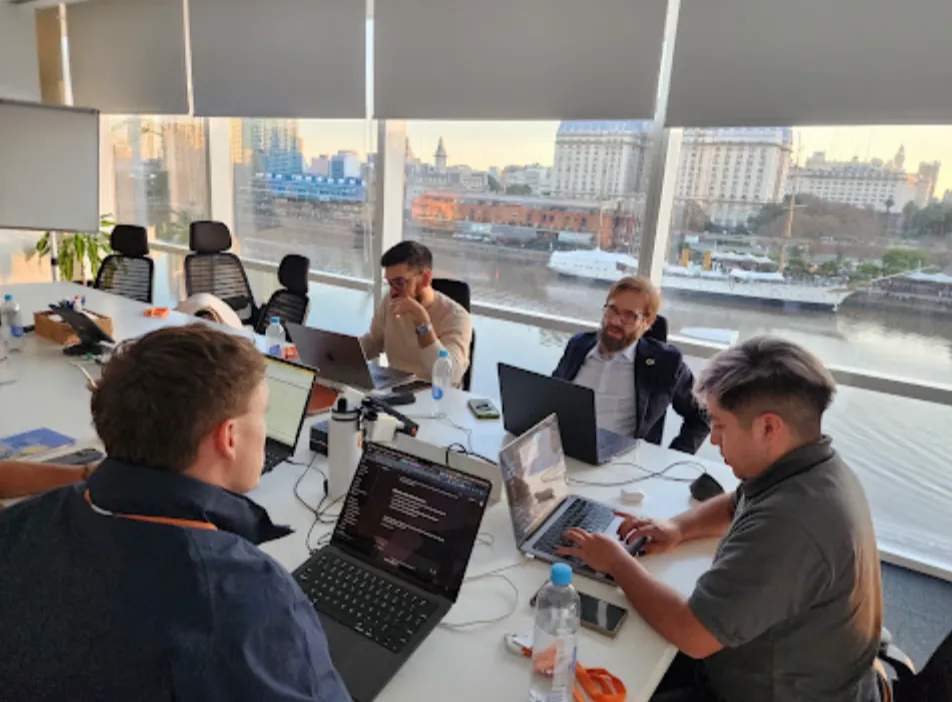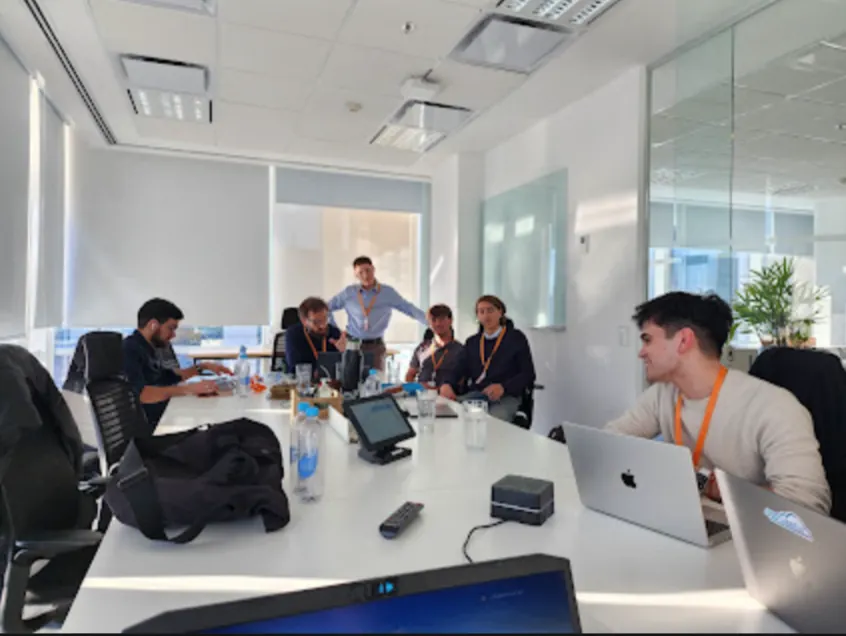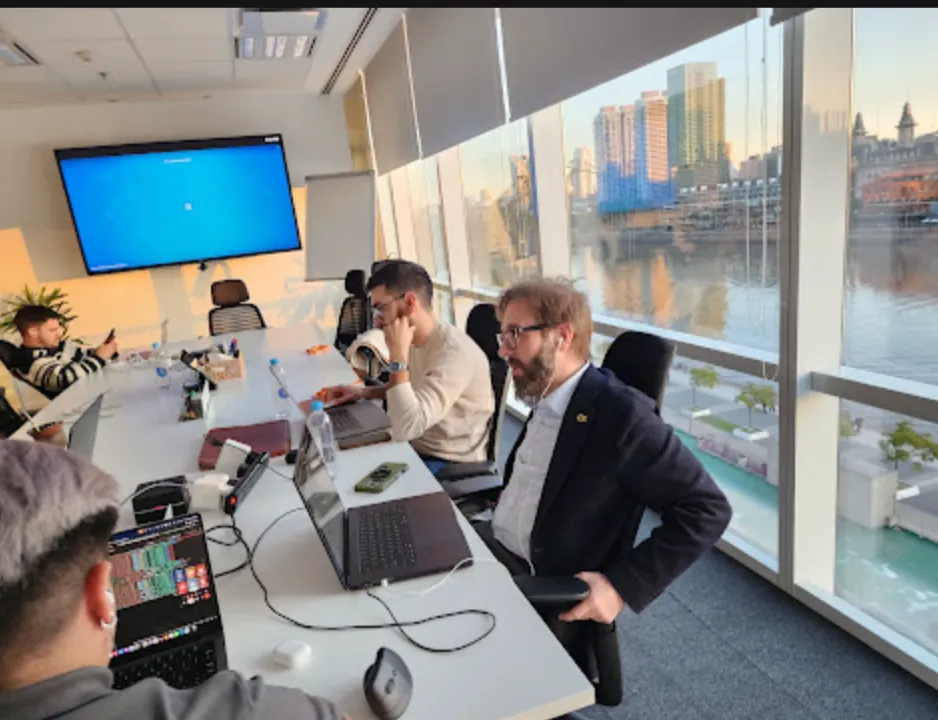


On March 19, Vantegrate recorded the second of its all-out Thursday masterclasses on Spring '26.
The angle was different: not the feature brochure, but everything nobody showed you once the Release is already in your org.
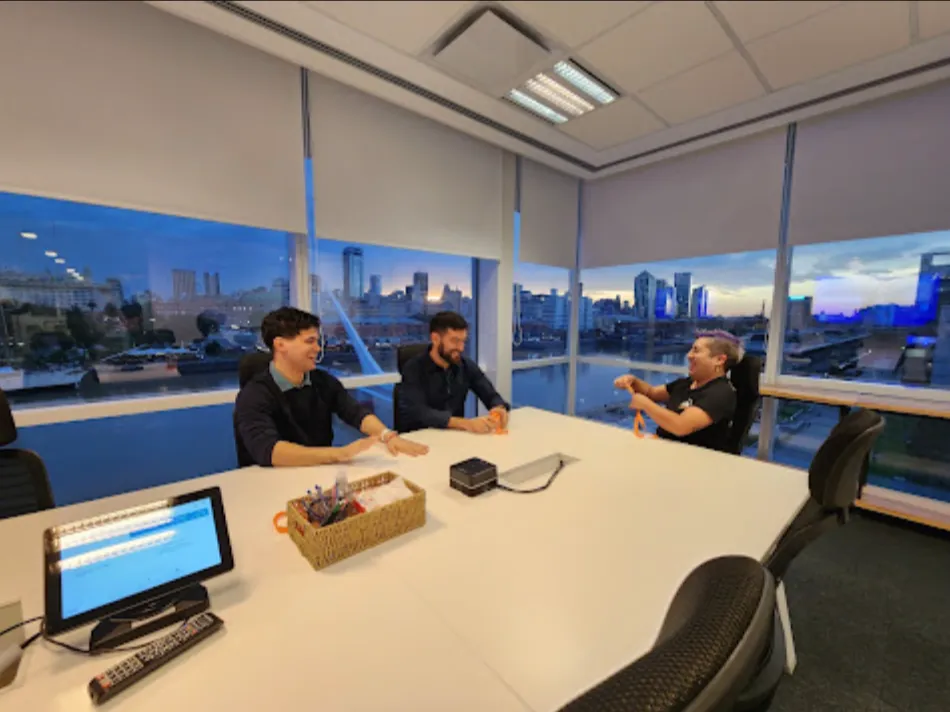
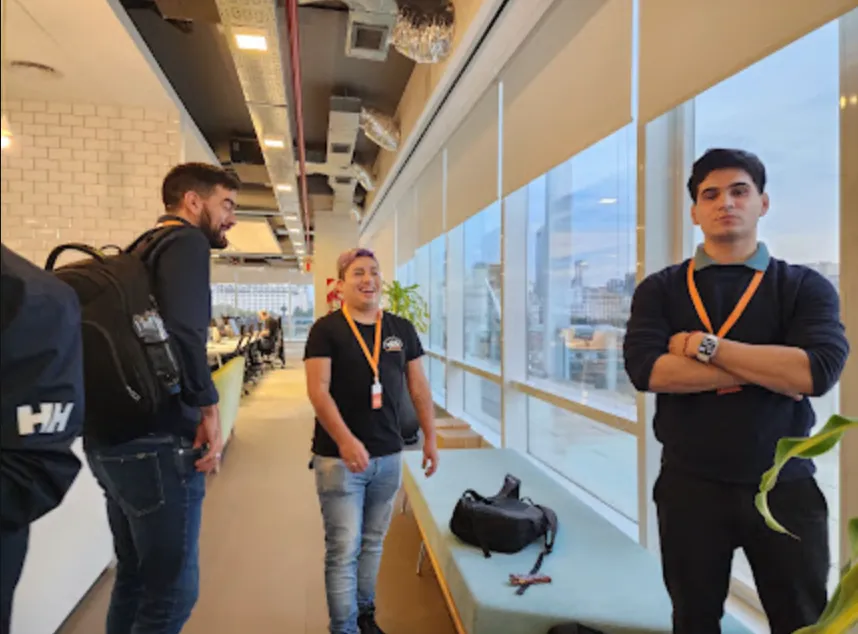
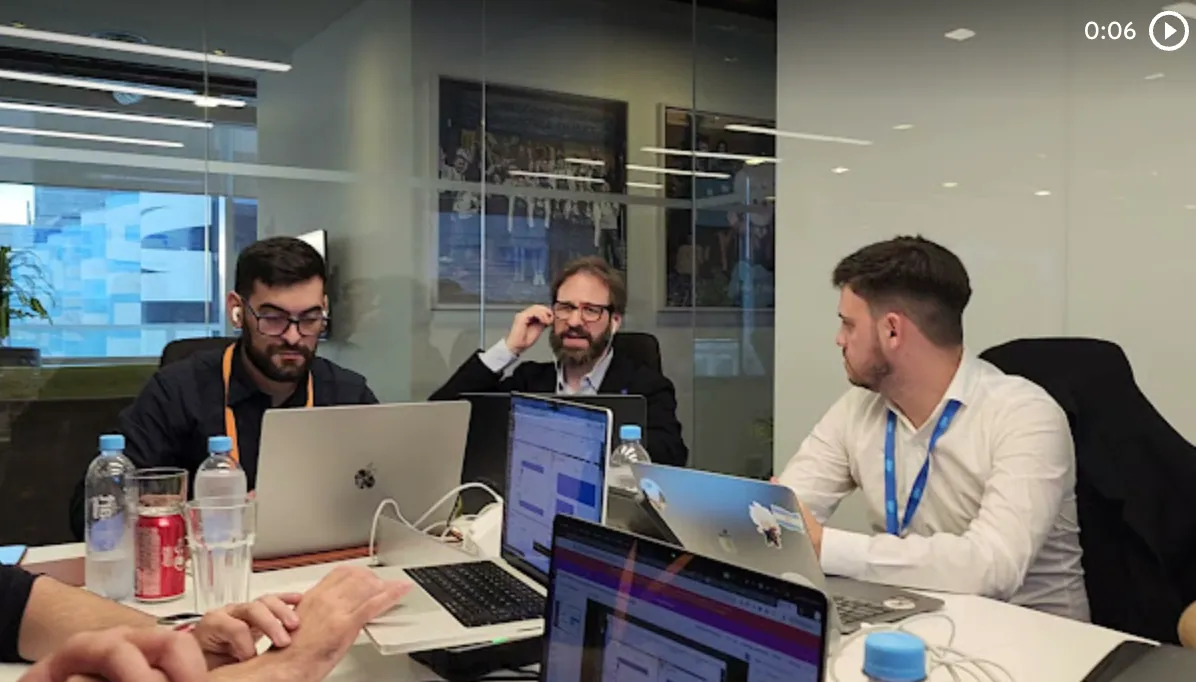
The full class is on YouTube. Juan Manuel Garrido (JuanMa) hosted with Francisco Morales (Fran), Josué Mendoza (Josu) and Esteban Morales (Esti, Baby Heart).
Fran said it up front. Today is full developers.
Dark Mode and Agentforce can be enjoyed from several roles. The rest is craft: code, deploys and agents with control.
The Vantegrate team put together a hybrid map. A Connected Apps reminder, new tags in Apex tests, expressions in Lightning Web Components, Apex Cursors, Agent Script, Dark Mode, Error Console and PDFs from Apex without Visualforce.
If you live in the Salesforce CRM, this is the class that completes the one from March 5. The masterclass series continues in Pulse and resources.
JuanMa opened with the official rhythm of the Release. Three times a year, a new batch arrives that Trailhead, Help and the orgs will push.
This time the goal wasn't memorizing the PDF. It was prioritizing what Apex deployers, LWC builders and integration owners should look at first.
Why this class is not a replay of March 5
14 days ago the focus was Flow-first (analytics, Flow tests, data tables, Connected Apps). On March 19 they went down to Setup and to patterns that the release notes bury in fine print.
Fran reinforced the Connected Apps change. Spring '26 no longer lets you create connected apps the old way (client id/secret plus user, password and token).
They migrate to Client Credentials (Fran also called it Application Credentials live). The external system authenticates without storing Salesforce passwords.
The old apps won't break tomorrow. The operational message was the same as in the previous class: migrate before the future leaves them insecure or broken.
Josu closed with dry humor. The day your integrations stop working, they'll come looking for you at home.
If you integrate MuleSoft, SAP or point to point, this is hygiene, not marketing. It connects with security and with how Vantegrate thinks about governance around the platform.
It's not a flashy feature: it's a quiet night. The reminder existed because the impact on real orgs is too high to leave it only in the previous class.
They also laid out a mental framework. The line between admin and developer gets thinner when AI and Flow mix with a small Apex class.
Fran said it without drama. Today people are more hybrid than ever: they solve problems on the platform, they don't argue about the title on the badge.
That doesn't erase expertise. It does explain why this masterclass mixes Setup, Apex, LWC and Agentforce in the same hour.
Relevant Tests: stop waiting an hour for a hotfix
Josu opened the technical block with a real pain. Deploy to production, a small change in a class, and the org takes 40 minutes (sometimes more than an hour) running all the tests.
In the community's WhatsApp group there had been a debate about whether "not running tests" was tempting. The team's answer was clear: it's a sin; with AI, building tests is cheaper than ever.
Spring '26 brings new tags in test classes. They mark tests as relevant (in code, the annotation with Critical set to true) so they always run in a deploy.
With TestFor you link the test to one or more Apex classes (for example OpportunityUtils). When you deploy that class, Salesforce runs the related set, not the 400 tests in the org.
Fran added nuance to the practice. The good habit is still class + test; TestFor lets you build suites by functionality, not just 1:1 unit tests.
A clear limitation (beta). Today it detects direct dependencies.
A handler that uses another subclass further down can still stay off the radar. Salesforce expects to improve automatic detection later on.
The operational rule they left: Run Local Tests versus Run Relevant Tests. Critical always; TestFor so you don't depend on someone remembering what to put in the little box in the deploy.
JuanMa and the chat pushed the obvious question. Isn't it enough to pick the test class by hand?
The answer: automate the class-change link. That way they don't have to rely on memory at 18h on a Friday, when the hotfix is already on fire.
Josu gave a real-money example. If that function is core to the org, Critical true and done: that test doesn't get skipped.
Still in beta. Josu made the veteran's joke: if Salesforce says beta, treat it as alpha until you test it in a sandbox.
For Salesforce developers, the takeaway is huge. Less pipeline time, the same safety net over what's core (payments, billing, whatever can't fail).
You can also build minimal suites for pipelines. Each deploy makes sure the critical stuff stays green without punishing every satellite change with an hour of waiting.
LWC with expressions: fewer getters, more HTML
Josu's second favorite was Lightning Web Components with complex expressions in the template.
He learned Salesforce when Aura allowed ternaries and easy calculations. In LWC you had to build getters or JS methods to multiply price by quantity or show a field.
Now you can handle multiplications, concatenations and conditionals in the component's HTML. Less back and forth to JavaScript for trivial logic.
Example from the demo. Print quantity times price plus taxes without a dedicated getter.
A green or red badge depending on active status. "No name" text if the Name is missing.
A classic business case. If the discount exceeds a threshold, you render the comments box without a separate boolean getter.
Esti read it as a modern leap. It feels closer to React (and to what Aura and Visualforce already allowed).
The chat celebrated it with an "at last". It was an old request from people who lived through the jump from Aura to LWC.
Again: beta. Don't take it to production just because the release notes are smiling.
Test in sandbox and measure real bugs. The day-to-day benefit is speed: less code, fewer places to look for where each value comes from.
If you mix Flow with a small LWC, this feature reduces friction. Orchestration stays in Flow; the component stops bloating with cosmetic getters.
Apex Cursors: large volume without betting everything on Batch
Esti and Fran revisited Apex Cursors (already mentioned on March 5) from the developer angle.
Core idea. A cursor is a pointer over a huge set; it moves forward (and can move back) without the rigid start/execute/finish mold of Batch.
Salesforce talks about ceilings on the order of 50 million records. The recommended pattern is to combine the cursor with Queueable: enqueue, process a batch, increment the cursor, re-enqueue.
Fran admits he still resists leaving Batch. He wants to see it in action before rewriting jobs that already work.
Josu also sees it as useful for LWCs that need to paginate thousands of records without killing the browser. They fetch a little at a time; the client doesn't choke.
Available (they didn't flag it as beta this time). The usual rule still applies: measure governor limits and don't invent magic.
If the cursor doesn't increment properly, the risk is reprocessing or duplicating. Rule of thumb: position the pointer carefully and log progress.
If your org is fighting endless jobs, cursors + Queueable is a good sandbox experiment. The product map around automation and AI starts well in a demo when it's time for an architecture conversation.
It doesn't replace Batch overnight. It expands your toolbelt when volume is scary and the classic pattern falls short.
Agentforce + Agent Script: creativity with clear boundaries
Fran went into the change that shook things up the most for him: how you build agents in Agentforce.
Before: a general prompt, topics, natural-language instructions and actions. Flexible, yes.
Also unpredictable: 9 out of 10 times it complied; the tenth time it made up something else. The joke of the session was Josu and the glasses: sometimes the agent praised his beard without anyone asking.
Now hybrid reasoning comes in. LLM creativity plus more "deterministic" logic (in quotes) for paths that can't be skipped.
Agent Script is a pseudo-language. It defines rules, references to actions and conditions that used to live only in ambiguous prose.
Two views coexist. Canvas (admin friendly, visual) and Script view (formatted text that the engine understands better).
In Settings you'll find the agent description, system prompt, welcome message and configurable languages. Fran warned: if you break the script, the agent can become unusable until you fix it.
In topics you can reference actions explicitly and add filters by input, query or context fields. That way you don't load an action unless the condition is met.
Order example. If the status is delayed, go to apology and compensation; if not, report the status.
Always the same business path.
The topic selector helps with large agents. A delayed order goes to one topic; any other subject goes to another.
Less contradiction between instructions that override each other. It even works for replacing chatbots with a thousand options with logic per incident.
They answered what "deterministic" means in this context. If the status is delayed, take that path; don't let the model "interpret" whether to apologize or not.
Fran guesses (as a hypothesis) that the engine loads pieces of the prompt based on conditions. That avoids contradictions in a monolithic prompt.
They also mentioned Agentforce Vibes with skills for managing agents. Fran speculated about generating Agent Script from tools like Cursor or Antigravity with a well-built skill.
If you design agent and copilot architecture, take a look at Arconte and the map of AI agents. Here the message was about control: less loose magic, more rules that always run.
The previous experience and the new one coexist. Fran suspects the old one will eventually be deprecated; in the meantime, choose the model that gives you real control in sandbox.
Dark Mode, Error Console and PDFs without Visualforce
Josu showed Dark Mode in Lightning. It's enabled through the Themes and Branding / SLDS2 path and the permission that lets users choose light, dark or system.
Session caveat. Sometimes you need a hard refresh to see the change.
Setup may stay light. The apps experience is what goes dark.
For LWC, the advice was to use styling hooks (no hardcoded colors). If you were already doing well with SLDS, the migration hurts less; if not, Cursor or Antigravity can help adapt.
The chat debate was taste versus evidence. Dark is easier on the eyes for many people; corporate software lived for years in light mode.
Esti closed with two "secret" developer experience pieces. First: Error Console for LWC failures.
In Setup, User Interface, you enable Use Error Console for Reporting in Lightning Experience. Instead of the giant popup that covers everything, you see the error in a usable console.
Simple demo. A button that fails on purpose; the Error Console shows the problem without hijacking the screen.
Second: generate a PDF from Apex without a Visualforce page (a Blob to PDF-type module). It works for simple reports; the output is plain, without rich styling.
Fran tempered expectations. Nobody announced the death of Visualforce. If you want to see it in a concrete case, take a look at how to generate invoices and orders with Visualforce and AI.
It's progress for simple PDFs and customers who don't want to fight the VF UI. For rich layouts, Visualforce (or other routes) is still in play.
These three pieces don't win the keynote. They do win hours of support and debugging once the org is already in production.
How to prioritize this Release (developer angle)
First, Connected Apps and Client Credentials if you have live integrations. That doesn't wait for the "innovation" sprint.
Second, Relevant Tests + TestFor in a sandbox. Measure how much they cut deploy time on a side change.
Third, LWC expressions and Error Console for daily speed. They are small wins that you feel on every bug.
Fourth, Apex Cursors when volume scares you. Don't replace Batch just because it's trendy; experiment with the Queueable pattern.
Fifth, Agent Script with healthy skepticism. Document which rules hold firm in your org; don't assume the keynote.
Sixth, Dark Mode and styling hooks if you have custom LWC. Avoid hard-coded colors that break the dark theme.
On pricing for Vantegrate products, the session was not a brochure. It was craft: what to enable, what to leave in beta, what to migrate.
If you are looking at data governance and integrations, add data transparency. The Release pushes hygiene, not just new screens.
The implicit method is the same as always. Separate admin Flow, developer Apex and integrations; test in a sandbox with small data; don't confuse the announcement with what you saw on screen.
Takeaways after March 19
We came away with concrete levers. Test tags so you don't die in the deploy.
LWC expressions for less boilerplate.
Cursors for real volume. Agent Script for less capricious agents.
Dark Mode and Error Console for the day to day. Apex PDFs for the simple case.
Fran and Esti also announced that they are speaking at TDX (Slack + Agentforce). And they showed the study portal (theory, practice, mocks) that Vantegrate is launching for the masterclass community.
Subscribe to the recording on YouTube if you missed the live session. Try one piece per internal sprint: start with relevant tests or Error Console, and finish with the one that doesn't forgive: Connected Apps security.
The March 5 session was Flow-first. This one on March 19 is the toolbox that the release notes don't shout about.
Use it. Modernize without the drama of an endless project.