

On July 23, Vantegrate recorded a masterclass different from the Spring/Summer hacks, Slack or WhatsApp limits sessions: Agentforce Grid from scratch.
The full class is on YouTube. Juan Manuel Garrido (JuanMa) hosted; Josué Mendoza (Josu) and Esteban Morales (Esti / Bebé Corazón) covered the theory and the demo.
Fran popped into the live session. Teacher also stopped by the pre-show.
If you live in the Salesforce CRM and already have Agentforce, this is not a release notes brochure. It is the spreadsheet where you put data, prompts, actions and agents row by row, with a Flex Credits estimate in plain view.
The Pulse angle here is operational. How to build a workbook, when it makes sense and how not to burn through credits.
What Agentforce Grid is (and why it's not “just another Excel”)
Esti put it plainly. If you have Agentforce in your org, Grid is already included.
It was in beta in the previous release. Now it is global (available to everyone).
You don't need a special toggle in Setup. With Agentforce enabled, the Agentforce Grid app shows up (Studio on one side, Grid on the other) and that's it.
Josu defined it as Salesforce's AI spreadsheet. In the class's plain words: Excel on steroids.
You can bring in CRM data. If you have Data 360 (formerly Data Cloud), you can also bring in information from other sources.
On top of those rows you build columns with an LLM, a prompt, formulas, updates or invocable actions. The same spreadsheet batches across many rows.
Think of one hundred accounts as one hundred rows. A bulk action can summarize, classify, enrich or draft an email.
Can you edit Opportunities in bulk? Yes.
Josu flagged the asterisk: there must be some limit, although he did not find an official number in the docs.
The point is not the trivial checkbox. If all you need is to set a field to true on one thousand records, go with Bulk API or an Apex script.
Grid is built for something else. Decisions with agent logic, record by record.
Fran had joked in a post: the customer always asks for Excel in Salesforce. Now, in a way, you have it native and with AI.
Excel-style anatomy: workbook, sheets and columns
The structure mimics Excel on purpose. You have a workbook and inside it worksheets (sheets or spreadsheets).
Rows are records (or jobs). Columns are what you do with each record: data, prompt, formula, update, action or agent.
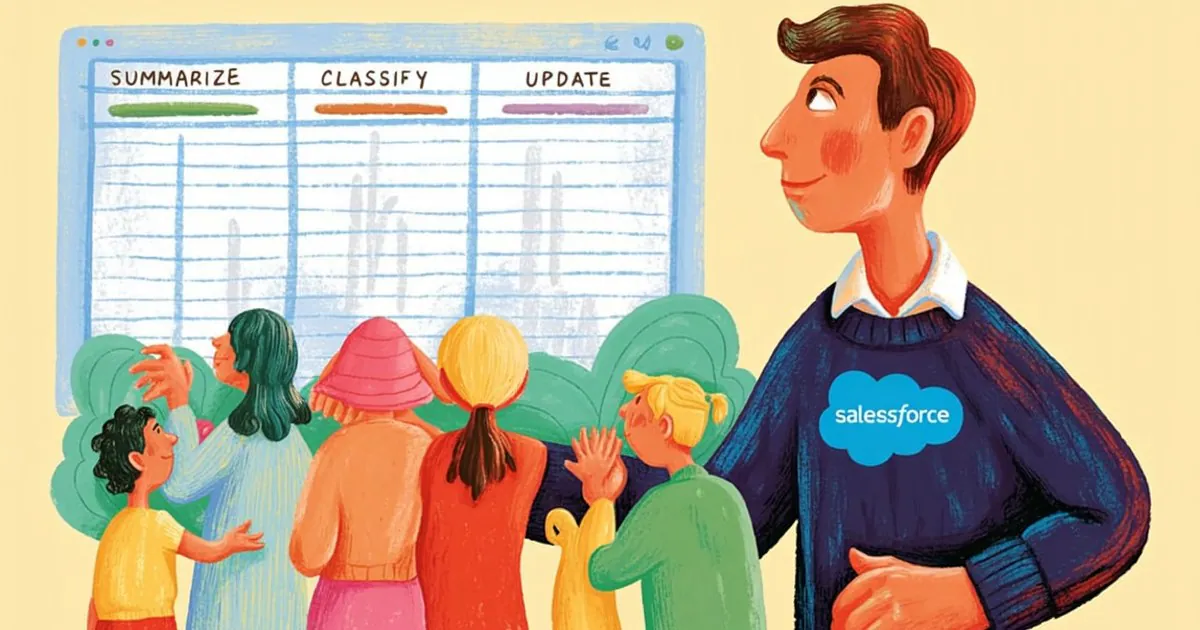
The workflow runs left to right. A typical pattern from the class was Data → Summarize → Classify → Formula → Update.
First column: a query (accounts whose name contains X). Then an AI summary.
Then a High/Medium/Low classification. Then a Boolean formula.
Then an Update Record that writes to the CRM.
For teams that design AI agents, the mental model is clear. It is not a pretty report: it is an executable spreadsheet that changes your data.
You can also group, run lookups to Salesforce or Data 360, and mix plain text with AI columns. The grid recommends actions when it understands the intent of the worksheet.
Compounding: each column builds on the previous one
Here comes the term Josu asked for help pronouncing: compounding. Teacher anchored it as compound interest.
Each column has its own output. It can feed on the output of the previous column.
In the demo, the account summary feeds the classification. The classification feeds the formula.
The summary feeds the Description update.
You reference columns with @. Esti took half an hour to figure it out; Josu also tripped over it at first.
That grounding is the practical trick of the day. Without the @, the prompt doesn't “see” the row.
Chaining is what sets Grid apart from a linear bulk run. It is not running a prompt once: it is a chain that rebuilds itself row by row.
Josu summed it up this way. You process from left to right and each step leaves material for the next.
Visual debugging and native security (OLS/FLS)
Josu pointed to visual debugging as something new compared to other Agentforce pieces. You see what the agent returned and what happened behind the result.
The cell can show plain text or colored “little buttons” (High in green, Medium, Low). That brings the agent's abstraction down to something you can audit by eye.
Security is not reinvented. The spreadsheet respects the OLS and FLS of the user who runs it.
If you can't see the Opportunity amount, the expression won't let you work with that field. It also won't modify it behind your profile's back.
That aligns Grid with what you already protect in platform security. It is not an exported Excel that ignores profiles: it runs as you.
Mar Benioff showed up as a joke in the chat when they talked about Flex Credits. The serious message stuck: permissions first, credits second.
Enablement: no odd toggle (Studio vs Grid)
JuanMa confirmed it in a developer org. With Agentforce already enabled, Grids appeared without going to Setup to look for a flag.
To navigate, switch apps to Agentforce Grid. You will see workbooks, guides and the Trailhead content the app itself suggests.
Don't confuse it with Studio. Studio is the agent environment; Grid is the spreadsheet. If you want the conceptual overview, read what Agentforce Grid is and how it works.
Both live in the same Agentforce family. One designs the brain; the other runs it at sheet scale.
If you want to see the flow live before touching it in a sandbox, request a demo. Or watch the replay on YouTube with the chapters in the description.
From the Vantegrate team, the advice is the same as always. Concept first; then a small sandbox.
Official MCP: build workbooks by chatting
Salesforce ships an official MCP you can plug into the LLM you trust. Esti used it a lot while learning.
Under the hood they are skills. Create a worksheet, add an invocable action, map columns, build the workbook JSON.
You can ask it: “classify 100 accounts for me using this agent's criteria.” Cloud (or Claude) tries to build the spreadsheet for you.
Esti showed the workbook JSON. It is readable by agents: column IDs, utterances, actions.
It is not marketing magic. It is the same artifact you edit by hand, exposed so an agent can compose it through the API.
For Salesforce developers, the takeaway is operational. Grid is not just something you click; you can also orchestrate it.
If you already work with Arconte or other pieces of the stack, the pattern is familiar: a human interface plus a machine-readable contract.
Demo from scratch: data, prompts, actions, and agents
Esti built a new workbook called “demo.” She asked for Salesforce accounts (Salesforce Cloud, not Data 360 at that step) filtered by name.
The filter is not cosmetic. It keeps you from running actions across the whole org and burning Flex Credits all at once.
The first column created itself (a query behind the scenes). Edit Column shows the criteria: Name contains X.
Then an AI column. GPT-4 model (or others: Anthropic, etc.), with a prompt grounded via @Name and the account's fields.
Goal of that column: an account summary. Then a visual High / Medium / Low classification with colors.
Then Update Record: Description = the summary from column 2. You reference cells in the same workbook like in Excel.
Later they built the subject and body of a follow-up email. When they used Add Column, Grid recommended actions (send the email, pull related contacts).
They used an Apex invocable outreach action. They also mentioned the platform's standard SendEmail.
The fields filled themselves in. Recipient, address, and body came from earlier columns with no manual mapping.
You can also run an agent across all rows. Esti talked about restaurants: scrape the menu, check fried food vs fish, enrich the account.
Data columns and typical formulas (add, subtract, booleans) do not consume Flex Credits. What costs credits is a prompt, an agent, or AI.
Importing a CSV also came up as a possibility. With Data 360 behind it, an external ID (for example from SAP) can help map rows to records.
Flex Credits: estimates, conditions, and one action per row
Before running, the billing calculator gives a real-time estimate of Flex Credits per row (or per path). In the demo they saw 20, 200, or thousands if there were many empty rows.
Only AI / Agent columns consume credits. Data, formulas, and “normal” updates are free in credits.
Run Conditions (expressions) are the valve. Run the column only if Annual Revenue > 1M, or if Industry = X.
The steps only run on rows that meet the criteria. That way you don't burn your credit pool on rows that don't matter.
A technical detail Josu emphasized. Salesforce runs each row as an individual action.
Fifteen accounts = fifteen prompt runs. It is not a single prompt that iterates over the list.
If the spreadsheet “stretches” with empty rows, the action can run all the way to the end. Remove junk rows before Save and Run.
The real cost of a credit is negotiated by Salesforce for each customer. JuanMa pointed to the org's internal wallet.
The message of the class: at these prices, it has to be worth it. Test with a little data before updating 10,000 accounts.
For teams looking at pricing and consumption, Grid also works as an estimator. Set up the scenario, read the estimate, and multiply by real usage.
With real agents in the demo, a path could show ~40 credits (for example 20 for the test + 20 for the action). The number changes with the model and the complexity of the prompt.
Testing agents vs real actions (watch out for Slack and email)
The Evaluation / Agent Test column is, for Esti, one of the most interesting parts. It lets you test agents at scale.
They built three pieces. Input (account + summary), expected response (for example “suggests a discovery call”), and the agent call.
Then they evaluated coherence (also whether it is concise, whether it hallucinated, whether it hands off to a human). A visual pass/fail across many rows.
That lets you test quality across 200 accounts without building a homemade lab. You compare what you expected with what the agent returned.
Heads up (they said it in class, Fran included). If the agent under test has Slack or email actions, those actions can actually execute.
Don't assume a magic rollback in every case. Distinguish an agent test column (evaluation) from a real agent column (production action).
In testing, check which tools the agent has before a bulk Run Cell. Sandbox, small data, test channels.
Visual debugging helps here. You see the reasoning, the response, and the coherence score on the same sheet.
For agent quality, this fills a gap. Josu said he could not remember another way this direct to test in bulk.
When to use it (and when not to)
Josu closed with the criteria, no romance. Use it when there are decisions that can't be solved with a linear calculation.
You need agent logic record by record. If not, you are overpaying in Flex Credits.
Don't use it for the bulk checkbox. Nor for the percentage of two fields or the trivial data fix.
There, Bulk, Apex, or a static Flow with no agent credits wins. Grid can do it, but it is not its best use.
Cases that do fit: enriching and classifying accounts, or building personalized outreach.
Also: testing the consistency of a sales agent, or estimating consumption before opening it to production.
There is also a hybrid case. A business user with a fixed query who, every two days, hits Run on the email or Slack column.
An admin who ensures quality with Evaluation. Both audiences came up at the end of the class.
JuanMa's question about putting the grid in a Lightning page got a red light. It would be risky: anyone with access could trigger actions and burn credits.
Better as a one-off problem-solving tool than a permanent widget. If the flow is always the same, a Flow Compose or something static is usually enough.
Audience, learning curve and community
Is it for admins or for business users? Both, with clear nuances.
Agent testing and AI column design: admin profile. Triggering an already built workbook for one-off outreach: can be a business user.
Always respecting FLS and OLS. The grid does not bypass the security model of the user who runs it.
The curve is not zero. Esti and Josu said it is not intuitive at first.
You take a few bumps and then it clicks. The Trailhead suggested from the app helps shorten that curve.
A UX detail that causes confusion. When you bring in a record, it does not spread Name, Phone and Email across separate columns: the record lives in the first column and behaves like an object.
You can access internal fields. But mentally it is "one row = one record," not a flat Excel export.
At the close they talked about the community, WhatsApp and the Pulse blog. That is where they publish the masterclass material.
In resources you will find the trail to follow along without losing the thread. They also mentioned Vanguard (a study portal) in passing, with Agentforce modules on the way.
If you work on governance or operational transparency, the same spirit shows up in data transparency. Knowing what runs, who runs it and at what cost.
Grid does not replace Apex or Flow. It completes the toolkit when the row needs agent judgment and you need to see it, set conditions on it and measure it in a native Salesforce spreadsheet.