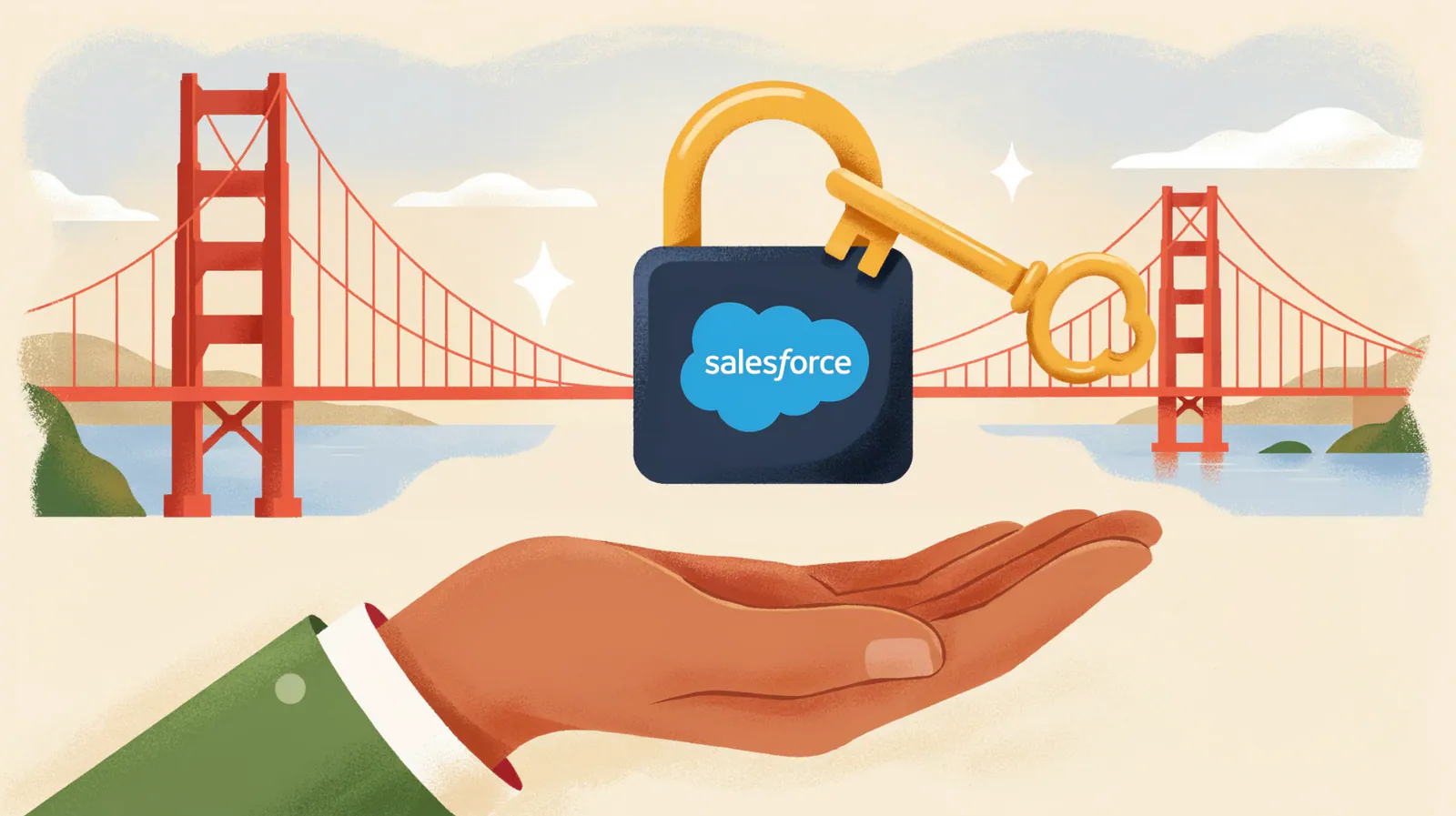


For years, Marketing Cloud was the cloud that many Salesforce teams looked at with respect and a certain distance. It seemed like another world, with a different interface, different profiles and even different consultants.
Marketing Cloud Next changes that story at the root. It lives inside the Salesforce core, uses Data 360 as the customer database and builds journeys with Flow, the tool you already know.
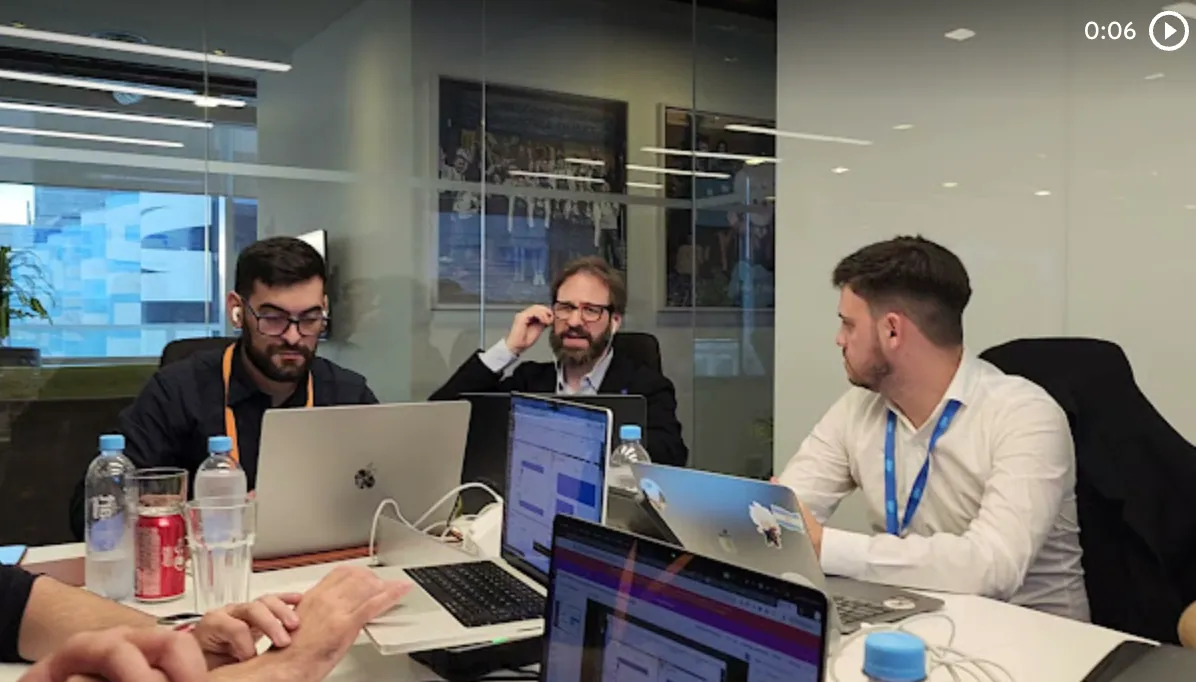
In the Vantegrate Masterclass, Francisco Morales (Fran) and Juan Manuel Garrido (JuanMa) set out to demystify the product. The idea was simple: understand what each piece is before asking AI to do everything for you.
If you work with Salesforce and have ever felt that marketing was foreign territory, this walkthrough is for you. You will see the concepts, the licenses, the order of work, and a demo of content and segments.
Where Marketing Cloud comes from (and why it felt like another planet)
Classic Marketing Cloud was born from an acquisition. Salesforce bought ExactTarget, a company specialized in mass email sending.
They gave it a nice makeover so it would look like Lightning, but it never felt as comfortable as Salesforce Core. JuanMa summed it up with humor: the interface always had a different logic.
That world revolved around three pieces. Data extensions were, in plain terms, data tables with queries behind them to pull contacts and interactions.
Journey Builder let you design the customer journey. First you send a message, if there is no reply in two days you send a follow up, and if they reply you hand them to an advisor.
Audiences were built with SQL queries. Powerful, yes, but quite far from what a typical Salesforce admin does.
Pardot, Account Engagement and the alphabet soup of names
Later came Pardot, designed for business-to-business marketing (B2B). Marketing Cloud was left for marketing to consumers (B2C).
Pardot brought scoring, nurturing and Engagement Studio. It kept its name for a long time, until it was renamed Marketing Cloud Account Engagement.
That is how Pardot developers and Marketing Cloud developers came to exist, as two separate specialties. Even within marketing the worlds were divided.
The result was a soup of products. Fran admitted that much of the respect for Marketing Cloud came from there: an external platform, a different profile and the feeling that you had to be a marketer before being a technical person.
What Marketing Cloud Next is in one sentence
Marketing Cloud Next is 100% Salesforce-native marketing. You don't have to jump to another application or sync odd platforms.
But it is not an isolated product. It is a combination of Data 360 for data and segmentation, channel connectors to reach out and contact people, and Flow as the engine of the journeys.
Salesforce insists that it does not replace what came before. You can have Marketing Cloud Next living alongside one of the older products.
Fran was honest: even if they say the products don't overlap, in practice there are equivalences. Understanding them saves you a lot of confusion.
The equivalences that put your head in order
If you come from the classic world, this map is gold. Every old concept has a cousin in Marketing Cloud Next.
Journey and Journey Builder become a campaign plus a Flow.
Data extensions become Data 360 (formerly called Data Cloud).
SQL queries for segmenting become the Segment Builder, a step-by-step assistant.
The Account Engagement prospect becomes the unified individual.
Engagement Studio becomes Flow.
Lists and scoring become segments and insights.
Note that Flow replaces several things at once. All the automation of the "step 1, step 2, if they don't reply I follow up on WhatsApp" kind lives there.
The unified individual: the heart of the matter
Salesforce puts a lot of focus on knowing who the person is that you are going to contact. That person can arrive through the website, through cookies, through a form or by writing to you directly.
Data 360 takes all those sources and consolidates them with identity rules that you define. For example, you can say that the email address uniquely identifies each customer.
You can also build more flexible rules. A fuzzy match on the first name, plus the exact last name, plus the email.
With that rule, "JuanMa Garrido" and "Juan Manuel Garrido" with the same email end up being a single person. That is the real goal.
The danger it avoids is clear. You don't want to put the same person in 40 campaigns or send them 30 emails by mistake.
An important detail: unification is not automatic. In the practice environment it seems that way, because it comes already resolved, but in a real org you have to define the rules.
All of this touches your customers' personal data. That is why it pays to have a clear data transparency policy from day one.
Consent and unsubscribes, already handled
Another advantage of having everything in Data 360 is consent. If someone fills out a form and checks that they agree to be contacted, that is stored.
The same goes for unsubscribes. If someone replies that they don't want to receive more emails, it is recorded and later sends respect it automatically.
For teams that care about security and compliance, this point is not minor. Consent stops being a separate spreadsheet.
The three layers of Marketing Cloud Next
Fran proposed thinking of the product as a three-tier cake. At the top are the channels: email, SMS, WhatsApp and others.
In the middle is the marketing layer, which is pure CRM. That is where content, segments, campaigns and flows live.
At the bottom is the data layer, with Data 360 and the unified profile. The CRM, the e-commerce store, the loyalty program or the website feed that layer.
For Marketing Cloud Next, that data layer appears fairly simplified. You know you have a unified profile and you use it to segment.
Content, campaign and Flow: who does what
The content is the pieces. The email, the WhatsApp template or the SMS template you use to contact your customers or leads.
The campaign is a container. It answers two questions: who you are going to reach (the segment) and with what message (the content).
Once the campaign is set up, you measure. You see who responded, who didn't and how well what you did is working.
Flow defines the steps. What happens if they don't respond after the first day, what happens if they do and when you follow up again.
What it is for in practice
The functional scope comes down to four uses. The first is sending messages: promotional, nurture, welcome, post-purchase or reactivation campaigns.
The second is journeys with logic. You send someone an email and, if they haven't responded in two days, they get another one asking if they were able to see it.
The third is AI-assisted creation. You talk to an agent and it helps you define the segment, content and channels.
The fourth is data integration. If you are interested in how AI agents change this kind of work, the third use is the entry point.
Licenses: Growth, Advanced and many gray areas
Here Fran warned that the topic is ambiguous. Prices depend a lot on the sales executive you get, so the idea was to understand the concepts, not the numbers.
Marketing Cloud Next has two versions: Growth and Advanced. Both are Marketing Cloud Next.
Advanced adds more prediction power with Einstein and more credits, for example for add-ons like WhatsApp. Its strength is the next best action.
Imagine someone opened your email, scrolled and didn't click on anything. Advanced can suggest that the next step be another email with a link to the website, and the model keeps learning over time.
A participant summed it up well in the chat. If you are going to work without as much prediction, Growth is enough.
In addition to Marketing Cloud, you need Data 360, both by license and by consumption. Every time you evaluate whether two records are the same person, you consume.
Messaging is also consumption-based, with two possible bills. One is from Salesforce and the other from the provider, such as Meta for WhatsApp or your SMS carrier.
One detail was surprising: it is also licensed by roles. For example, Data Cloud Architect, Marketing Cloud Admin and Marketing Cloud Manager.
Technically they are permission sets, but commercially they are licensed by function. Before asking for a quote, take your time reviewing the pricing and consumption models of each piece.
The work order, with a real example
To make it concrete, Fran used a specific case: inviting people to the next Masterclass. The order applies to almost any marketing tool.
First, the audience. It is everyone in your databases who could be of interest, for example those who have ever attended a Masterclass, and it is generated on Data 360.
Second, the segment. It is a filter on that audience, such as those who attended the last three classes, and it is already worked on 100% in Marketing Cloud Next.
Third, the template. It can be static, the same for everyone, or dynamic with text that changes depending on the classes each person attended.
Fourth, the Flow. If someone opened the email and didn't sign up, they get a follow up after three days and, if they still don't respond, you double down with another message.
Fifth, the campaign, which ties everything together. It lets you measure results and run A/B tests with different templates.
Fran admitted the difference between audience and segment took him a while to grasp. The audience is the whole database; a segment is a filtered part of it.
Types of segments
Segments come in several variants. Static segments are always the same, based on a fixed query.
Dynamic segments update with events. Someone clicks "I want a demo" on your website and automatically enters the segment.
You can combine both. For example, everyone who has ever attended plus those who keep joining.
There are also trigger-type segments that build a graph so you can see live who you are including. Fran clarified that this option requires extra configuration and it didn't work in the demo.
Agentforce throughout the process
A key concept: with Agentforce you can do everything in Marketing Cloud Next. You tell it what you want to build and it proposes a draft.
It's not one-click magic. You go back and forth with the agent and, at some point, you decide to create.
That is why Fran insisted on understanding the concepts. If you know what a segment or a template is, you understand what the agent is doing and why it filtered in some people and not others.
If you want to see that conversational approach applied to marketing with native WhatsApp, check out Revio. For sales over WhatsApp, the case is Sellium.
Flow, the old acquaintance
The Flow in Marketing Cloud Next has limitations compared to a record-triggered flow. Even so, if you already use Flow, you will move around with ease.
Two elements are key: Decision and Wait. With them you decide whether they responded and whether you wait one, two or three days.
Then comes the action. Send another email, send a WhatsApp message or whatever your journey defines.
If you come from the technical side, the resources of Salesforce for developers help you go deeper into Flow and automation.
How to get an org to practice
The easiest way Fran found is a Trailhead module that creates a ready Marketing Cloud Next org. It comes with a good part of the Data 360 setup already done.
This matters because the Data 360 setup is the heaviest part of experimenting. With the practice org, you skip it.
There are two traps. The org lasts a very short time (about one day) and then you lose everything.
Also, it doesn't let you send anything. No emails, no WhatsApp, no other channel.
Demo: creating a piece of content
Fran started with the content, although he could also have started with the segment. First you create a workspace, which defines who can create content and with what permissions.
Inside the workspace you choose the content type; for the example it was an email. You can use Salesforce templates, your own templates, a component-based editor, or paste HTML.
JuanMa added a practical point: many agencies still deliver their pieces in HTML. Fran said his natural path was to generate the HTML with AI and paste it.
The editor looks a lot like the one for Lightning pages. You drag components, change the subject line, and adjust the text.
As in Lightning, saving is one thing, previewing is another, and publishing is another. When you publish you choose channels, and the same piece can be spread across several.
Watch out for one thing: publishing is not sending. It only means the piece becomes available to use, because you haven't built the campaign yet.
Demo: creating a segment
A segment is, at its core, a filter on a database. It sounds oversimplified, but that's what it is.
In the Segment Builder you don't see classic Salesforce objects. You see Data 360 profile objects, that is, data related to the unified profile.
This is where the most demanding part shows up. You need to understand Data 360 and its data models a bit.
That's why the role of the Data Cloud Architect matters so much. Their job is to make things easy for whoever builds segments, with clear location data or web interaction data.
Publishing a segment doesn't mean you can use it right away, either. A loading process starts, which takes longer the more complex the filter is, and it also consumes Data 360.
The result looks like a Salesforce report. You apply filters, see who is left, and that is your segment.
Questions worth asking yourself before you start
Fran closed the technical part with questions that came up while preparing the class. You've already seen the first one: which license you need, Growth or Advanced.
WhatsApp is a separate add-on. You pay Salesforce, you pay per message, and you also pay Meta.
To send emails from your own domain, the typical Salesforce sending address is not enough. You have to configure DNS and mail servers, with several back-and-forth steps along the way.
And the underlying question: are there alternatives? Fran mentioned Revio as an option with native WhatsApp and built-in AI, although that is a decision each team evaluates based on its own case.
What you take away from this Masterclass
Marketing Cloud Next stops being another planet. It's Salesforce, with Data 360 underneath, Flow in the middle, and channels on top.
If you understand audience, segment, content, campaign, and Flow, the rest is combining them. Agentforce speeds things up, but it doesn't replace understanding what is going on.
The recording cuts off in the middle of the Q&A round, so some questions from the audience were left unanswered on video. If you want to keep learning, you'll find more material on Pulse and in Vantegrate's resources.
If you're evaluating Marketing Cloud Next for your org, learn who we are and book a demo. The best time to stop fearing marketing is now.