
Imagine starting your morning with a coffee and a message in Slack that already tells you what happened in your Salesforce orgs overnight. Without opening reports or checking logs, you know what is urgent and what can wait.
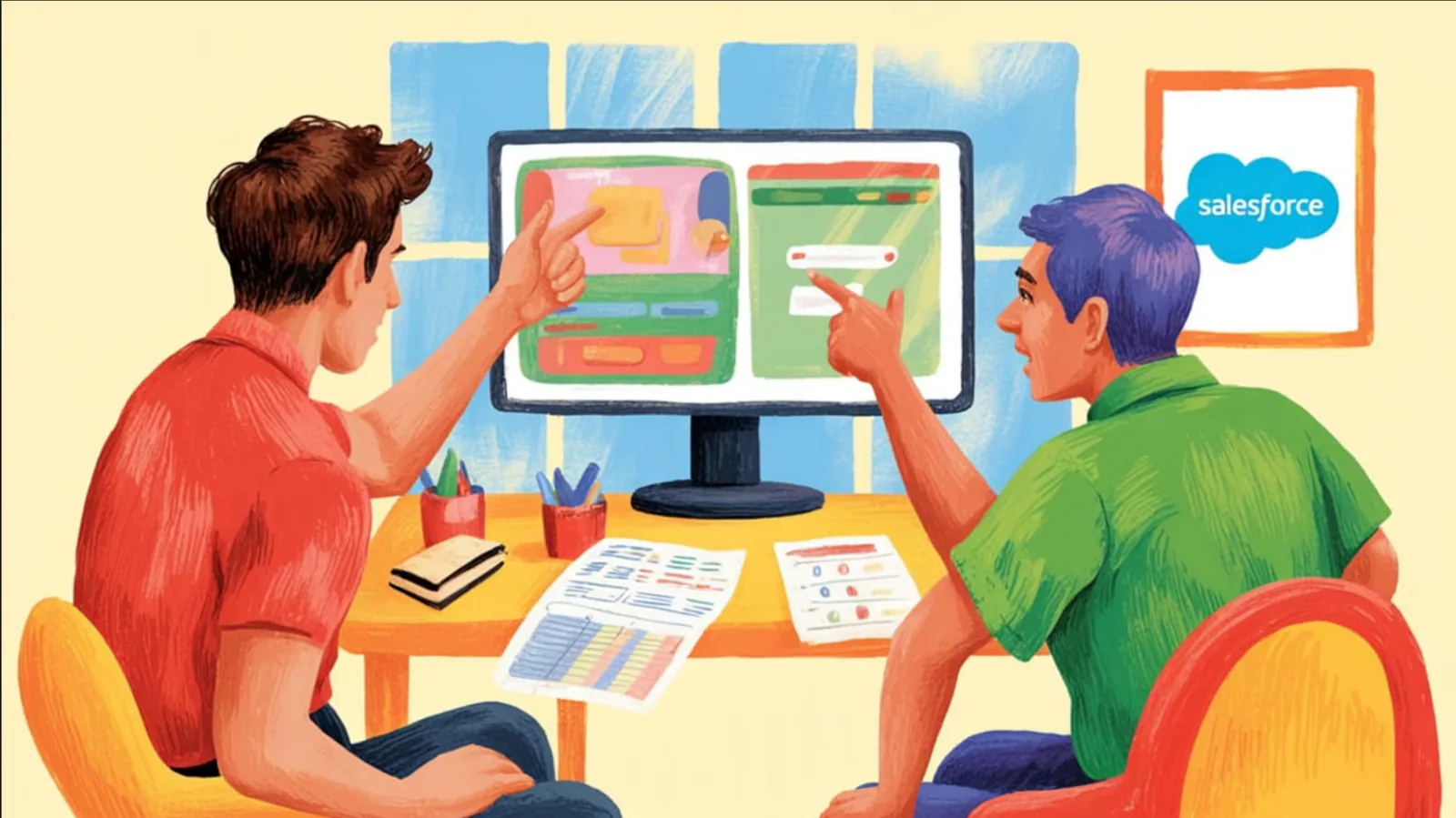
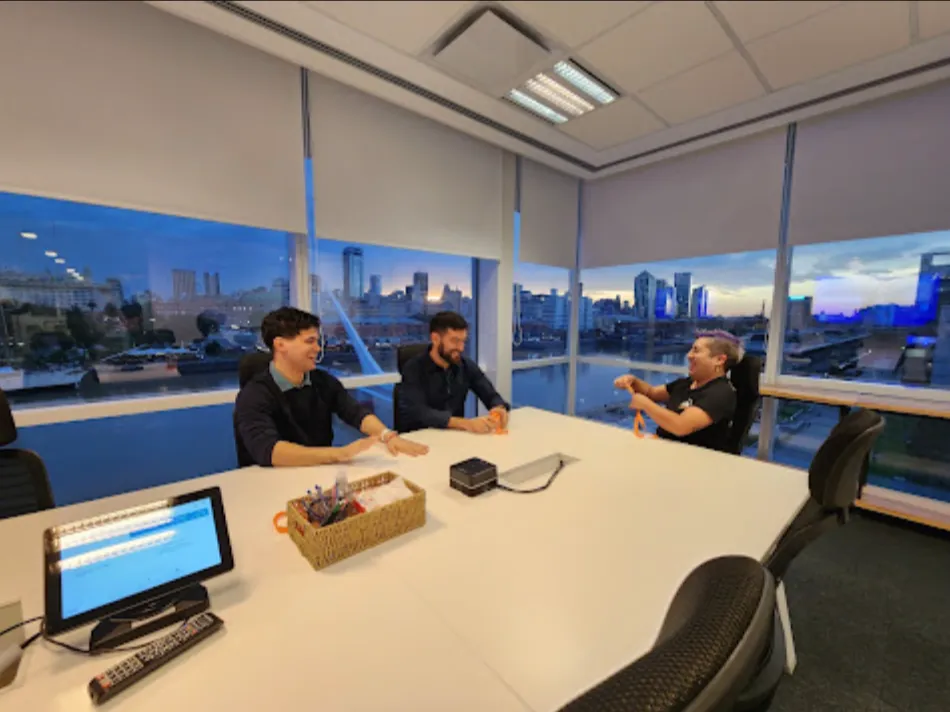
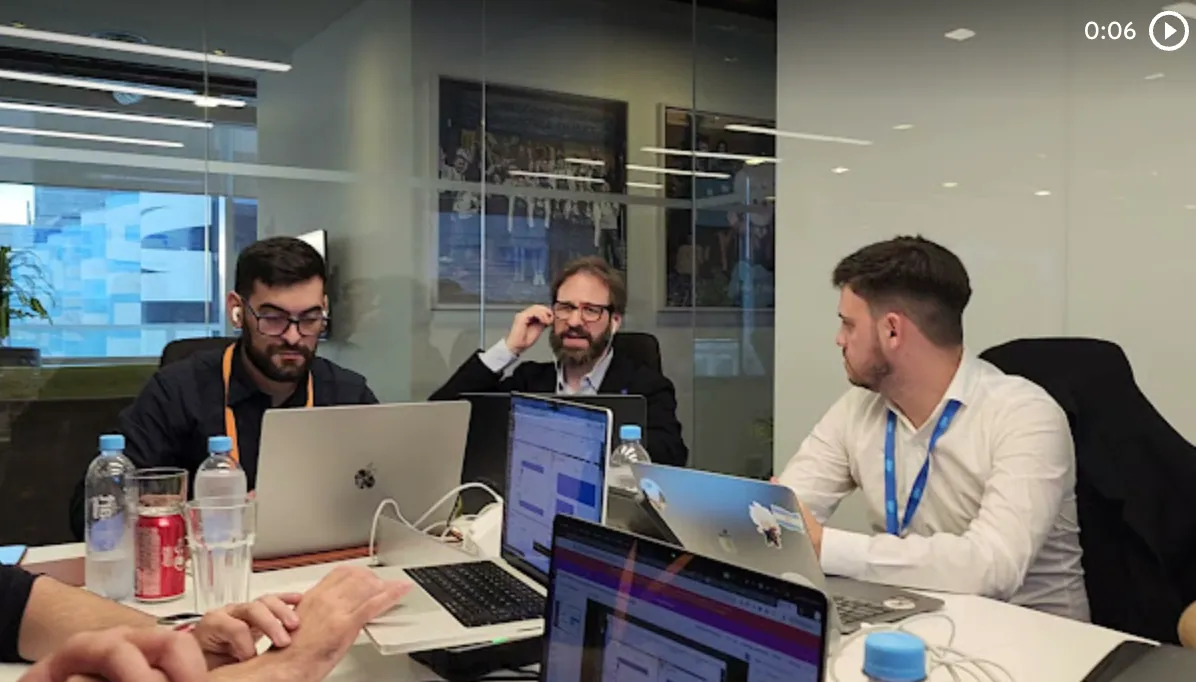
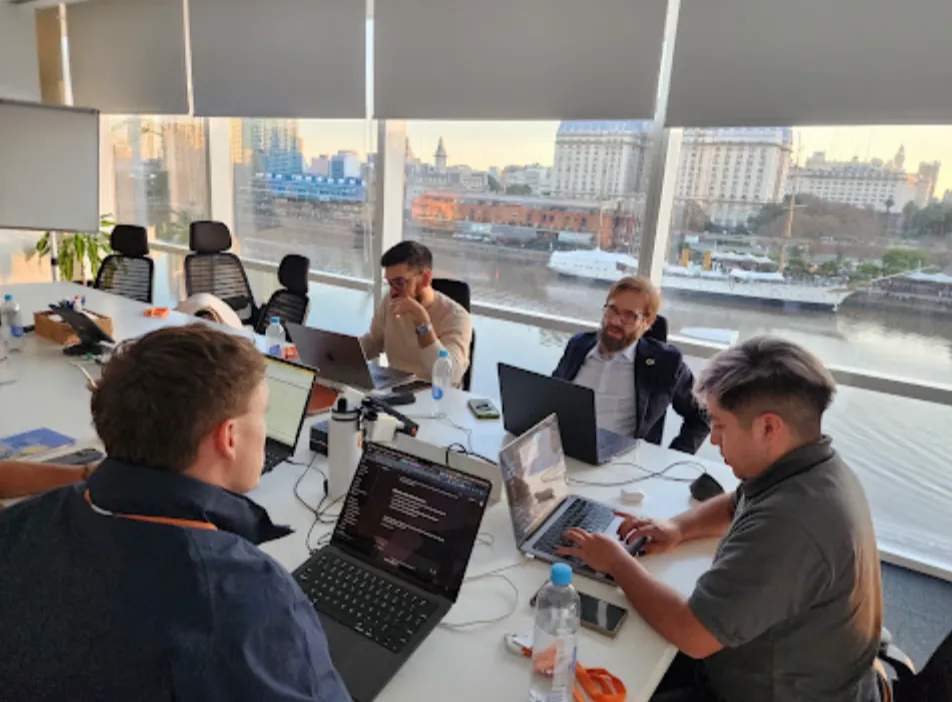
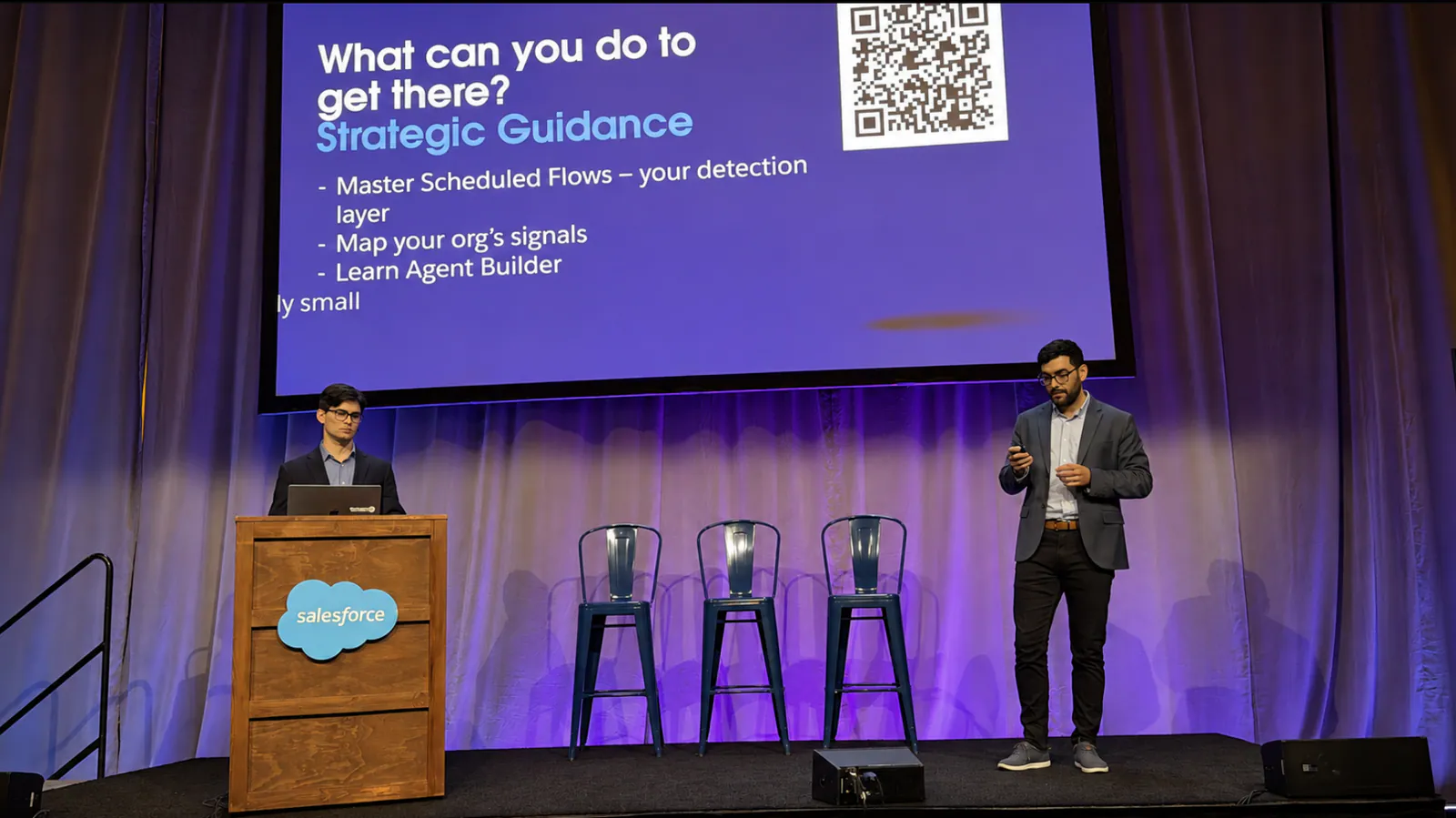
That is the core idea of the live session that Francisco Morales (Fran) and Esteban Morales (Esti) gave at Dreamforce: Design Proactive Agents with Flow, Agentforce, and Slack. They are brothers and part of the Vantegrate team, which works with many Salesforce organizations at the same time.
In this article we show you how to move from reactive AI to proactive AI using tools you probably already know. There is no need to reinvent anything: you just have to combine three pieces that live in the Salesforce ecosystem.
From reactive AI to proactive AI
Today most people use AI reactively. You type a question into a chat, wait for the answer, and only then do you act.
Fran framed it the other way around. The proposal is to have an AI that works for you overnight and hands you the finished result when you start your workday.
The difference looks small, but it changes everything. With the reactive model, you have to remember to ask; with the proactive model, the system tells you what matters without you asking.
For a team that looks after several organizations, this is gold. Getting a summary every morning of what to watch during the day saves time and avoids surprises.
If you want a better understanding of what an agent can do in your company, take a look at our AI agents page. There you will find the general context before getting into the technical detail.
The ending first: a daily summary in Slack
The Morales brothers started the session at the end. Instead of showing an agenda, they went straight to the result: a Slack message generated by an agent.
The message arrives every morning at 7. It summarizes the state of the organization and flags what deserves attention.
In the demo, the agent reported that most things were fine. But it also flagged one specific problem that needed a close look.
That is the real value of this approach. It is not just another report: it is a prioritized list that separates what is critical from what can wait.
The technique in three steps: detect, reason, and act
Fran clarified that this was the only theoretical part of the session. Everything else was demo.
The technique has three very clear steps:
Detect: a Schedule Flow fires at a set time of day and gathers information.
Reason: Agentforce uses the knowledge of your business to understand that information and decide what to do.
Act: with the analysis ready, the system sends a message to Slack.
Fran described it as a very simple but real scenario. And he asked people to think about all the possibilities that combining Slack with Salesforce opens up.
What is interesting is that each step uses a different, familiar tool. That is why the approach is accessible even if you are just starting with agents.
Think of the three steps as a chain. If detection brings in poor data, the reasoning fails; if the reasoning is good but the message arrives late, nobody acts.
That is why it is best to design all three parts together, from the start. Each link depends on the previous one, and the final result is only worth something if it reaches the right person at the right time.
Step 1: Schedule Flow to detect
A Flow is, in short, an automated process inside Salesforce. Esti explained it this way for those who were not familiar with it: it is a process that runs in the background.
The Schedule Flow is a type of Flow that runs at a defined time. In the demo, it runs every day at 7 in the morning.
Esti stressed that the first step to working proactively is exactly that. You have to define when you want the automation to run.
It seems like a minor detail, but it is not. The schedule determines whether the message arrives when people can read it or when nobody is paying attention.
Signals: what is worth monitoring
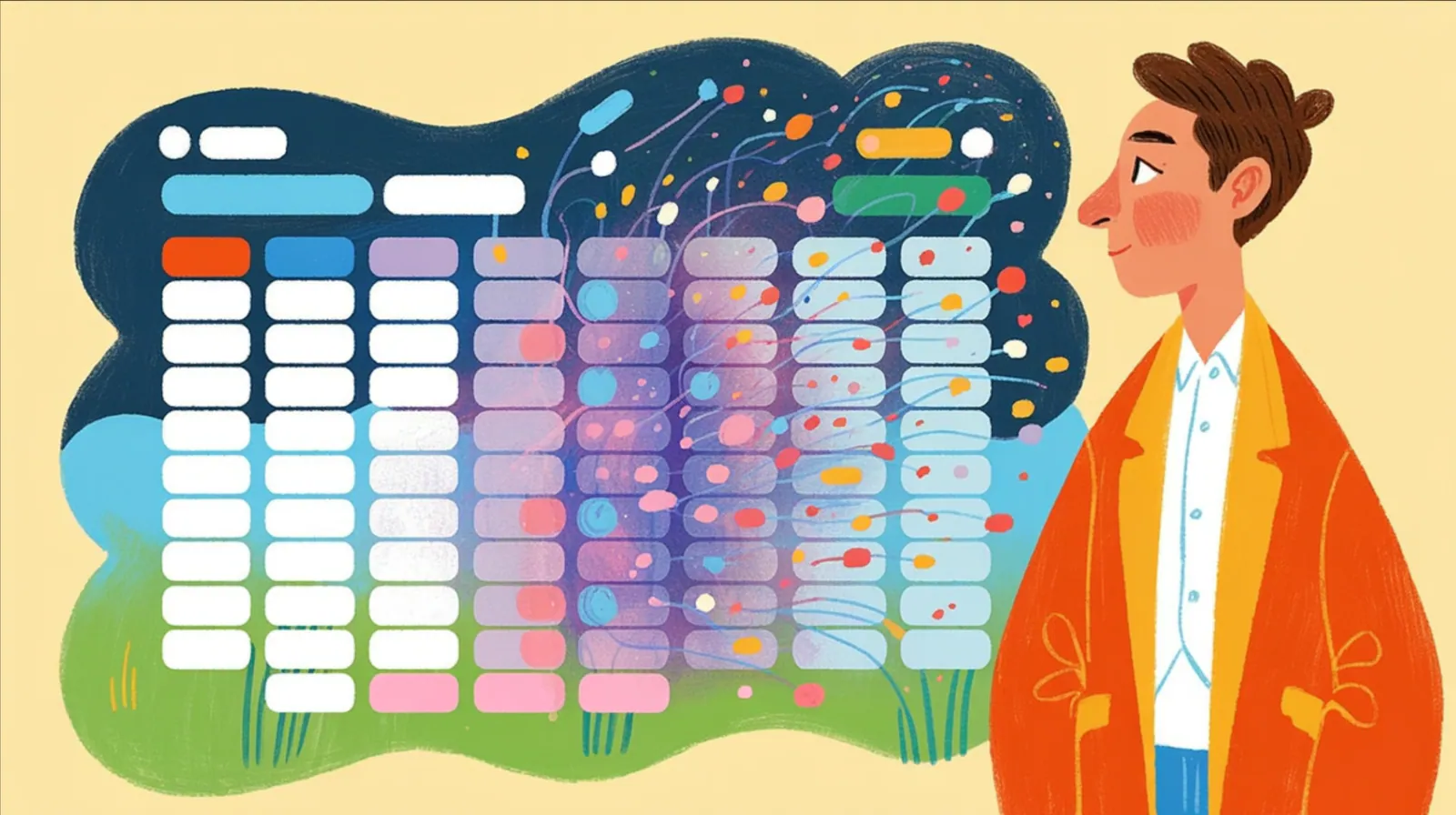
The next step in the Flow is to collect signals. A signal is any piece of data that tells you something changed and that you may need to act.
In the demo, the signals were collected with an Apex class. Esti clarified that they did it that way to keep things simple, but that you can use any other source you already have in your Flow.
The signals they showed were of three types:
A metric that dropped from 40% to 7% in the last 24 hours, something you obviously want to understand.
The organization's API limits.
Security changes and configuration changes.
After a drop like that, the natural question is why it happened and what happened. That is where the second step comes in, where an agent analyzes the information instead of you doing it by hand.
If security and permissions are a concern, we recommend reading how we think about platform security. Monitoring access changes is one of the most valuable signals you can choose.
Step 2: Agentforce to reason
Fran insisted that this part was very important. It is the moment when the Flow calls an Agentforce agent.
Inside the Flow, you add a new action that invokes the agent. The brothers had many agents defined, but they used one that already had all the rules loaded.
The agent receives everything that was collected in the first step. With that information, it follows a series of steps defined in its instructions.
First it decides what is critical and what can wait. Then it prioritizes the signals and finds the next best action for each case.
Finally, it writes the message that will be sent. All of this happens without anyone typing anything in the moment: the Flow passes the data and the agent does the work.
This is the heart of the approach. The Flow provides the schedule and the data; the agent provides the judgment, based on the knowledge of your business that you gave it in its rules.
If you are a developer and want to go deeper into how these pieces are built, visit our Salesforce for developers section. There we gather resources for technical teams.
Step 3: Slack to take action
With the analysis ready, the last step is to act. In the demo, the action is sending a message to a Slack channel.
Esti showed the actual message that arrived. It summarized the overall status and, at the same time, highlighted what was not right.
The strongest example was a security change. The agent detected that a user had been promoted from Standard to Admin, something very critical that an administrator needs to review.
The message also included information about other changes and automations from the last 7 days. And it flagged which items needed review and who had made each change.
As Esti said, the agent was smart enough to understand that signal. It is the same thing you would do if you reviewed everything by hand, but without spending the first hour of the day.
What they learned the hard way
Fran was honest about the mistakes they made. That part of the talk is worth as much as the demo.
The first mistake was wanting to use it in every situation. Once they understood how it worked, they started repeating it and tried to capture every possible signal.
That led them to hit the limits of the system. The lesson is clear: you need to understand which patterns and signals are useful for your business, not monitor everything.
When not to use a Schedule Flow
There are scenarios where waiting until the next day makes no sense. The Flow in the demo runs once a day, and that does not work if something needs an immediate response.
For those cases, Fran recommended using a trigger instead of the Schedule Flow. That way the message goes out the moment the event happens.
The practical rule is simple. If the signal can wait a few hours, the daily summary is enough; if it cannot wait, an immediate trigger is the better fit.
A single summary, not a rain of alerts
Another key point is the cadence of the messages. Nobody wants to get a notification every time something changes.
The proposal is to send a single summary with what matters. A digest, a single flow of information, in a defined channel.
Within that summary, you define what is important, what is critical and what needs to be escalated. That way the team knows where to focus first.
Timing is also part of the design
Esti and Fran laughed about this point, but it is very real. It makes no sense to send the message at night, because nobody will read it and everyone will get annoyed.
Even worse, people end up muting the channel. And a muted channel is an agent working for nobody.
That is why you need to pick a time when users are active. In the demo they chose 7 in the morning, the time of the first coffee.
Use cases beyond technical monitoring
The demo scenario is closely tied to the health of the organization. But Fran asked the audience to think about their own cases, and showed a few examples.
In service, you can detect a case with no activity. In sales, you can detect a large opportunity with no activity and warn before it goes cold.
For sales teams that sell through messaging, this logic connects very well with tools like Sellium. And if your focus is on campaigns, you can also apply it with Revio.
There was one more curious example. The brothers implemented a series of features that depend on certain fields being filled in, and they created an agent that understands whether those features are being used or not in the organization.
That kind of signal is useful for measuring adoption. If you also want to turn that data into quick answers for leadership, a conversational BI approach like Metrix is along the same lines.
The underlying idea was repeated several times: nobody knows your organization better than you. Think about your own signals and your own cases, and apply the technique there.
How to get started in your own organization
At the close, Fran left a list of concrete recommendations. They are simple, but they set the path.
Learn the fundamentals instead of copying an automation as is.
Map your signals: define what a signal is for your business and what is not.
Learn to build agents, which are the foundation for making decisions with AI.
Start with a single scenario, automate it and add more only if you see it adds value.
Be ready to adjust, because the system will not be perfect from the start.
Fran apologized for being repetitive about signal mapping. But he is right to insist: that is the step that determines whether the agent helps you or fills you with noise.
He also said they recorded a series of videos with the whole demo step by step. There they show how to connect Slack with Salesforce, how to create the Flow and how to build the agent and its actions, which they had to skip in the talk because of time.
If you want to keep learning about agents and Salesforce, in Pulse we publish articles like this one on a regular basis. And in resources you will find downloadable material for your team.
Why this approach works for mid-sized companies
The most valuable thing about the technique is that it combines three tools you probably already have. Flow, Agentforce and Slack are not new products for most Salesforce teams.
For mid-sized companies, that means starting without a giant project. A Schedule Flow, an agent with good rules and a Slack channel are enough for the first case.
If you want to know what it costs to bring agents into your operation, check our pricing. And if you would rather get to know the team behind Vantegrate first, stop by about us.
Your first proactive agent, tomorrow at 7
The shift Fran and Esti proposed is about mindset. You stop asking the AI and start receiving what matters, prioritized, in the place where you already work.
Pick a signal, set the schedule, and let the agent do the analysis for you. If you want help designing that first scenario, book a demo and we'll build it together.