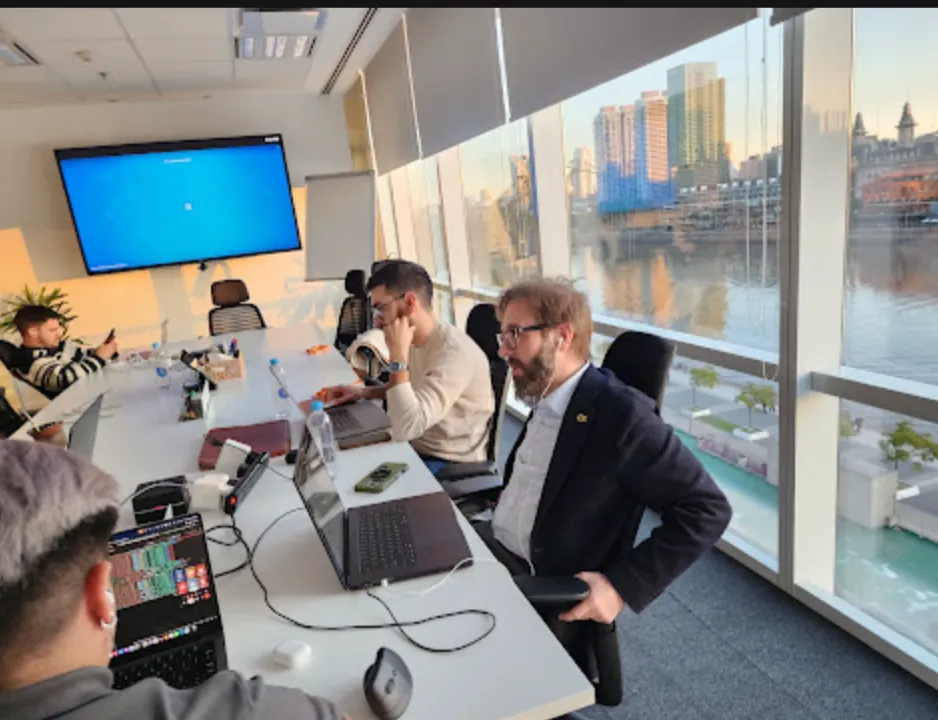


On May 28, Vantegrate devoted its Thursday masterclass to a topic that not long ago sounded like science fiction: building integrations between Salesforce and other systems by talking in natural language.
The full class is on YouTube. Watch the replay to see the live demo and the answers from the chat.
https://www.youtube.com/watch?v=aggk1Qar1YI
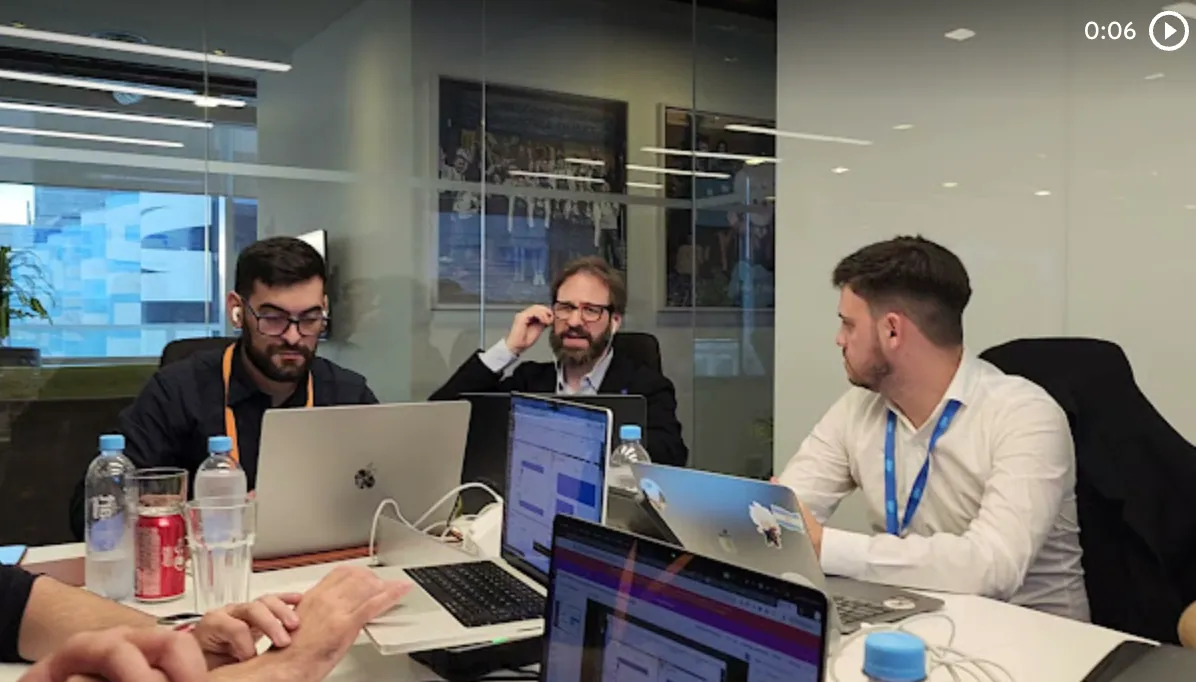
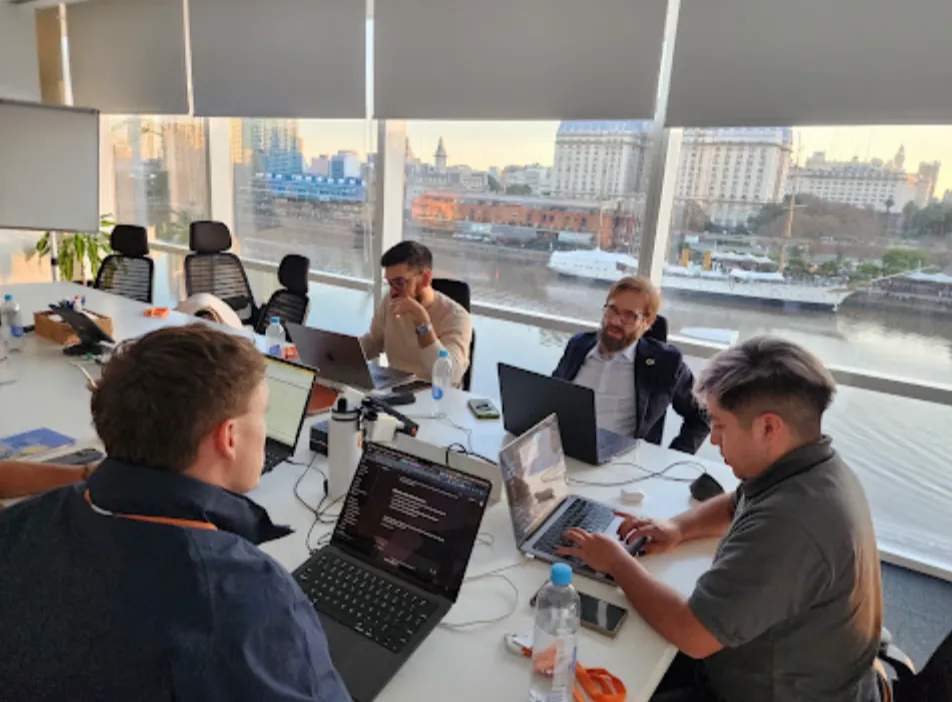
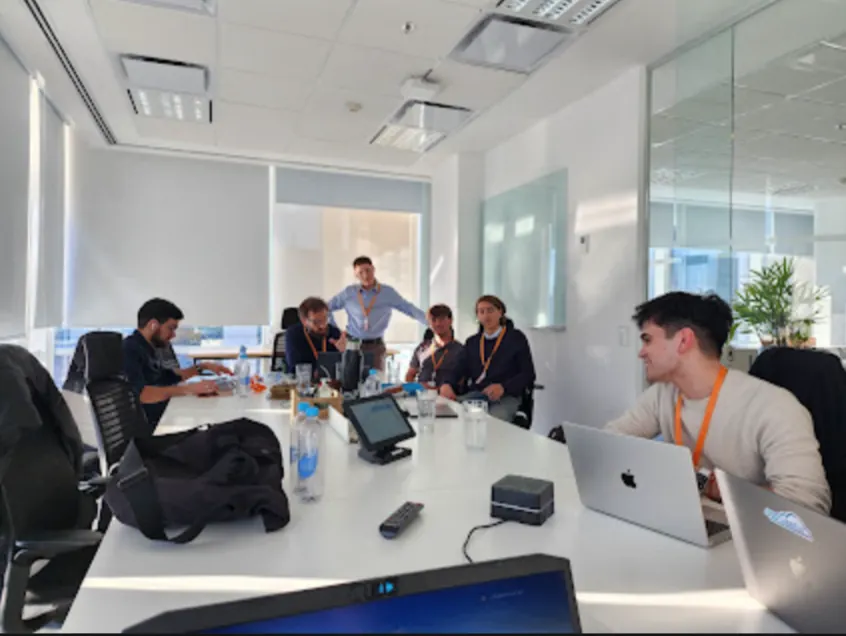
JuanMa hosted alongside Francisco (Fran), Josué (Josu) and Esteban (Esti).
Josu led the technical part. Fran and Esti brought the contrast from real projects and the view on roles.
The common thread was clear. With MuleSoft Vibes and vibe coding, teams can cut integration time without building monsters that are hard to maintain.
Why projects got smaller
Josu opened with a reflection that ran through the whole class. If someone had told you a few years ago that this would be possible, many would have said it was a lie.
Projects no longer arrive as one-year implementations. Today they arrive scoped down: two, three or four months, with pressure to see something running fast and go to production in short timeframes.
Fran added his view. In classic Salesforce implementations with a SAP integration, a team could estimate eight to twelve months, with Salesforce developers, integration people and SAP people.
That has not fully disappeared, but the pattern they see is different. Companies expect to do more with less thanks to AI, and the Salesforce platform pushes hard in that direction.
Fran clarified that not all platforms feel the same. Salesforce gives a lot of room to speed things up; on other stacks (for example Oracle) the pace can be different.
That conversation leaves an open question for upcoming classes: what is the future of the admin, the developer, the analyst and the architect when coding speeds up this much.
What problem MuleSoft solves
Before getting into Vibes, Josu clarified the concept of middleware. In almost every project, Salesforce needs to pull data from or send data to other places.
The most frequent example was SAP: products (SKUs), prices, descriptions.
Sometimes it arrives through IDoc, sometimes through REST, sometimes through a native integration. There may also be a local customer database, with or without an API in between.
MuleSoft sits in the middle. It connects to SAP, to databases, to whatever is needed, and Salesforce receives products, customers or order updates without the org having to store credentials everywhere.
Historically that forced you to add a MuleSoft team. There were Salesforce developers and, separately, someone to connect the wires.
If you work in the Salesforce ecosystem, this pattern will look familiar. Integration stops being an appendix and becomes part of the deliverable within short timeframes.
From Agentforce Vibes to MuleSoft Vibes
At Dreamforce (the one before the class), there was a lot of emphasis on integrations at the booths.
Salesforce already had Agentforce Vibes. Then MuleSoft Vibes appeared.
The promise is simple to state and hard to achieve by hand: you talk to it and it builds the API.
Josu grounded it in a real project pain. SAP sends XML with dense fields.
Salesforce works better with JSON (and sometimes with CSV for bulk loads). That is where the friction comes from.
Then mapping engineering shows up.
This SAP field is a standard field in Salesforce. This other one is custom and carries the suffix __c.
This one is a lookup and has a special shape in the JSON. Doing all of that by hand eats up weeks.
With vibe coding the idea is different. You hand over the XML, you hand over the Salesforce structure and you ask: solve the integration for me.
The masterclass did not aim to be hyper technical. It aimed to show how to build simple and scalable integrations, not a little monster that works only once.
How to connect Salesforce with Anypoint
The first practical step is to have a Salesforce org with Agentforce enabled. The second is to have a MuleSoft org (Anypoint) that you can connect Salesforce to.
To join both worlds you need an admin user on each side. In Salesforce Setup you search for Anypoint Platform Setup and start the connection (Complete connection).
Salesforce generates a key (tenant key) that identifies the org. You paste that key into Anypoint, under Access Management, section Salesforce, Add Salesforce.
On the MuleSoft side, the org domain appears (in the demo, a Developer Edition) and a free-form name (in the live session they used something like MuleSoft Vibes Demo). Anypoint responds with its own Anypoint Platform Org Key.
That second key goes back to Salesforce. Once connected, interoperability between both ecosystems is enabled.
The button that unlocks agentic skills
Inside that configuration there is a key step: enable Agentforce in Anypoint Platform. Josu called it the magic little button.
In practice, Salesforce is sharing the agentic skills of Agentforce with MuleSoft. And the other way around: the APIs published in MuleSoft can become available for Salesforce to use as actions.
That changes the game.
If you have an API that looks up customers in an internal database, you do not need to write Apex that calls that API. You expose it as an action and an agent uses it when it loads an order and the customer is not there.
He also mentioned additional options around Data 360 and invocable actions inside the org. The core message was: stop reinventing point-to-point integrations when you already have the logic in MuleSoft.
If you are building agents on top of those actions, in AI agents you can see how that layer fits into a real operation.
Maintenance: MuleSoft versus Apex
Fran pushed an architect's question.
In a Salesforce and SAP scenario (syncing Product2 with SKUs), how does maintenance in MuleSoft compare with the same flow in Apex?
One to ten? One to twenty?
Josu, who works in MuleSoft day to day, was direct: maintenance is very low when the solution runs in Mule.
MuleSoft listens for price or description updates and injects them into Salesforce. You don't need an Apex job that wakes up every so often, goes to SAP, compares and comes back.
What usually gets touched later is monitoring: whether the API went down, whether the connection to SAP changed, whether the password of the user that talks to Salesforce was rotated. If you add a new field, you touch the Mule API with the name on each side.
Can an admin do it without being a developer?
Not long ago the answer would have been no. With Vibes, Josu said it is more accessible, always with awareness: don't push to production the first thing the agent builds.
That balance (speed + judgment) is the same one we have been discussing in Salesforce for developers.
Roles within the MuleSoft universe
The chat asked whether MuleSoft is only for developers. Josu clarified that there are different roles.
Admins usually handle sensitive configuration: internal resources, databases with delicate data, policies on who gets into SAP. MuleSoft connects through VPCs (VPN from the cloud), IP ranges and access controls.
Developers do the mapping and the conversation between systems (SAP XML to Salesforce JSON, for example).
In his experience, it is often the same person. At most there are architects looking at the complete solution and best practices.
A useful question from the chat: with basic knowledge of APIs and Postman, is it easier as an admin? Josu: absolutely.
Anypoint Studio, Code Builder and the canvas
When MuleSoft came out, the classic IDE was Anypoint Studio. Josu described it without dramatizing: heavy, slow to open, consuming resources when starting APIs and testing connections.
Salesforce added another path: developing MuleSoft from Visual Studio Code with the Anypoint Code Builder extension.
On screen you see a canvas similar to building flows in Salesforce.
It starts, for example, with an HTTP Listener. Then there are decision branches (like IFs), connectors and steps until it returns a JSON.
That is what runs behind the scenes when someone sends a national ID number or an email and gets the customer back. The point of the class was not to scare anyone with the diagram: it was to vibe code that flow.
To use MuleSoft Vibes from Code Builder you have to sign in to Anypoint Platform. Josu warned about a detail from the demo: the login sometimes asks for several try again attempts until it connects.
Another critical requirement: the MuleSoft org has to be connected to a Salesforce org with Agentforce. Otherwise a message appears saying MuleSoft Vibes is not available and you have to contact the admin.
The demo: looking up a contact by email
The demo API was simple on purpose. Josu asked Vibes: I want an API that receives an email, looks up a Contact in Salesforce and returns it.
To give it context he used Salesforce Inspector and the describe of the Contact object.
He copied the definition into a sample JSON. He didn't even read it line by line: he left it as context for the agent.
That tip is gold for admins. If you understand a bit of Postman and objects, you can feed the agent the real definition (including custom fields) without writing the integration by hand.
Then he challenged the agent: I want the API to also return the birthday of the contact. He told it the definition was in contact.json.
The agent reviewed the logic XML files, found the query, added Birthdate and updated the response build to return contact.birthdate.
In the middle, the token limit of a Developer org showed up.
Josu said that Agentforce Vibes was on its way to being a paid product and that in small orgs the cap is annoying. The practical recommendation was to wait a bit and retry, without inventing rates or pricing dates.
Second API: updating the contact
With time running short, he asked for another API: update the Contact in Salesforce using the ID as the identifier and allowing the rest of the fields to change.
The agent generated a new flow with a PUT to contacts. It receives the contact ID, reads the JSON body, builds an array of records (best practice: always work as if many were coming) and sends it to Salesforce.
On the canvas you could see the production pattern: validate that an ID is present (if not, error 400), debug what is going to be updated, try/catch, status 500 with a clean message if it fails, status 200 if it succeeds.
No giant stack traces sent to the consumer. That is also an integration best practice.
In about 40 minutes of demo they understood an API, added a field to it and exposed another one to modify contacts. That is the pace the class wanted to show.
Cursor, skills and best practices
Someone asked whether you can do everything with other coding tools. Josu was honest: he develops a lot of MuleSoft with Cursor, in automatic mode, and then reviews in Anypoint Code Builder.
Cursor doesn't show him the graphical flow in the same way.
Under the hood, MuleSoft ends up as XML. You can go that way, but you lose the point and click of the canvas.
He also talked about MuleSoft skills: best-practice instructions so the agent doesn't build unnecessary functions and keeps the APIs simple. He uses them in Cursor and wondered whether you can also give them to MuleSoft Vibes.
About the Code Builder package: when you install Anypoint Code Builder, several sub-extensions come with it. Josu works mainly with that little package, without adding a bunch of extra add-ons.
And a fact that is sometimes forgotten: MuleSoft can live without Salesforce.
It's sold as middleware that connects everything (Dynamics, databases, cloud sheets, SAP). Salesforce bought it and integrated it; it's not an exclusive plugin.
Translations, context and what the admin can contribute
Josu closed the technical part with the type of instruction that gives Vibes the most power. Not just asking for endpoints: feeding it definition JSONs.
Example: in the source system gender comes as 1, 2, 3 (integers) and in Salesforce it has to arrive as text. You tell MuleSoft Vibes what the translation is and the agent builds the mapping.
If you integrate with SAP, you can pass the definition of both sides. Many times the agent understands correspondences (birthday and date of birth, name and first name, email and contact email) without you dictating them field by field.
That cuts the mapping engineering that used to eat up weeks. You still need human judgment, review and monitoring (including security and data transparency topics).
Costs, Vanguard and what's next
Near the end, Analía asked about costs. Josu didn't make up numbers: you need an org with Agentforce (at whatever rate Salesforce is applying) and a MuleSoft org, which is usually not the cheapest part of the stack.
The team's recommendation: contact your account executive and ask for a quote. If you want to see how we approach it on the partner side, you can start that conversation at pricing and schedule a demo.
Fran also showed Vanguard, Vantegrate's learning platform, with a MuleSoft Developer module (lessons, exercises and certification prep). In class they released access codes via chat and WhatsApp in exchange for a summary of the Pulse article made with an LLM.
Esti previewed the lineup of upcoming classes: more on agents inside Salesforce. JuanMa mentioned news on the radar (Agentforce Cowork, Marketing Cloud Next and the move toward a Marketing Cloud based on Salesforce Core).
If you want to follow the thread of every Thursday, we publish the masterclass material on Pulse. In resources there is downloadable material to go deeper.
The Vantegrate team built this class around one idea: with an architect's or developer's judgment, plus vibe coding, you can deliver serious integrations in much shorter times.
The question is no longer whether MuleSoft Vibes exists. It's who gives it the right context (definitions, skills, guardrails) so the API that comes out of the canvas is truly deployable.