
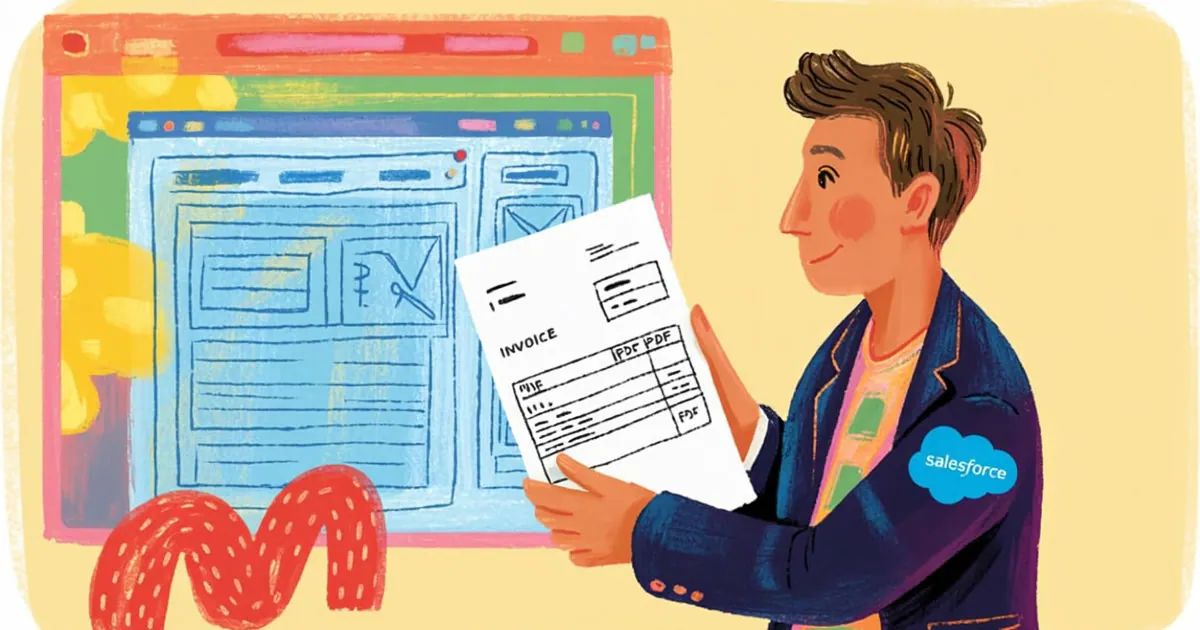
Recently, Vantegrate recorded a Thursday masterclass on a combo that hurts in almost every org. Invoices, orders and receipts as PDFs still don't come out natively from a Flow with a ready-made visual layout.
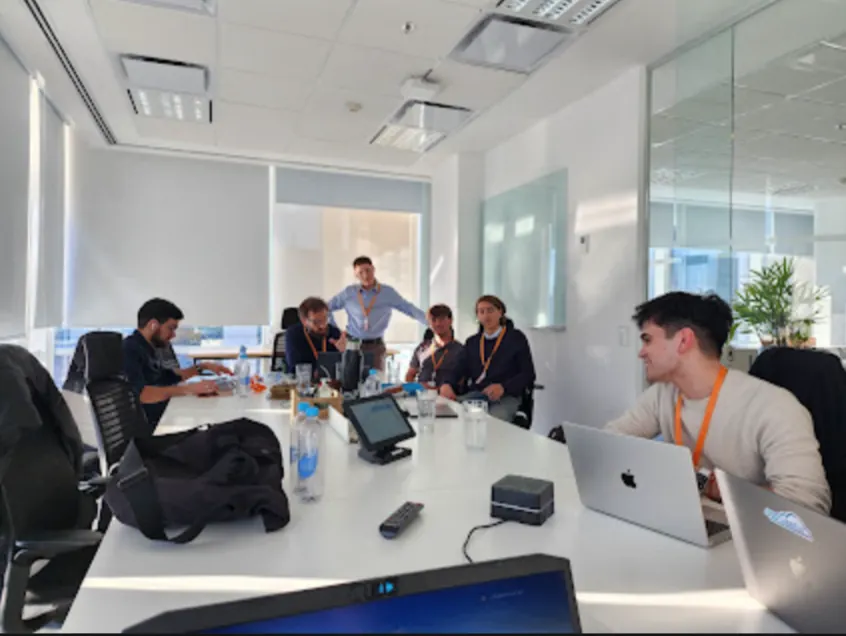
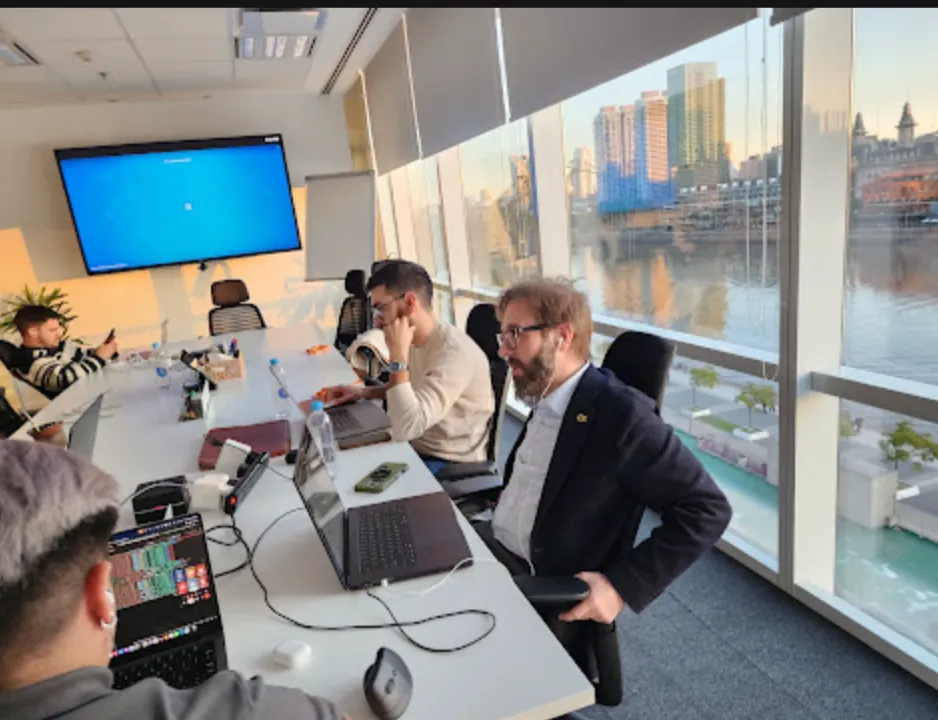
The full class is on YouTube. Juan Manuel Garrido (JuanMa) led it with Josué Mendoza (Josu), Francisco Morales (Fran) and Esteban Morales (Esti) working the case.
The Vantegrate team made it clear from the start. Today is not a "click here and you're done" tutorial: it's a workout with several LLMs to generate Visualforce (and Lightning Web Components too) that print documents.
The teaching excuse is perfect. You need a PDF of an invoice, order or receipt from a Salesforce record, and you want AI to get you the code without inventing magic the class never showed.
The problem: Salesforce doesn't hand you the formatted PDF
JuanMa opened with the real pain. There is still no native Flow-style feature where you say "take these fields, lay them out and give me a beautiful PDF".
It's odd for the ecosystem. But it's not the end of the world: with Visualforce (renderAs PDF) it has been done for years, and today AI speeds up that path.
The goal of the masterclass was not to memorize a snippet. It was to unblock your thinking so you use Claude, ChatGPT, Gemini, Grok, Manus and IDE tools with judgment.
Josu added Cursor (his "new love" of the moment, with a nod to Antigravity). Fran and Esti contributed prompts, security and the LWC path.
If you live in Salesforce CRM day to day, the pattern applies to Opportunity, a custom order object, an expense, an invoice or almost any object. The class showed it with fictitious data from start to finish.
They also set out the product frame. Vantegrate works with AI inside and outside Salesforce; this class was about "how you build the document yourself," not the brochure.
What you'll see on the class map
First, the final result running. A button on the Lightning Record Page that opens a demo PDF (and another, more powerful action that builds an email with the PDF embedded).
Then, the repeatable method. You capture the record page, feed it to several LLMs with a solid prompt, compare outputs and put the best one into a Visualforce page.
Next, the wiring in Setup. A Custom Visualforce action, a button in the Lightning App Builder, and watch out for old pages that ask for Upgrade Now.
Esti showed the modern alternative. PDF with Lightning Web Components plus a JavaScript library (jsPDF) as a static resource.
Josu closed with field tips. Old Visualforce CSS, pagination on long invoices, dynamic headers per brand, and how to give the LLM the object structure to build an Apex controller.
In Pulse and in resources you'll find the series of these masterclasses. Here the focus is invoices, orders and PDFs with AI, not the endless deck.
The community also heard a side announcement. Fran talked about a study portal (theory, practice, mocks) with OmniStudio as the first module; the community was going to vote on the name.
From record to PDF: the screenshot trick
JuanMa started from an expenses object (receipts) and showed another instance with Opportunity-style requirements plus products. Same idea: rich record, button, document.
All fictitious. They stressed it several times so nobody confuses a demo with real customer data.
The mental flow is simple. If you can see the information on the Lightning Record Page, an LLM can extract it from a screenshot and propose the layout of the receipt or invoice.
It works for an Opportunity, a task, an expense, an invoice or a custom recruiting object with résumés. The beautiful PDF is not exclusive to billing.
The final "movie" they showed includes a demo button to preview. The other button generates the PDF, builds an email and sends it with the attachment embedded.
That is what many order operations need. Less manual screenshotting, more documents ready for the customer.
Short prompt, Prompt Cowboy and Whisper Flow
The first prompt was almost minimal. "I'm attaching a screenshot of a Lightning Record Page for an expense; build a receipt in PDF format".
That's where the magic of Prompt Cowboy comes in. They dropped in the small prompt and asked it to improve it.
Out came a much more complete master prompt.
Fran validated it from practice. The refiner points out things you didn't define (permissions, missing fields) and sometimes asks questions to close gaps.
JuanMa dictated with Whisper Flow. Productivity tip: dictate the base prompt and then run it through the refiner to save friction.
The more complete the prompt, the less the model invents. If you don't specify, the LLM assumes; and assuming is the shortcut to elegant garbage.
They also tried categories inside Prompt Cowboy. Asking for Research is not the same as asking for Code: the type of prompt changes the quality of the output.
Several LLMs, same screenshot: the workout that matters
The class didn't crown a single eternal winner. They compared ChatGPT, Claude, Grok, Manus and Gemini with the same image and the same request.
Why so much workout? Because the model that works perfectly for you today may not be the one in two months.
You need the habit of testing, not brand fanaticism. That was the message, repeated.
JuanMa picked Claude as his favorite for clean, documented code. Fran agreed: for code generation, Claude usually takes the number one spot.
Grok showed up as a powerful performance complement. Manus stood out for working with Linux virtual machines visible in the UI.
Gemini joined the "spicy" pack of the moment. They also mentioned that whoever pays for Google One sometimes gets access to Gemini with less obvious limits than in the API.
On tokens, Fran and JuanMa compared notes. Claude and Manus feel more restrictive; ChatGPT, Gemini and Grok feel more generous for daily use.
The operational message is clear. For a specific use case, one LLM wins; for the craft, you win if you know how to rotate.
Refining toward Visualforce (without inventing fields)
The second step was to ask for pure Visualforce code, without Apex, to understand the quick PDF render.
They refined the prompt with the object's API name. If it comes from a managed package, you'll see a prefix; if it's a classic custom object, the pattern changes.
Another live compliance tip. They asked the model for placeholder labels instead of real fields, to see the layout and fill them in by hand afterward.
That connects with the security conversation. Esti: many companies restrict AI; the ideal is to mask data and not leak confidential information.
Fran added nuance. Exposing only API names is not the same as sending real DNI numbers; the risk grows when the LLM handles sensitive data.
JuanMa added the legal angle. For security and data transparency, compliance with the client comes first even if a remote hacker is unlikely.
The structure risk also came up. Knowing the object model can feed prompt injection in external forms; it's not paranoia for its own sake.
If the document lives close to intelligent reading processes, products like Arconte fit into the conversation about capture and transformation. In this class the focus was generating the PDF from Salesforce with AI, not end-to-end OCR.
Wiring in the org: page, action and button
They created a Visualforce page (in the demo, "Gasto Mágico"). They emptied the template and dropped in the LLM output.
The object's action points to Custom Visualforce. If the object has only one page, it appears preselected; if not, you choose from the picklist.
Then, Edit Page on the Lightning Record Page. Lightning App Builder, actions area, and the new button next to Edit.
Watch out for old pages. If the record page is old, Salesforce asks for Upgrade Now / Migrate before you can manage buttons the way it works today.
Clean up the actions mess. Remove what you don't use (mobile vs. desktop) and leave the PDF action visible where the user finds it in one click.
On click, renderAs PDF shows the document on screen. From there you can think about Flow, download or sending by email (the class showed the demo path and the "email with PDF" path as the final movie).
Quick Save in Visualforce helps you see field errors instantly. If the LLM invented API names, quick save gives them away.
If you build the fine-grained wiring, the natural map is still Salesforce developers. Here the focus was the method with AI, not an Apex treatise.
Esti and the LWC + jsPDF path
Esti (Bebé Corazón in the community) showed the more modern route. A Lightning Web Component that downloads a PDF without Visualforce.
Salesforce doesn't ship that out of the box. You upload the JavaScript library as a static resource (in the demo, jsPDF; and another one for tables if needed).
Setup, Static Resources, New. You download the JS from a reliable CDN (jsDelivr), save it as a file, and upload it as public or private at your discretion.
In the LWC you import the resources and load the scripts on startup. Then you use the library's API to build the document with fields from the object you choose.
How do you ask an LLM or an IDE with context for it? Esti summed it up in three steps.
You bring the static resources into the environment (Antigravity or another). And you ask: "with these libraries, generate an LWC that builds a PDF with name, phone and industry".
They asked about the security of third-party JS. Esti: look at the CDN, zero published vulnerabilities, GitHub reviewed; if you want, VirusTotal and a line-by-line read.
JuanMa was explicit when closing the round. If it's going to production with many users, Esti's path (LWC) is the one to take; Visualforce plus an LLM works very well for learning and for light-use functionality.
They asked for votes in the chat for a deep dive class on LWC and PDF. If the community asks for it, the topic comes back in more depth.
Josu's tips for invoices that don't break
Josu got burned many times by real PDFs. His short tips are gold when the LLM gets creative with HTML5.
Tell the model that Visualforce uses old CSS. Otherwise it throws in modern styles that the PDF page can't handle.
Ask for pagination when there are many products. On long invoices, footers and page breaks come out wrong if you don't say so.
If the company has several brands, ask for dynamic headers and footers. Logos and IDs can't be hardcoded to a single brand.
When the LLM doesn't know the object, Josu (carefully) passes it the structure from the IDE. That way it builds better Visualforce, the Apex controller and the support class.
That clashes with the recommendation not to leak sensitive metadata. The tip exists; your client's compliance sets the limit.
He also recommended eyeballing the generated API names. The manual path is Object Manager, copy the real API name and fix the markup.
Antigravity, Cursor and the developer mindset
Fran described experiments with Antigravity (and the combo with Gemini) outside the Salesforce core: MVP portals in a few prompts, refined afterward.
Josu came from Cursor and was looking at the jump. The class wasn't an IDE bake-off; it was a reminder that the modern developer orchestrates models.
They also talked about Wavebox (a Chromium-based browser JuanMa uses) and Arc (Esti's). A tooling detail, not a Salesforce product.
If you want to see agents and copilots in the Vantegrate stack, the map is at AI agents. This masterclass was more "external LLM generates Visualforce/LWC" than Agentforce inside the org.
For architecture and product demos, you can request a demo or check pricing when it's time for a commercial conversation. The lesson from the class is the method, not the price of the token.
Fran left a controlled provocation. In some lightweight portals, an AI-built MVP could cover almost everything that used to require an expensive Experience Cloud site; we love Salesforce, and we still look at the client's wallet.
Operational wrap-up (no lecture)
Three clear paths came out of it. One: a Visualforce renderAs PDF generated with AI and a button on the record page.
Two: LWC plus jsPDF for a more modern, maintainable PDF. Three: the prompt workout (Cowboy plus a screenshot plus several LLMs) that applies to any document generated from a record.
The community and Vantegrate's weekly rhythm continue: one Thursday is a masterclass, the other is English for Salesforce. If you missed the live session, the recording on YouTube covers the main thread (the pre-session chat, as always, stays in the pre-session).
Try the method with a small object and fictitious data. Once the invoice or order PDF comes out right in the sandbox, only then think about production, Flow and governance.
And if the document is the bottleneck in your commercial operation, take what you learned into process design. A nice button does not replace business rules, approvals or care about who sees what.