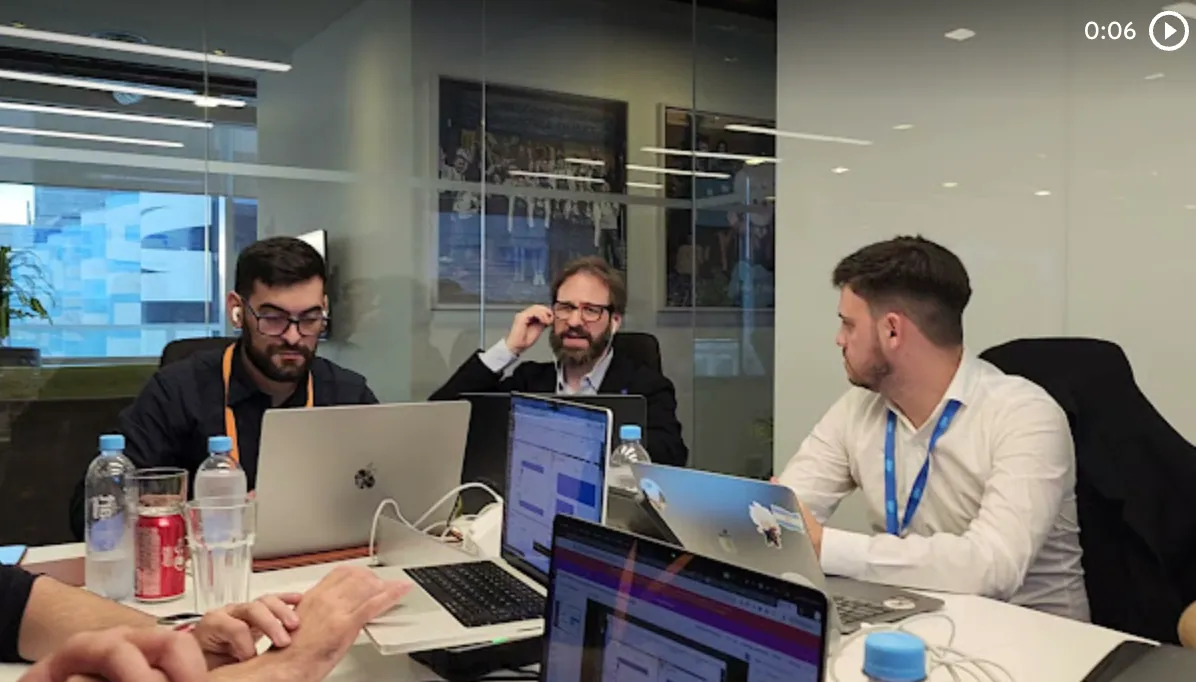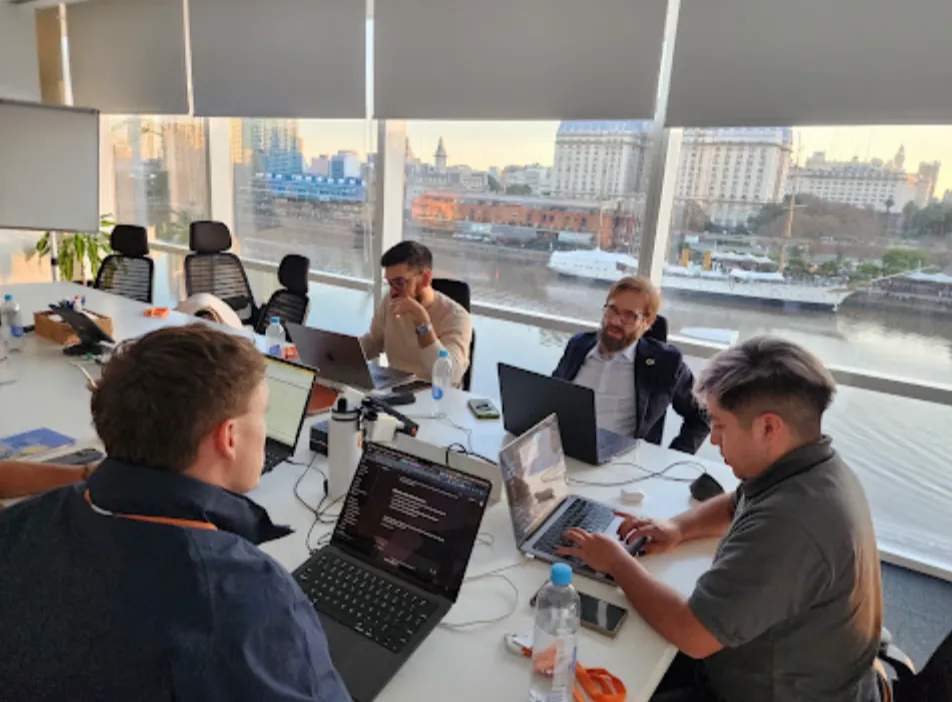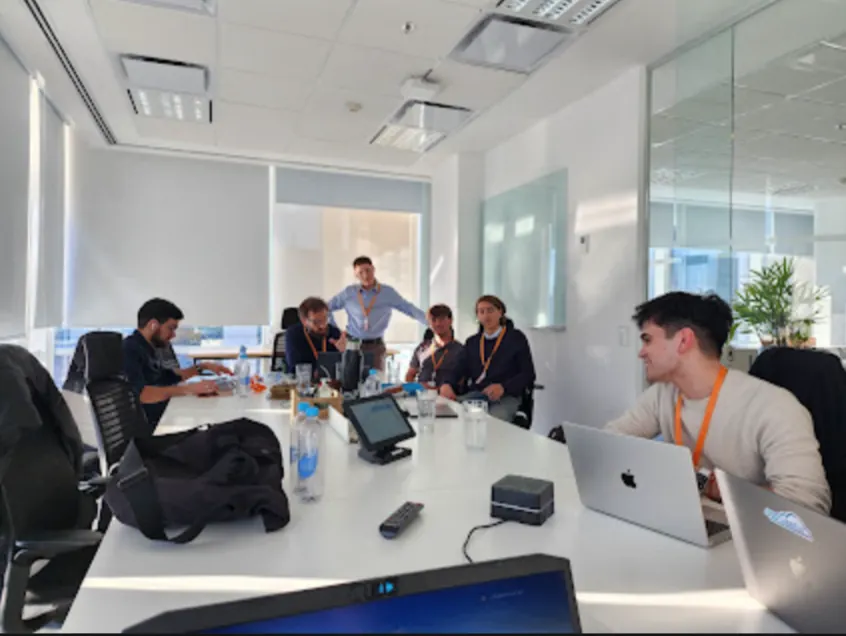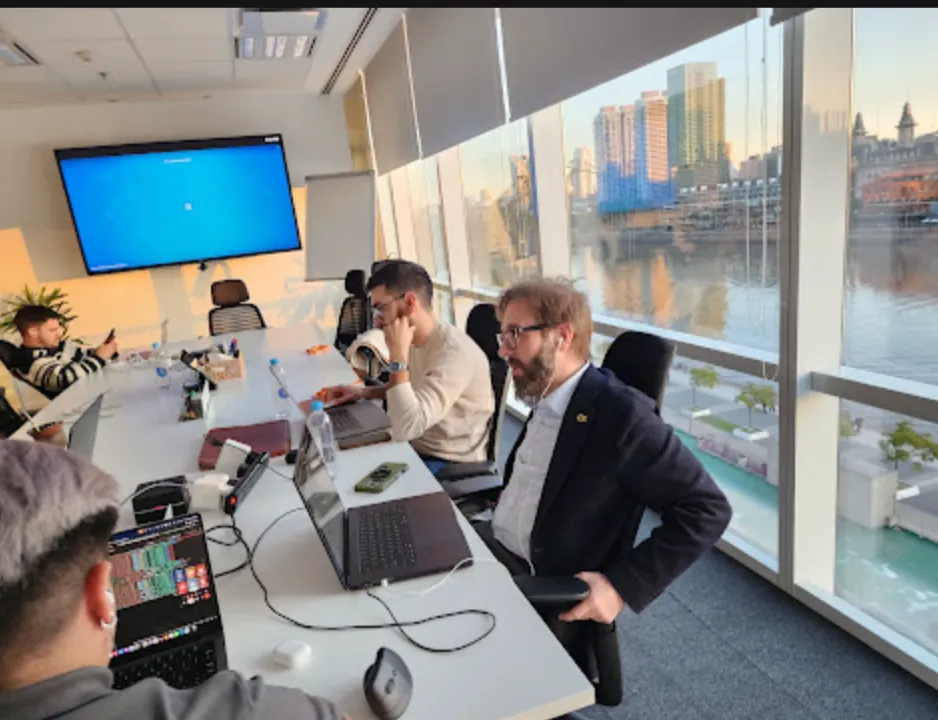

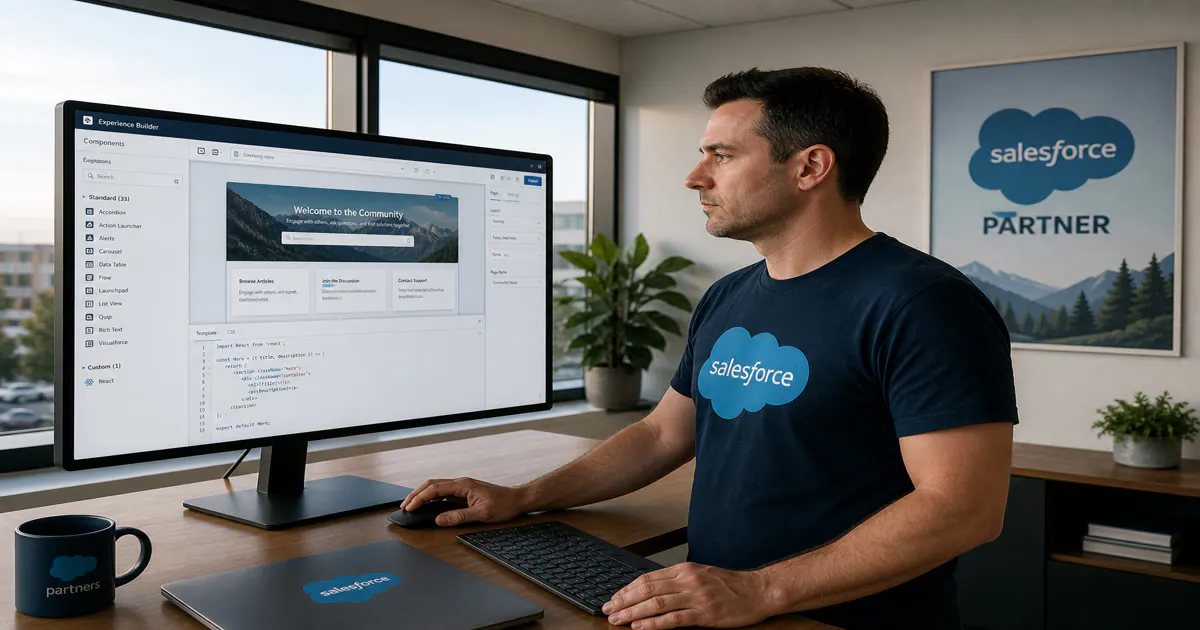
In August, the Vantegrate team recorded a masterclass built around one specific question. Can you put React inside Experience Cloud and have it run on Salesforce's servers?
The answer is yes, and it's not a lab trick. The class was filmed on August 20 and you can watch it in full on YouTube.
The original title played on two meanings of Aura. On one hand, it was Salesforce's old component framework. On the other, "farming aura" means looking good doing something that until recently seemed impossible.
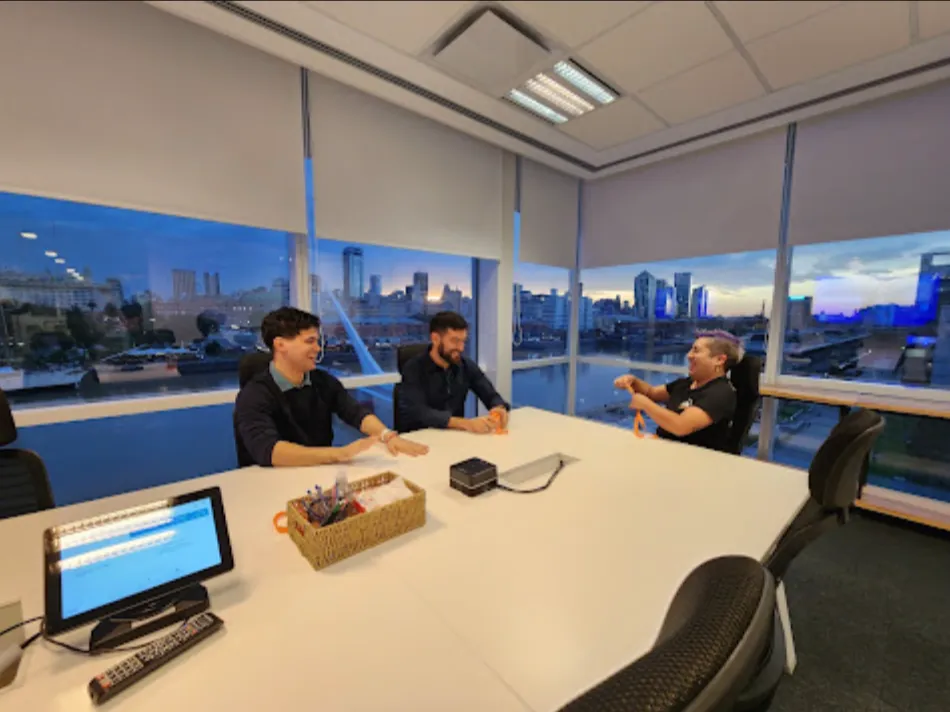
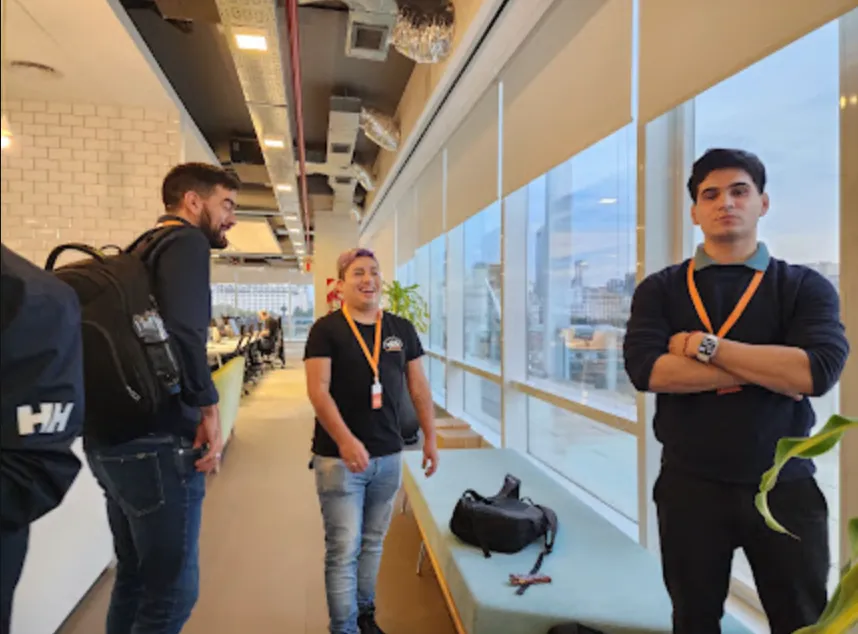
Architects Francisco Morales and Josué Mendoza (with Esti on the templates section) tested it in a real org. The Vantegrate team got it running and showed it step by step.
What Experience Cloud is (no mystery)
Think of Salesforce as an internal building. Whoever sells, whoever provides support and whoever operates gets in with a key.
Experience Cloud is the outside door of that building. It's the way to publish a portal for people who don't work at your company.
Those people can be a customer, a partner, a supplier or an outsourced technician. They sign in, see only what you enable for them and work on the same records.
Without this product, you would have to build a separate site. Then you would have to invent login, permissions, screens and integration so the data flows back and forth.
Experience Cloud was born more than a decade ago under another name (Community Cloud, and before that as customer and partner portals). In its early years it was clunky (slow, rigid, hard to look at).
Several years ago it stabilized. Recently, with the Headless 360 opening and multi-framework support, the product became interesting again.
Why it hurts less than a portal built from scratch
The advantage isn't "having a website." The advantage is not reinventing three layers that already exist.
First layer: objects, fields and automations. A Flow, a Lightning Web Component, an Apex class or even an Agentforce agent can be published externally.
Second layer: the Experience Builder. It's a drag-and-drop canvas (similar to building a page with blocks) where you assemble layouts, flows and components.
Third layer (the one that weighs the most): security that's already solved. Profiles, Permission Sets, sharing rules and object security travel with the portal.
What a Flow respects inside, it respects outside. What a profile can't see in the org shouldn't be visible on the site.
Compare that with an external site that you have to build, audit and maintain. Every new permission is a ticket and every new object is another integration.
If your team already lives in the Salesforce CRM, the portal isn't another system. It's the same org with a different face.
What it's used for (cases that were shown)
Customer self-service
The classic case is a portal where customers help themselves. They sign in, see their own information and complete a request without calling an agent.
In insurance, that meant viewing policies, filing a claim or changing a payment method. The CRM remains the source, and the customer stops emailing for what's already in the record.
In healthcare the pattern is the same. Doctor directory, coverage, booking appointments and checking appointments already scheduled.
The most repeated use (the one almost every org ends up touching) is the case portal. Someone signs in, submits a complaint and follows its status.
Partners, franchises and B2B orders
A partner isn't an employee. They still need to enter opportunities, view documents and follow a sales process.
Salesforce uses that idea for its own partner network. You can use the same idea for franchises, resellers or a B2B SaaS network.
In automotive the example is crystal clear: the brand has the sales process in Salesforce. The one who sells the car is the dealership in each province, which is not the same company.
The portal segments customers and negotiations so each dealership sees only its own. You don't have to clone the CRM: you have to open the right door.
B2B order portals follow that logic, with more rules. Each buying company can have its own lists, prices and terms.
Field Service, contractors and public sites
If you have outsourced technicians, Field Service relies on Experience Cloud. Contractors sign in to the portal, pick up work and don't need a classic internal license.
Then there are public sites or microsites. Campaign landing pages, event registration, a URL that shows a QR code based on a parameter.
That last one is powerful and delicate. You can publish something without assigning a license, and you can also publish too much.
What you shouldn't do (even if it's cheaper)
Shortcuts came up in the class. Some lasted for years and none of them holds up in an audit.
The first: using community licenses for the internal sales process because they're "cheaper." Dozens of sharing rules get built and buying the internal seat is avoided.
The second: a public site with a component that receives parameters through the URL. The person "approves" or "views stock" without logging in.
The third: a public site that looks "well done" to the user but is insecure behind the scenes. It shows stock, orders or other sensitive data to anyone who has the link.
The temptation exists for one reason only. Experience Cloud is designed to be cheaper than an internal license.
How it's licensed (by name, or by login)
Salesforce charges in two main ways. Named user or login bundle.
A named user is a license with a first and last name. That person signs in as many times as they want and you pay for that person, month after month.
Login licensing follows a different logic: you pay for a volume of logins to the portal, no matter who comes in. It works when there is a huge mass of people who may never log in.
There are three product worlds. Customer (customers and cases), Partner (opportunities, campaigns, sales) and External app or guest user (more open sites, sometimes mixed with other clouds).
Partner licenses tend to be the most expensive because they give access to more sales objects. It makes sense: they are closer to an internal user.
Within customer community there are tiers, from Commerce Portal (which in certain contracts includes no-cost users) to Customer Community Plus. Plus lets you create and manage reports and dashboards, not just consume them.
Self-registration also exists: the person creates their own account on the portal and gets a standard profile. If they need more permissions, you configure them later (or with logic).
Recently, in specific contracts and through some partners, the login model has also started to show up for internal users. The idea is to mix daily seats with people who log in once a month.
Enabling Digital Experiences does not require a license, but assigning users does. That difference is exactly where the ugly shortcuts begin.
If you want to see what a well-built portal looks like on top of your org, request a demo. It helps more than a slide clipping.
Aura, LWR and React: three paths, not a replacement
Here is where the "farming" kicks in. Not every portal needs React, and most don't.
For years the path was Aura. Aura is a Salesforce-proprietary framework, with its own tags, its own lifecycle and its own way of talking to the server.
A fun fact from the session: when LWC arrived in communities, some loading components didn't work. The official recipe was to put an Aura component inside an LWC (painful, and real).
Then came LWR sites (Lightning Web Runtime). They were born more stripped down, accept Lightning Web Components and use the same runtime Salesforce uses for its own documentation.
LWR demands more customization. In exchange, the customer refines the page the way they want, with less rigid templating.
The Builder with Salesforce templates is still the first stop. Point and click, out-of-the-box components, Flows.
If that is not enough, the next step up is Lightning Web Components. It is the native path for anyone who already works on the platform.
Multi-framework only comes in when the Builder and LWC fall short (or when the team already has React in hand).
It is not a paradigm that replaces the others. It is a valve for a specific case (a very custom screen, a product that already exists, a team that comes from the web world and does not want to rewrite everything in LWC).
That is the underlying thesis. Salesforce democratizes developer entry so that a team that doesn't know LWC doesn't go to another vendor.
Salesforce developers don't disappear. Profiles that used to be left out of the ecosystem are added.
How they put React inside an Experience Site
The demo was deliberately guided. Francisco built a step-by-step guide (with help from a model) and followed it in a clean org.
The result was not a mock on a laptop. It was a React component published on Salesforce servers.
What has to be turned on in the org
The prerequisite that comes up most is Hyperforce. It is Salesforce's modern infrastructure (the org running on public cloud, not on an old setup).
In Company Information they check it by the format of the Instance ID. If you see a pattern of letters plus a number, you're fine.
Then they enable Digital Experiences. The switch exists even if you haven't bought community licenses yet.
Next, multi-framework. In new orgs it usually comes turned on, and in others you have to activate it by hand.
My Domain and the Network configuration complete the baseline. Without them, the site has no address of its own inside the org.
A packaging detail: this does not get packaged like a classic package. If the plan was to build it once and sell it on AppExchange, this path is not that product.
How React talks to data (without @wire)
The real difference isn't the nice-looking button. It is how the component requests information.
In LWC, the reflex is @wire against Apex or an adapter. In React inside Salesforce, that reflex doesn't apply.
The bridge is an official SDK. From React you query data with GraphQL (and Apex when needed).
GraphQL is easy to explain. Instead of building three services ("give me accounts", "give me contacts", "give me these fields"), you ask one tree-shaped question and the server answers exactly that.
Salesforce publishes ready-made recipes. The first deploy of the session was a simple component: you enter an account name, it searches the org and displays it.
That recipe works as a template. Afterward they replicated a Lightning Web Component they already had, file by file, but in React.
So the code assistant wouldn't "think in LWC", they loaded different rules. No wire: yes to GraphQL and the SDK.
They also added (optionally) the Salesforce DX MCP in Cursor. It is not mandatory, and it helps the agent query the org without inventing commands.
They worked in a clean folder. Two commands create the React component structure and the Digital Experience configuration.
Locally they started Vite and viewed the component like any web app. Vite is the development server that reloads the screen every time you change a file.
The step that matters is the deploy to the org. There the site appears in All Sites, gets activated, and React starts running inside Experience Cloud.
Josué showed another site. Behind it there was no disguised LWC, but pure React: components calling components, state, interactions.
They even built an interactive landing page for Trazzo (the team's visual planning product) in less than an hour. The agent installed dependencies, connected the org, and published.
That's the "aura." It's not magic: it's a stack the market already knows, running where the data lives.
Guest user, permissions, and the part you don't see in the demo
Making it public is one checkbox. It's not a security shortcut.
When the deploy creates the site, they activate it and enable the guest user in preferences. That profile is the visitor without a login.
If the component touches Accounts or Products, you have to grant access to that profile. Security here is the same as always: object security, field security, sharing.
If there are logged-in users, the SDK exposes methods to find out who they are. In the demo, to move fast, the component started out mocked and public.
A typical Experience site is made public with one admin checkbox. This path can also have login: public is a choice, not a destination.
The rule is simple: the framework changed. The permission model did not.
Think of the guest as someone walking into the lobby of a building. They see the sign, and they shouldn't see the payroll file.
Agents, Cursor, and Agentforce Vibes
The class wasn't run "by hand in the terminal" like half a decade ago. Francisco asked the agent to run each command.
Agentforce Vibes includes an option to create React sites out of the box. At Dreamforce there was a booth showing it: two or three prompts, a sales portal, code appearing live.
The message for the AI agents team is twofold. They can move very fast, and they can build a mess just as fast.
Use the agent for scaffolding, deploys, and translating an LWC to React. Don't ask it to invent the licensing model.
What you take away (and what to do on Monday)
Start with the use case, not the framework. A case portal, a dealership, a contractor, or a public landing page don't call for the same recipe.
Then choose a license honestly (named user or login, Customer or partner). Guest only when the content can truly be public.
Third step: Builder and LWC. If that gets you there, stop there; React comes in when a screen falls outside what Builder can do or a team already brings its own code.
If you go with React, verify Hyperforce, Digital Experiences, and multi-framework. Clone a recipe, swap the data bridge, deploy, and only then customize.
The SDK doesn't forgive a wrongly granted permission. It respects it, and that's good news.
The August 20 masterclass isn't selling a trendy framework. It shows that Salesforce opened the portal's door to the way the world already builds interfaces.
Aura still exists and LWR is still the native path. React can now live under the same roof.
That, if you use it well, is the aura. If you use it to save on licenses, it's the shortcut we've already seen (and one you shouldn't repeat).