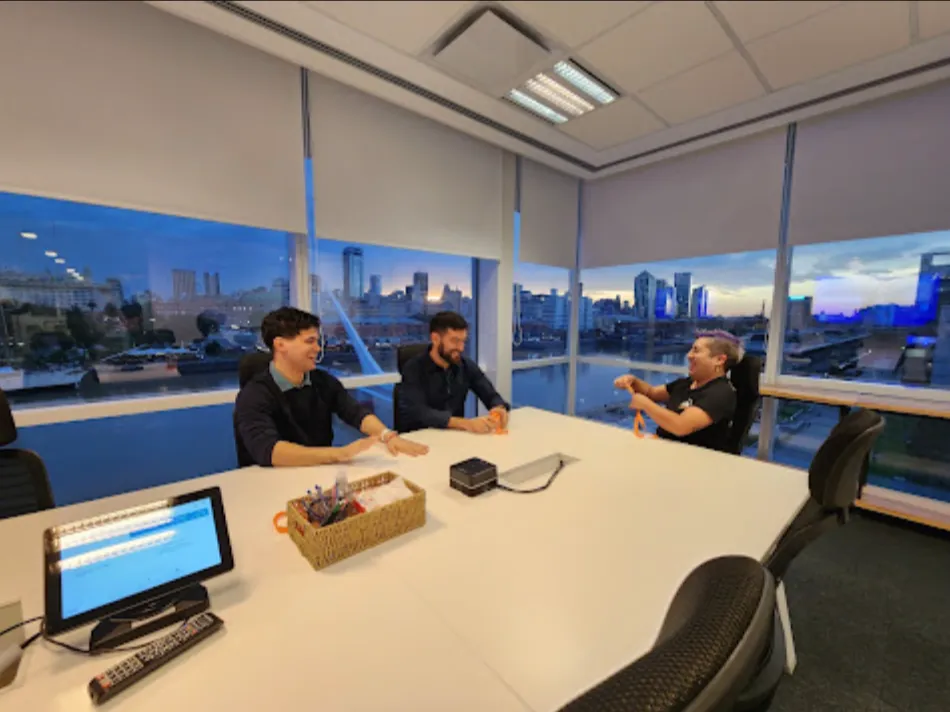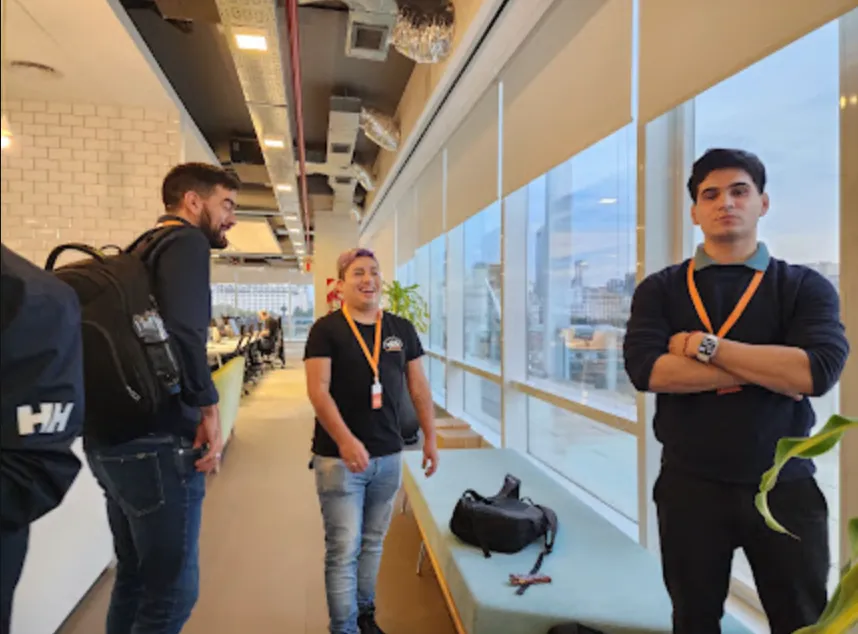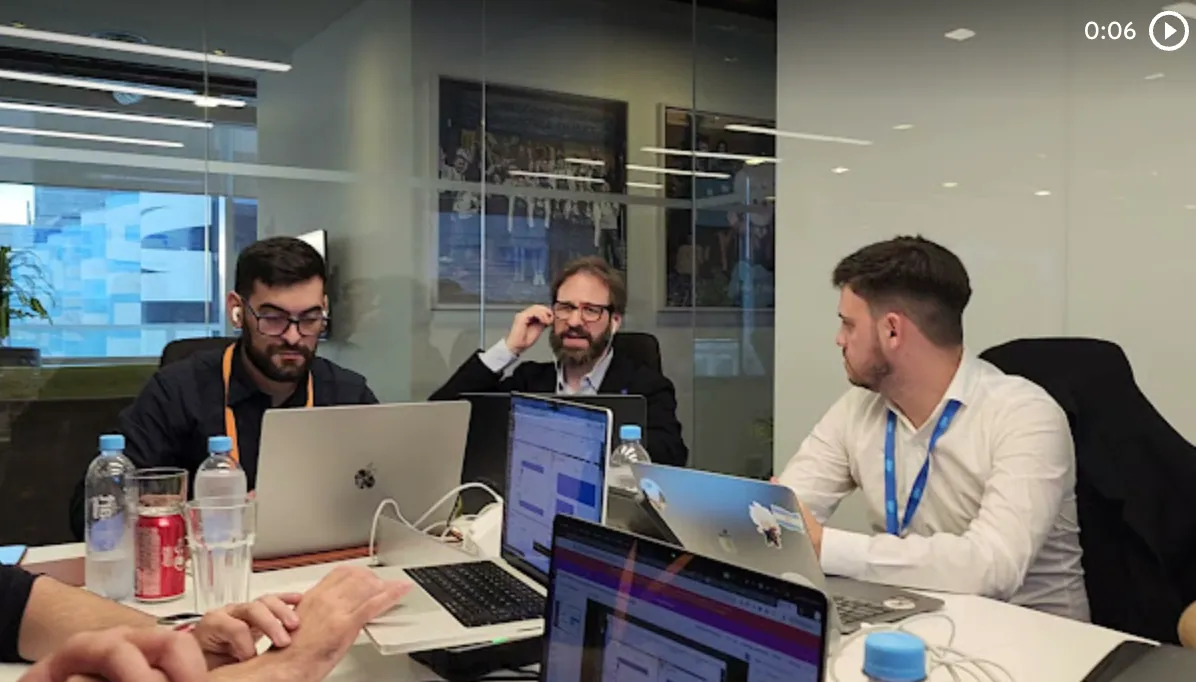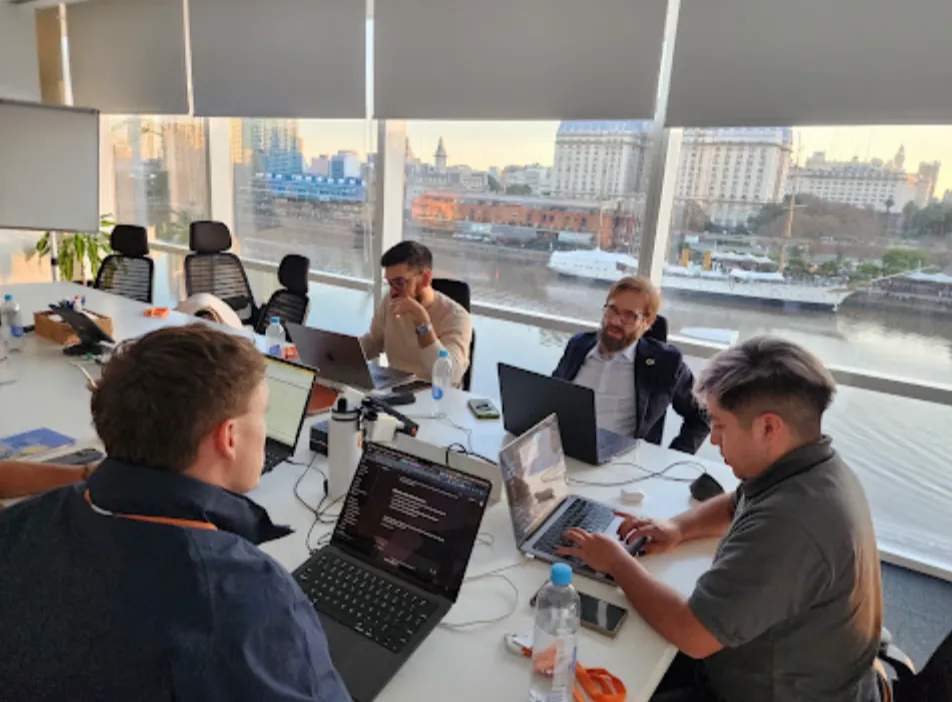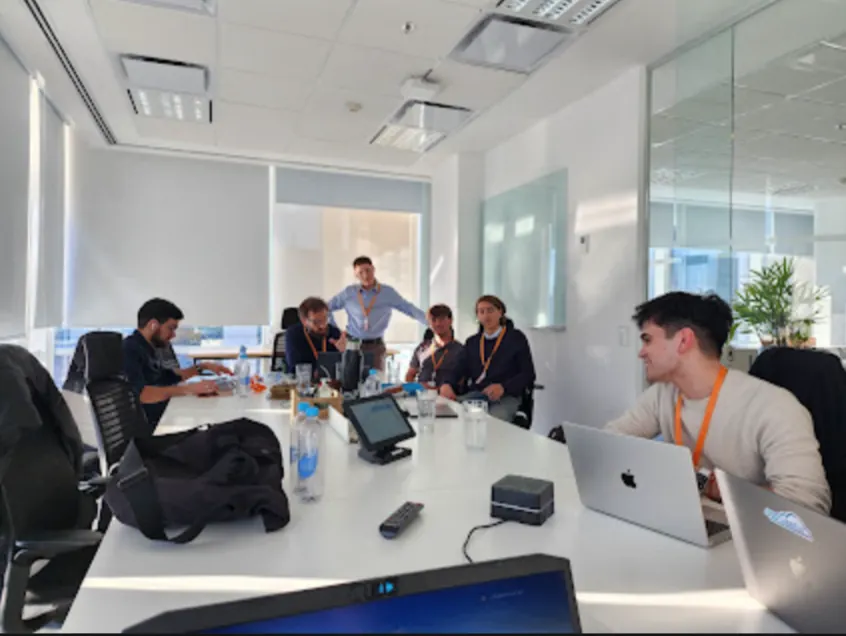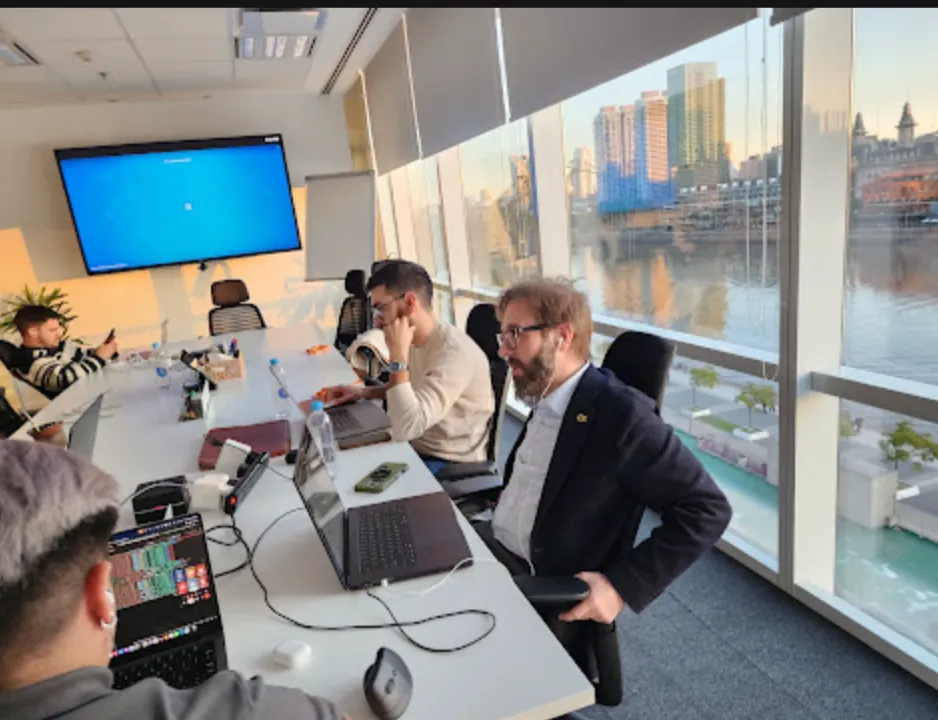

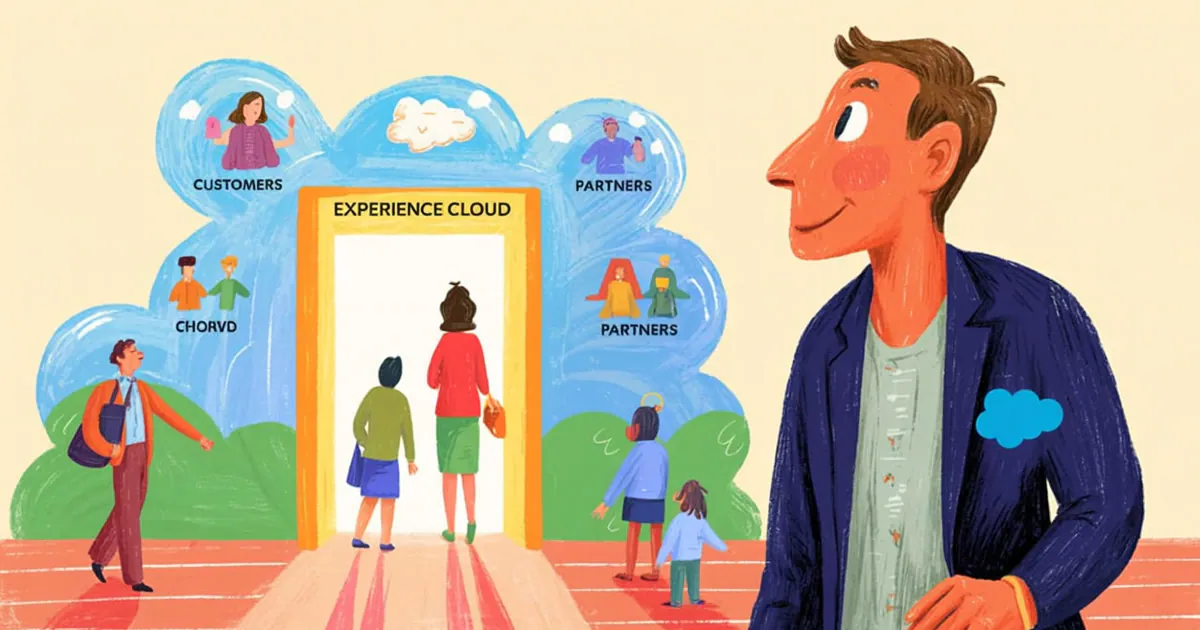
On January 22, Vantegrate recorded a Thursday masterclass about a product that changes names faster than Setup. Experience Cloud (formerly Community Cloud, now also Digital Experiences) is not a decorative site: it is the front door of your org.
The full class is on YouTube. Juan Manuel Garrido (JuanMa) led it with Josué Mendoza (Josu), Francisco Morales (Fran) and Esteban Morales (Esti), with a surprise visit from Daniel M
ark.
The Vantegrate team made it clear from the start. Today you will see what a site is, how it is created, how it is managed, and why most problems live in Settings.
This was part 1 of 2. The promise: understand the full map before playing around in the Builder.
What Experience Cloud is (without the cheat sheet of names)
Josu started with the question nobody asks properly. What is Experience Cloud if it is no longer called Community?
It is a Salesforce cloud for building digital experiences aimed at people who are not internal users of your CRM. It extends the org's information and functionality without handing them a standard license.
The example in the class is home banking. You are a bank: you have customers, accounts, cards and a whole world inside Salesforce.
You don't give them access to the native User Interface. You build them a portal where each person logs in with their own username and sees only their own data.
Experience Cloud solves that pattern. Cases, opportunities, knowledge, custom objects: whatever you enable, with the scope you define.
JuanMa summed it up with some history. It was born a very long time ago as a customer (and partner) portal, and today, in Setup, you find it as Digital Experiences.
Fran added a naming warning. Salesforce changes names so often that even internally they keep a cheat sheet with twenty aliases for the same product.
For this article, let's say site. Portal, community or Digital Experience: in practice it is the site you publish for the outside world.
Why you don't give every customer a Sales Cloud license
Josu went straight to the wallet. Experience Cloud licenses are overwhelmingly cheaper than standard Salesforce licenses.
Fran brought the real negotiation down to earth: the price per user per month of an Experience license is not fixed, it depends on your agreement with Salesforce (and sometimes it drops quite a bit).
There is also (or there was, under another name) a Community Plus type of variant that enables reports and dashboards. There the portal stops being only self-service and adds a bit of business intelligence.
There are two classic ways to buy. One is by named license (a pool of users who sign up or whom you create).
The other is by login: you buy a quota of monthly logins. It works when the volume of people is huge (think of a bank again) and it makes no sense to name every visitor.
Fran pointed out the contractual limit that many people ignore. You cannot use Digital Experience licenses for direct employees of the organization.
Salesforce wants to prevent Experience from cannibalizing Sales Cloud or Service Cloud. If the shortcut shows up in an audit, it gets complicated.
Fran and JuanMa also clarified the product scope. Experience targets self-service, reseller portals and business partners.
It is not designed as pure e-commerce. To build an end-to-end sales portal, Salesforce has Commerce Cloud (or whatever name it has that week).
If your team lives in the Salesforce CRM, the site is not another invented system. It is the same org with a different face and a different license.
A well-built site (and why sometimes you can't tell)
JuanMa made a street-level observation. Browsing the page of a top-tier company, sometimes you realize that Force is behind it from the URL or from an animation detail.
The power of Digital Experiences is the look and feel. You can customize the style until the portal blends into the rest of the brand's website.
If the design is well done, the visitor doesn't think "I'm in a community." They think "I'm in my supplier's portal."
That doesn't mean one mold for everyone. Josu explained granularity with two paths.
You can have a single community and change landing pages by profile. Or you can split into separate sites according to the work each audience does.
The healthcare example in the class is crystal clear. One Experience for the patient to self-manage their information.
Another Experience for the professional to manage their appointment schedule (available / unavailable). It all converges in the same CRM.
That logic applies to entire industries: insurance, healthcare, B2B partners, after-sales. The pattern is the same; what changes is who logs in and what they see.
Real cases: brokers, partners and Agentforce in the portal
They had a surprise guest: Daniel Mark (Nespon Solutions, Summit Partner). They took the chance to talk about serious implementations, not brochure demos.
Daniel shared a recent case in Mexico. A cargo transport insurer opens its Experience to brokers (the typical channel in the industry).
From the portal they issue policies, report claims and check terms without friction. They log in, work and get back to business.
They also added a dose of Agentforce. Instead of filtering by trial and error, the broker asks in conversation and the agent saves clicks.
The class also reviewed why Experience and Agentforce work well together. A help center with Knowledge, plus an agent that answers, is the combo Salesforce sells (and one that already shows up in real projects).
Daniel added other cases from his practice (Field Service, call center, WhatsApp as an omnipresent channel). The thread for this masterclass was clear: the partner and channel portal is one of the strongest uses of Experience Cloud.
If you want to see the tone of these classes, you can find the material from the series in Pulse and in resources.
Creating the site: Digital Experiences, Sites and My Domain
JuanMa shared his screen on a real org. A Setup recommendation that hurts, but it's true: don't use Salesforce in Spanish.
The mapping between the English UI and the Spanish UI is not exact. It ends up being more confusing than learning three terms.
In Quick Find you type something like Digital Experiences and go into Sites (All Sites). CMS (Content Management System) exists and is powerful; they didn't touch it in this class.
Before creating anything, one almost forgotten requirement: you need My Domain. Without it, communities / experiences don't spin up properly.
There are still orgs without My Domain. It sounds impossible, but in the class they flagged it as a real field finding.
Then comes the click on New. The templates menu appears and that's where the fun mess starts.
Templates: Help Center, Customer Portal and building from scratch
JuanMa toned the enthusiasm down a notch. The template you choose changes the starting functionality.
You have a microsite or the option to build from scratch. You also have the famous help center.
In a Help Center you expose Knowledge (maintenance, care and repair articles) and, if needed, cases. After-sales support stops living on the phone alone.
You can also put Agentforce in there. Customers ask, it answers, and the portal stops being a PDF with CSS.
Then comes the Customer Account Portal (designed more for end consumers, like home banking). There are customer service variants and more blueprints.
Aura, LWR and the "bare" template
Esti answered the difference everyone mixes up. Aura is the earlier technology (old sites, Aura components, a look that already feels like another era).
LWR (Lightning Web Runtime) is the same "from scratch" site idea, but with Lightning Web Components. Top-of-the-line technology, more modern, more custom development.
The other templates are pre-built: a blueprint with pages, tabs and components ready to go. You adapt it; you don't invent the case bar from scratch.
Fran and Josu said it without drama. Starting from scratch gives you control; starting with Customer Service gives you speed.
In the demo they chose Customer Service, gave it a test name and created the site. The starting point was ready.
For those who build components, the natural path continues in Salesforce developers. Here the focus was the product map, not LWC pixel by pixel.
Administration vs Builder (two interfaces, one site)
JuanMa insisted on an idea that prevents confusion. Managing a site involves two interfaces.
One is Administration: the site's general panel (URL, members, emails, preferences, activation). The other is Builder: where you build the site itself.
Practical recommendation from the class: duplicate the browser tab. Keep Administration in one and open Build in the other.
Josu gave the rule that hurts. Most of the problems in Experiences get ruined in Settings.
URL, Activate and the public site
In Settings you'll find the site's URL inside the org's domain. It's the link you later hand to users (or the one you hang behind your own domain like www.mipagina.com).
As long as the site is not Active, nobody gets in (except you as admin, to test). If you ever take the portal down, you deactivate it and that's it.
Josu dropped the phrase JuanMa asked everyone to tattoo. Public site: you can configure the site so it doesn't ask for credentials.
That opens a huge range of options (and also risks). They go deeper in part 2; in this class it was left as a seed.
You can also require registration. The visitor has no credentials, signs up, and you control the onboarding.
On portal security, the class was explicit without being alarmist. Public is not a synonym for "I'm opening up the whole org".
Members: contacts, partners and who gets in
In Members you define who is part of the site. Not every user in the org is a portal member.
External users of a site are created from a Contact. Access management is done from the contact's record page.
You also enable certain accounts as partner so those contacts can sign in. The mental model is not "I create a cheap internal User": it's "I extend the CRM outward".
JuanMa gave the spoiler for the series. This masterclass is 1 of 2; in the next one they close out the complete build cycle.
Login branding, copyright and overwhelming emails
In the login appearance you can add the company's logo (or a subdivision's). You change background colors, the visual typography of the form and the copyright text.
In the demo they showed it live: a color change, Save, and the login transforms. You don't need a front-end developer for the first adjustment.
Then come the email templates. When someone registers or when you create an external user from the contact, Salesforce sends emails.
JuanMa left a strong best practice. Don't activate the site's welcome message carelessly if the org has several Experiences.
Why? Because if someone adds an internal profile as a member "to test", or if you create users in an org with many sites, the person receives one email for each Experience.
He told of an audit at a client with several sites: he requested a test user in production and received the standard Salesforce email plus six additional emails. Confusing and overwhelming.
The twofold recommendation was clear. Watch who gets into Members, and look after your emails (forgot password, password change, welcome).
In its own projects, the Vantegrate team automates external user onboarding with a Flow. Email, activation and done, without fighting the native interface every time.
That connects with how they quote the work. If you are building the portal with a partner, check pricing and ask for a demo with the real scope (licenses, sites, emails and Builder).
The Builder: pages, theme and components (a preview of part 2)
Before wrapping up, JuanMa opened the Builder to lay the groundwork. Four areas you need to recognize by heart.
Settings (yes, more settings), page structure, theme and components. The next class reviews the Builder Settings in detail.
A site is made of pages. They are not loose HTML files like in WordPress: they are pages with special Experience behavior.
In the structure you see the header, the footer and the layout. If you change the footer, that change propagates to the pages of the site.
In theme you change the entire theme, colors, images, logo, header and even fonts if you want to be meticulous.
The components are the LEGO bricks. You drag them onto the page, similar to building a Lightning page, with their own tips that are left for next Thursday.
Josu assigned the homework. In a sandbox or developer org, create a Community today and play around a bit.
That way part 2 does not arrive fuzzy. You will recognize the Builder, you will have broken something small and you will arrive with good questions.
Esti closed with humor: she was left curious to see a finished page. That was saved for the next one, along with a (confessed) desire to put Agentforce inside the Experience.
Vantegrate is a current partner of Salesforce and of Oracle. That does not replace practicing in the org: you learn the product by clicking with judgment.
If you later measure adoption of the portal or the channel, that is another layer. First the site has to exist, be activated and not send six welcome emails.
Class map (so you do not get lost in Setup)
If you take away just one route sheet, make it this one.
1. Experience Cloud = Digital Experiences = a site for people outside the company.
2. Cheaper licenses, named or per login, with a contractual limit relative to employees.
3. Templates (Help Center, Customer Account Portal, Customer Service) versus Aura / LWR from scratch.
4. My Domain is mandatory; Sites in Setup; Administration and Builder as two separate worlds.
5. Settings, Members, branding and emails: that is where the portal breaks or gets saved.
6. Builder (pages, theme, components) stays as a bridge to masterclass 2 of 2.
The recording from January 22 is on YouTube. Open it with Setup next to it, create the test site and come back to this article when Settings throws you the first weird error.
The customer and partner portal is not marketing magic. It is the same Salesforce org, with another door, another license and a lot of Settings ahead.