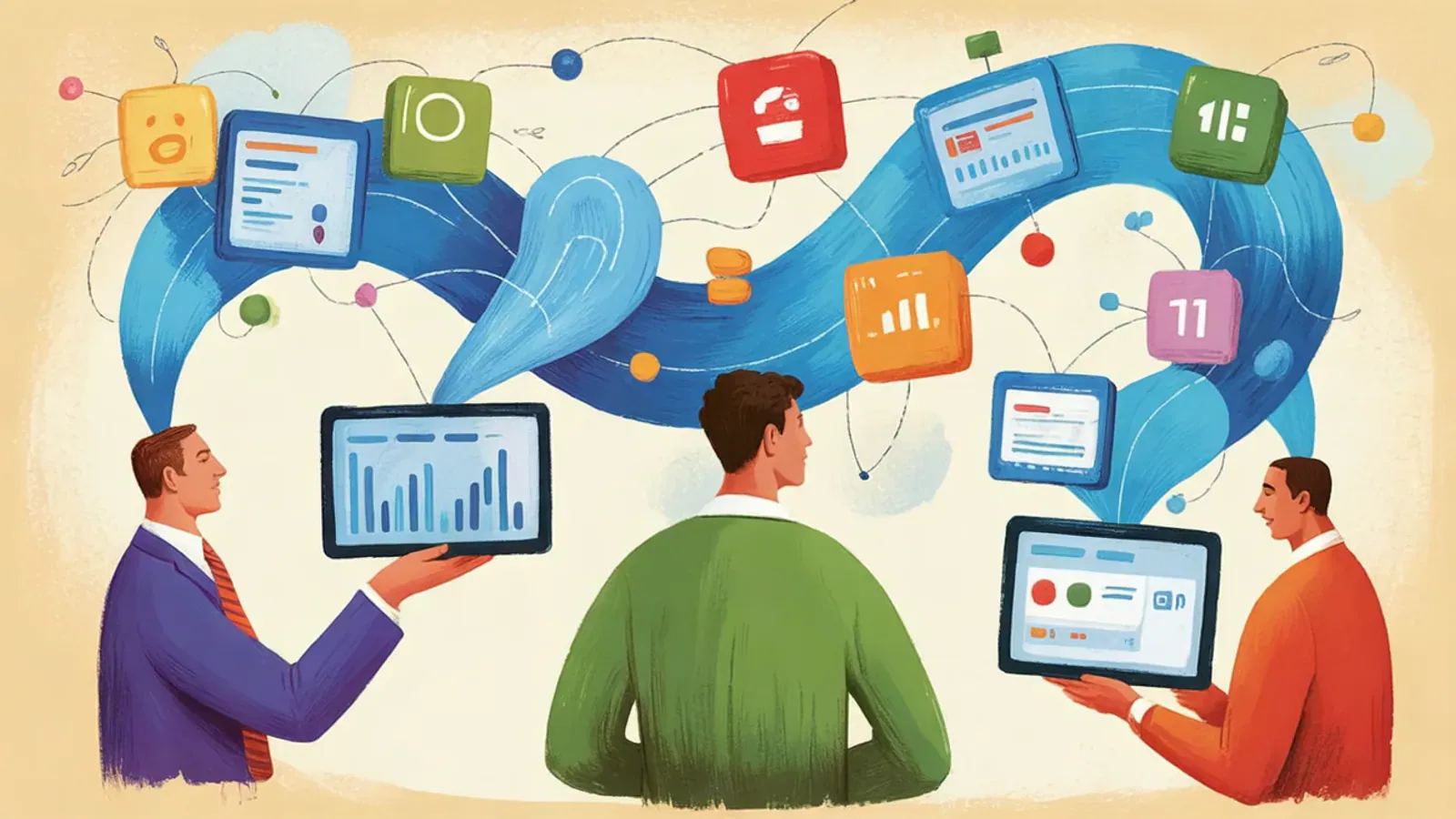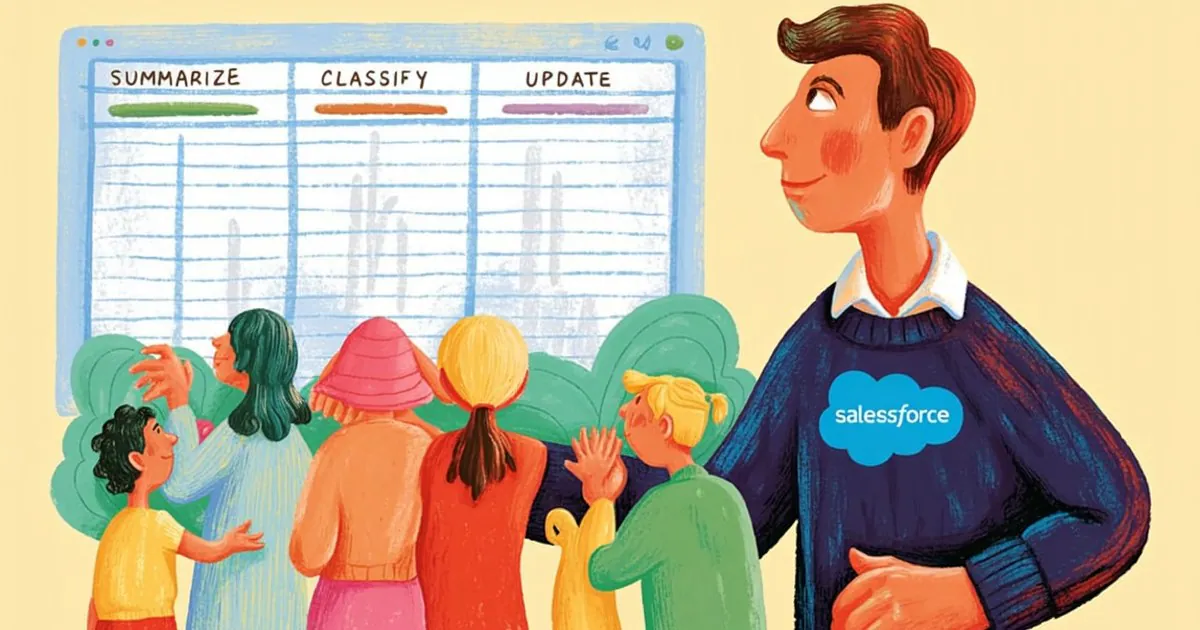

On February 5, Vantegrate recorded a Thursday masterclass on a product that changes its name almost as often as Experience. Data 360 (formerly Data Cloud) is not "just another connector": it is the layer that brings silos together, harmonizes people and feeds Agentforce.
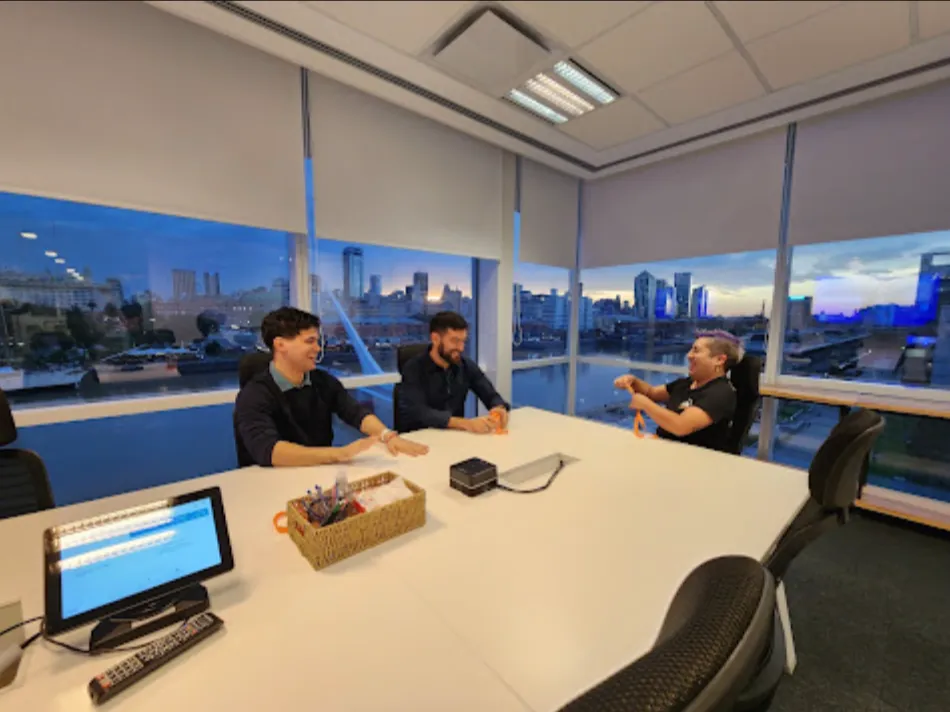
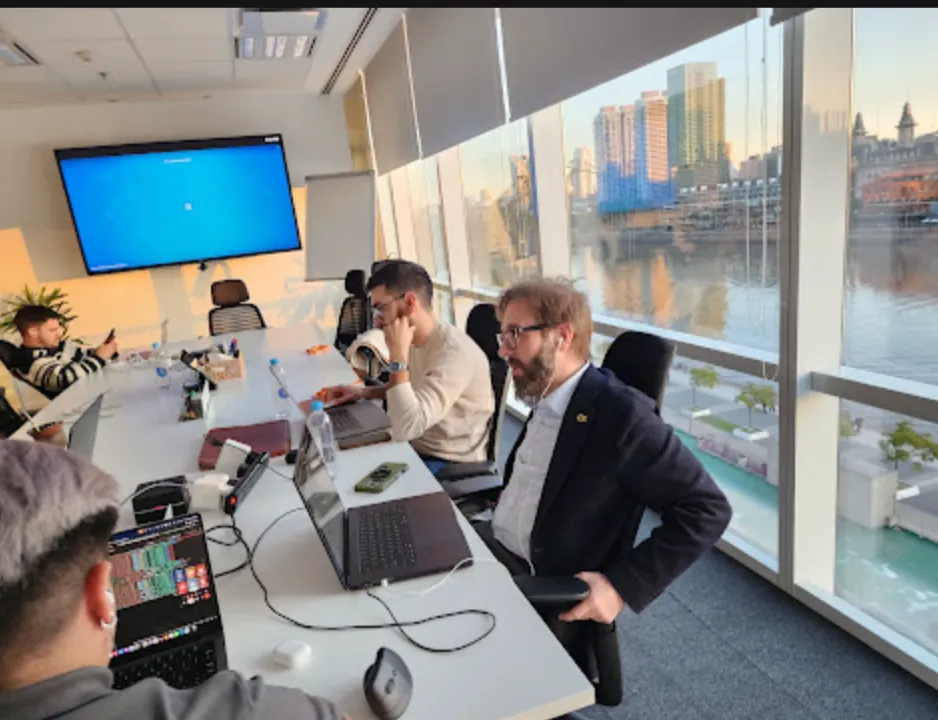
The full class is on YouTube. Juan Manuel Garrido (JuanMa) led it with Francisco Morales (Fran), Josué Mendoza (Josu) and Esteban Morales (Esti) on top of a concept map (and a few screens).
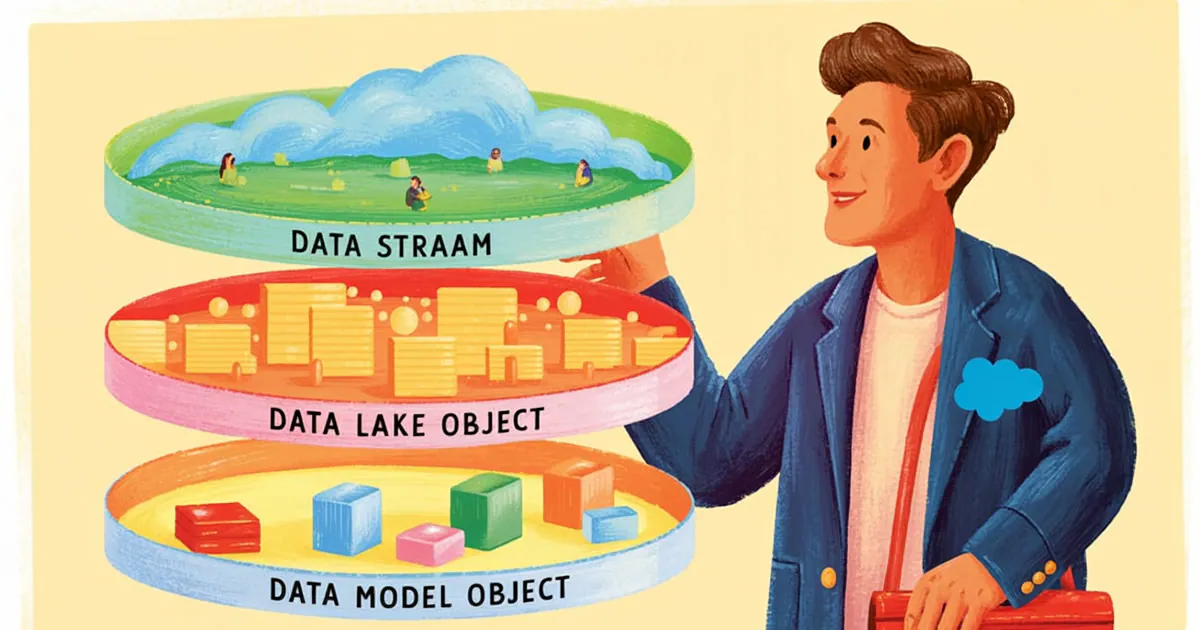
The Vantegrate team made it clear from the start. You will understand what Data 360 actually is, what it is for, how it is priced and what Data Stream, Data Lake Object and Data Model Object mean.
Fran's promise was conceptual, not an endless click-by-click walkthrough. If you understand the name of each tool in the box, configuring it later is a much shorter path.
The problem Data 360 comes to solve
Fran started with the Salesforce pitch (and flagged it as such). In the enterprise segment there are hundreds of applications disconnected from one another.
That translates into data silos. You have information that is useful for a specific case, but you cannot cross it with the rest of the company.
JuanMa and Fran opened the debate that hurts the most. The front end is built in minutes; what is critical is where the information lives and how well organized it is.
The same happens with AI agents. Building the agent is relatively fast; the differentiator is the right context at the right moment.
This is where Salesforce has an edge. If you already live in the Salesforce CRM, Data 360 is not a loose data lake: it is infrastructure designed for the ecosystem.
Fran compared it with products like AWS or Google Cloud. They store volume, yes, but here the plus is being plugged in to Flow, the customer record and Agentforce without building the bridge by hand every time.
A history of names (without the calendar mess)
JuanMa told the timeline like someone who lived it up close. Almost a decade ago Salesforce bought Krux, a piece heavily oriented toward interpreting advertising campaign data.
Then the focus widened. Customer 360 appeared as a CDP: a customer data platform to unify people when the company is not 100% Salesforce from end to end.
In practice almost nobody is. You have Salesforce, and also SAP, Oracle, payments, e-commerce or communities on other technologies.
More rebrandings followed. Salesforce CDP, then Genie, then Data Cloud and, finally, Data 360.
Fran said it without drama. The product may well have another name by the time the masterclass ends; the content has to refer to the product, not to the sticker of the week.
JuanMa shared an inside anecdote from Salesforce employees. There are so many name changes that internally they keep a mapping document to know what each customer bought.
His hypothesis (flagged as opinion) is about the market. A public company generates hype with new names; for the day-to-day professional, it sometimes leaves disorientation.
Josu threw out a funny theory from the chat. The name does not sell, which is why it keeps changing; the team took it with humor and moved on to the useful part.
What Data 360 is (beyond the rebranding)
Fran gave the operational definition. Data 360 is a super database that integrates the sources you want to connect to it and processes them into a canonical base that the CRM (and Agentforce) can understand.
First feature: multi-source ingestion. Structured and unstructured; connectors, files, non-relational databases, whatever it takes.
Second: it harmonizes and unifies. It does not leave raw data lying around: it brings it into a canonical format.
Third: it segments. If you unify e-commerce with the CRM, you can build a segment like "bought flip-flops in Jujuy" and trigger marketing or a flow with Agentforce.
Fourth: it feeds the AI. The more context the agent has at the right moment, the better it responds.
The volume capacity is in another league. Fran talked about massive real-time processing; that is why "a few connectors and done" is not enough.
It also competes in the data lakehouse conversation. BigQuery, Databricks and Redshift exist; the advantage of Data 360 is that it is already integrated into the Salesforce ecosystem.
From the chat, someone asked whether it competes against Snowflake. The class answered in terms of integration: you can connect Snowflake (or another lake) and use it inside the Salesforce flow, with no need to fight to the death.
Zero copy: ingest without storing (when it applies)
A spicy question came in from the chat. What is the difference between ingestion and storage?
Fran used a food analogy. Ingesting is chewing and using; storing is processing and saving in a database.
Data 360 has zero copy: it can consume information from another system without copying it to its own storage. It does not mean "it never stores anything"; it is a powerful option when you do not want to duplicate the entire lake.
Pricing: Foundations, credits, storage and add-ons
JuanMa (self-proclaimed master of the pricing) showed a simplified version of the scheme. He clarified that in real life it is even more complex.
If you have the Enterprise edition, Salesforce Foundations can give you access to Data 360 without buying the product on its own. It is not unlimited: after that come credits, storage and add-ons.
Credits live in a wallet. They are used to process data, run jobs and operate features.
Storage in Data 360 is a different world from files in Core: it has its own price, which is negotiated with the Account Executive.
They also reviewed pricing by profiles: in the official Salesforce list, the Profiles plan costs 240 dollars per 1,000 profiles per year (region and contract can change it).
There are consumption categories. Connect and harmonize (per million rows), real-time processing (per million events or API calls), inferences (analyze and predict), and batch processing.
Fran added the news about simplification. Before, there were several credit types; now they are moving to unify them and show consumption in a digital wallet, in the style of OpenAI's APIs.
On Foundations, they point to earlier recorded classes. Josu, Esti, and Fran already showed the activation; here they did not redo the full wizard.
On product pricing and architecture demos, the advice from the class was to ask for the details in the community and watch Foundations before getting scared by the brochure.
Use cases: from the 360 profile to churn
The unified 360 profile is the same dream as the CRM, but with a lot more information from outside: e-commerce, other marketing tools, social media or web touchpoints.
Real-time personalization is the flip-flops example. They segment, activate, and send the promo to the right audience.
More accurate lead scoring. If you measure interaction without an explicit purchase declaration, you can prioritize better.
Churn prevention. Detect signs of cancellation before the customer leaves.
Fran also ran through compliance and governance "in one go." In serious projects, security and data transparency are not the optional chapter at the end.
The high-level architecture they drew is easy to remember. Connect → harmonize and unify → analyze and act.
Think of the middle layer as an ETL with a customer soul. Email in the e-commerce store, username in another app, name in marketing: the process has to say "this is the same person".
Concepts you need to recognize: Stream, Lake, and Model
Fran stated the goal of the masterclass plainly. Attendees should leave knowing what a DMO, a DLO, and a Data Stream are, even if they research the details later.
Data Stream: the tap to a source
A Data Stream is the connection to a specific source. E-commerce, CRM, Snowflake, whatever it is.
That is where the integration complexity lives. Refresh frequency, history, errors, how many records came in.
Esti showed the Data 360 home page and opened a stream. Primary key, field mapping, preview: the bridge between the source and the Data 360 world.
Fran asked to go back to the refresh for a second. You can define how often it updates and check the refresh history when something breaks.
Data Lake Object: raw data on the Salesforce side
The Data Lake Object (DLO) is where the raw information lands. The stream "pulls in" data; the lake object stores (or represents) that material without the canonical cleanup.
Salesforce creates several DLOs out of the box. You can create more (in the demo they built pieces designed for Agentforce to connect to).
Esti showed the lake's fields and preview. It is the unpolished material: useful to understand what arrived before forcing the model.
Data Model Object: the clean model
The Data Model Object (DMO) is what you take from the lake into a fixed model. Names, IDs, emails: the version the rest of the stack understands.
Esti summarized it and Fran confirmed it. Stream + Lake + Model are the key to navigating Data Explorer without getting lost.
If you understand those three, you will later understand why a mapping fails. Trial and error is still part of the job; at least you know where to look.
In Data Explorer you can inspect the lake or the model. The demo had test contacts; the point was not to reinvent Contact, but to see the Stream → Lake → Model path.
Individual versus Contact (and why it matters)
A philosophical concept that Esti stressed: the Individual is not the same as the CRM's Contact.
The Individual tries to map a specific real person. The Contact usually maps that person's contact data within a company.
If Esti changes companies, the Contact gets duplicated; the real person is one. Data 360 unifies so you know who that person is across all systems.
That is the heart of the CDP. It is not just "bringing in rows": it is resolving identity across silos (email here, username there, first and last name in marketing).
Activations, segments, and Krux's DNA
JuanMa opened the Data 360 Setup at the end. In the default activation platforms you can still see the advertising origins: Amazon Ads, Google Ads, LinkedIn, Meta, Pinterest, TikTok.
That is no accident. The product was born close to campaigns; its scope has widened, but the activations toward ads are still there.
He also showed storage and external connections. Google, Snowflake, websites: once again, integrate, do not fight to the death with the lake you already have.
For Salesforce developers, the tip was twofold. Look at the front end of the Data 360 app and the Setup; do not stop at the brochure.
Segments close the commercial loop. They unify, slice the audience, and push it to marketing, ads, or an agent that writes with context.
Agentforce, RAG, and Einstein Studio: where it "makes sense"
Fran was explicit about his view of the product. Before Agentforce, he struggled to see so much usefulness; linked with Agentforce, Data 360 fits.
The key upgrade they point to is RAG (retrieval). A lot of information + fast search so the agent answers with context.
Esti showed Einstein Studio (in the class they tied it to Agentforce more than to "Data 360 alone"). That is where suggested models appear and, above all, Retrievers.
The Retriever vectorizes and queries Data Models (from the org and from Data 360). The circuit they described: Stream → Lake → Model → Retriever → Agentforce.
There is also a Query Editor with SQL over DMOs. It is not the usual SOQL; it is a query you can later tie to retrievers.
Data 360 triggers processes. Triggers in Flow or Apex based on data that lives outside the Core, or widgets on the customer record with the latest e-commerce purchases.
In Foundations, JuanMa walked through the checklist. Data 360, Foundation Features and Agentforce for Foundations all have to show OK; if they don't, you don't move forward.
If you want to see agents in action after this foundation, you'll find Vantegrate's product thread in AI agents and in a demo.
The map you take away from the class
Fran organized the masterclass into blocks on purpose: the history of the names, pricing and Agentforce, use cases, core concepts and a quick look at setup.
They didn't try to burn two hours on a single wizard. When you dig into configuring every detail, the whole class disappears; here the goal was for the vocabulary to click.
Josu, Esti, Fran and JuanMa split up theory, demo and Setup. The tone was the usual one: mate, questions from the chat and zero pretense of a perfect brochure.
If you follow the Thursday series, you'll find the rest of the material in Pulse and in resources. Data 360 from scratch is the map; the next step is to practice Stream, Lake and Model in an org with Foundations.