
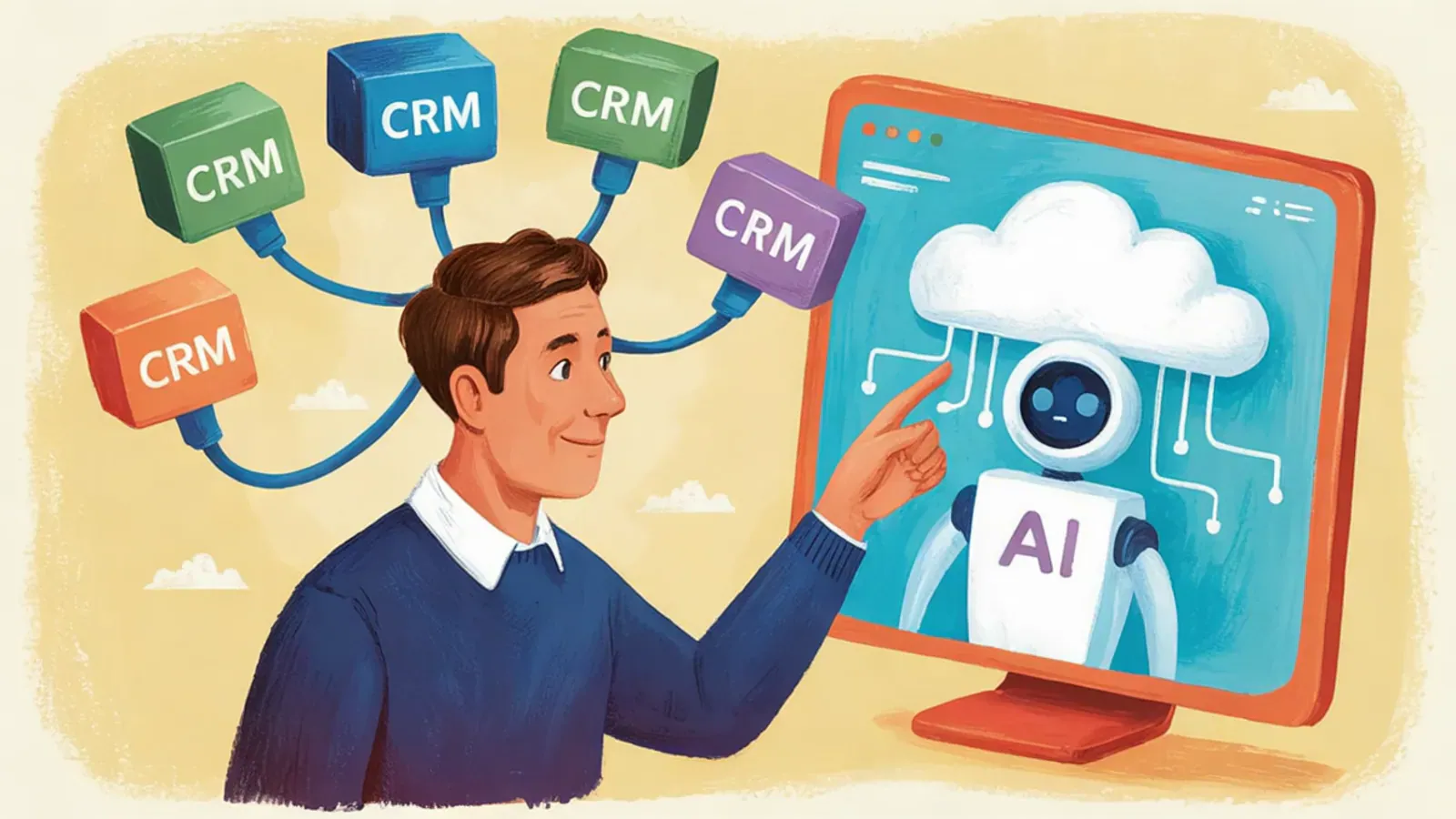
The rules in your CRM are enough when a task starts with a data point and the answer is always the same: assign a lead, create a task, flag that an opportunity has stalled. You need an agent when the input is a conversation: an open WhatsApp thread, a quote with variants, or a follow-up that depends on what the customer replied.
Most companies that work with Salesforce or Oracle already automate a good part of their sales process without calling it that. The question about AI comes up when those rules start to fall short, and they almost always fall short in the same place: where the customer writes.
A note on context: Vantegrate is a Salesforce and Oracle partner and does not sell a CRM, but agents that run on top of them. That's why this guide doesn't ask you to choose one or the other, but to split the work. And if what you're comparing is a menu bot with an AI agent, that is covered in chatbot or AI agent for selling on WhatsApp; here the comparison is between the rules you already have in your CRM and an agent that holds conversations.
What do your CRM rules solve well?
A lot more than they get credit for. Before thinking about an agent, it's worth reviewing what the process automation already built into your CRM does well:
Assignment: route each new lead to the right sales rep by region, product or account size, instantly and with no debate.
Flows: create tasks, update fields, notify the manager or send an internal email when a record changes. A well-built Salesforce Flow is predictable and documented.
Scoring: rule-based lead scoring, or the predictive scoring of Einstein if you have it turned on, sorts the queue so the sales rep starts with the most promising leads.
Alerts: flag that an opportunity has gone a week without activity or that a quote is about to expire.
Controls: prevent an opportunity from being saved without an amount, or a discount outside policy from going out without someone's approval.
They all have something in common: a CRM field triggers them and they always do the same thing. They are cheap to run, any administrator understands them and they can be audited. In Oracle the logic is the same, with its own tools. If a process can be written as "if this happens on the record, do that", a rule solves it and nothing more is needed.
Where rules get stuck
Rules get stuck when the input stops being a field and becomes something a person wrote. In B2B sales in Latin America there are three places where this happens every day.
Open conversations on WhatsApp
A buyer writes at eight at night: "Hi, do you have the 20-liter one? The same one as last time, but I need it Thursday in Monterrey". A rule can log the contact, assign it and send a "we received your message" template. What it can't do is know which product "the one from last time" is, whether there is stock for Thursday or how much shipping costs. For that you have to read the message, search the history and query the ERP, and reply while the 24-hour window is still open.
Quotes with variants
A rule calculates a price correctly when the configuration is already loaded into fields, and a CPQ can even handle complex configurations. The problem is getting there: the customer asks for "about 40 rolls, clear if you have them, brown if not", changes the quantity midway through the conversation and asks whether 50 qualifies for the discount tier. Every variant you try to solve with rules is one more branch in the Flow, and a Flow full of exceptions is the one nobody dares to touch, if it doesn't end up bringing down the org.
Follow-up that depends on the reply
An automated sequence sends the second message on the third day and the third one a week later, no matter what happens. But if the customer replied "I'll go over it with my partner and confirm Monday", the next contact has to be on Monday and say something different; if they replied "it's expensive", the right move is a question about quantities or terms, not a reminder. The rule doesn't read the reply, so it follows the calendar even though the conversation has already changed.
Rule or agent, function by function
In practice, the split is not between the CRM and AI, but task by task. This is a split that works for most companies that sell on WhatsApp:
Assign a lead: rule. The criterion is fixed and the data is on the record.
Qualify whoever writes in: agent, which asks the questions in conversation and fills in the fields. The CRM still calculates the score based on those fields.
Answer price and stock questions: agent, which queries the ERP in real time.
Quote: agent, which understands what the customer is asking for and builds the quote with your price list and discount policy. Above the maximum discount, the quote goes to whoever approves it, as we explained in automatic quotes on WhatsApp.
Detect a stalled opportunity: rule.
Pick it back up with the customer: agent, with the context of what was discussed.
Disconnected systems: if you have to copy data between two systems that don't talk to each other, that is RPA territory, as long as they can't be connected some other way.
Log what happened: the agent writes to the CRM and validation rules make sure the data arrives complete.
The pattern is simple: the rule decides on data, the agent on conversations, and each hands the other what it does best.
The CRM records, the agent acts
A well-integrated agent does not replace the CRM: it extends it to where the CRM stops. The path is always the same. It reads the account, the history and the customer's terms from the CRM; it talks and resolves in WhatsApp; and it writes back the lead, the opportunity, the quote and a summary of what was discussed. How each chat arrives with its source campaign is covered in integrating WhatsApp with Salesforce.
What matters is what happens next. To the CRM, that record is just another record, so its rules keep working on what the agent wrote: the Flow that fires when an opportunity is created fires all the same, the inactivity alert keeps running and the manager's dashboard updates on its own. That is why throwing out the CRM and replacing it with AI-generated code is usually a bad deal, as we explain in the trap of replacing Salesforce or Oracle with AI-generated code.
Salesforce also has its own platform for building agents, Agentforce, and it does not compete with this setup: it is one way to build it. The practical question is who builds and maintains the agent that sells over WhatsApp: your team on Agentforce, a custom-build partner or a specialized agent in your own org. How they coexist is covered in Agentforce on WhatsApp. Sellium, our WhatsApp sales agent, runs inside your Salesforce, reads and writes your objects and respects your profiles and permissions; if your company does not use Salesforce, Vantegrate's agents run on Oracle Cloud and connect to your CRM.
An example: the same order, with rules and with an agent
An example, to see it in concrete terms. An industrial supplies distributor in Bogotá receives a message at 19:40 from an ad that opens WhatsApp: "Hi, could you give me the price for 40 rolls of 48 mm tape? If you have clear, even better. It's for delivery in Medellín".
With rules only, the CRM records the lead, the assignment rule routes it to the sales rep for the area, a Flow creates a task for them and a template tells the customer that someone will contact them. The sales rep sees it the next morning, asks for what is missing and sends the quote around noon, if nothing gets in the way.
With an agent, the reply goes out right away: it confirms whether 48 mm clear tape is in stock, checks the price on the right price list and the shipping cost to Medellín, asks which company the invoice should be issued to and has the quote ready. The CRM ends up with the lead and its source campaign and the opportunity with the quote, and the same rules as before do their part: the assignment routes it to the sales rep for the area and the Flow creates the task, which is no longer to reply but to call and close. If the customer answers "I'll check with purchasing and let you know Friday", the next step is scheduled for Friday.
How to decide: five questions
For each sales process you plan to automate, these five questions, in order, tell you whether a rule is enough or you need an agent:
Is the task triggered by a CRM field or by a customer's message? If it is a field, start with a rule.
Is the answer always the same, or does it depend on what the customer said? If it is always the same, a rule or a template is enough.
How many exceptions does it have? If each one has become a new branch of the Flow and nobody wants to touch it, the task is asking for judgment.
Is the data needed to respond in a system? If the price lives in a sales rep's head, neither a rule nor an agent will work yet: first you need to organize the data. This is not a rare case: according to MuleSoft's Connectivity Benchmark Report (2025), 95% of IT leaders struggle to integrate data across systems.
Is there enough volume and off-hours demand to justify it? If there are only a few conversations and they arrive during office hours, a sales rep with good rules may be enough.
If all five answers point to the rule, you do not need an agent: improve your rules and move on. If two or more point to the conversation, that is where to start.
How to add an agent without dismantling what works
The most common mistake is to bolt an agent onto the old process and expect the AI to do the rest. Redesigning who does what pays off more, and it is what gets done least: according to McKinsey (2025), only 21% of companies using generative AI have fundamentally redesigned at least some of their workflows.
One process at a time: the first reply to leads that arrive through WhatsApp ads or quote follow-up are usually good starting points.
Agreed fields: which fields the agent writes and which rules act on them, with an integration user and limited permissions.
Reviewed Flows: which ones fire on new records, so the agent does not trigger duplicate alerts or tasks that no longer make sense.
Baseline: measure first in the CRM, with the same reports you will use afterward.
Handoff: which conversations go to a person and with what context, as we describe in handoff to a sales rep.
If you want to see how agents work in sales and in other areas, the overview is in AI agents for companies. And if you want to review which part of your sales process an agent should take on and which to leave to your rules, book a demo and we will go through it on your CRM.