
Imagine you open Figma, copy the link to a frame, and that same design shows up as a Lightning Web Component inside Salesforce. No building the styles from scratch, and no sending the agent a screenshot with an "implement it and let's go."
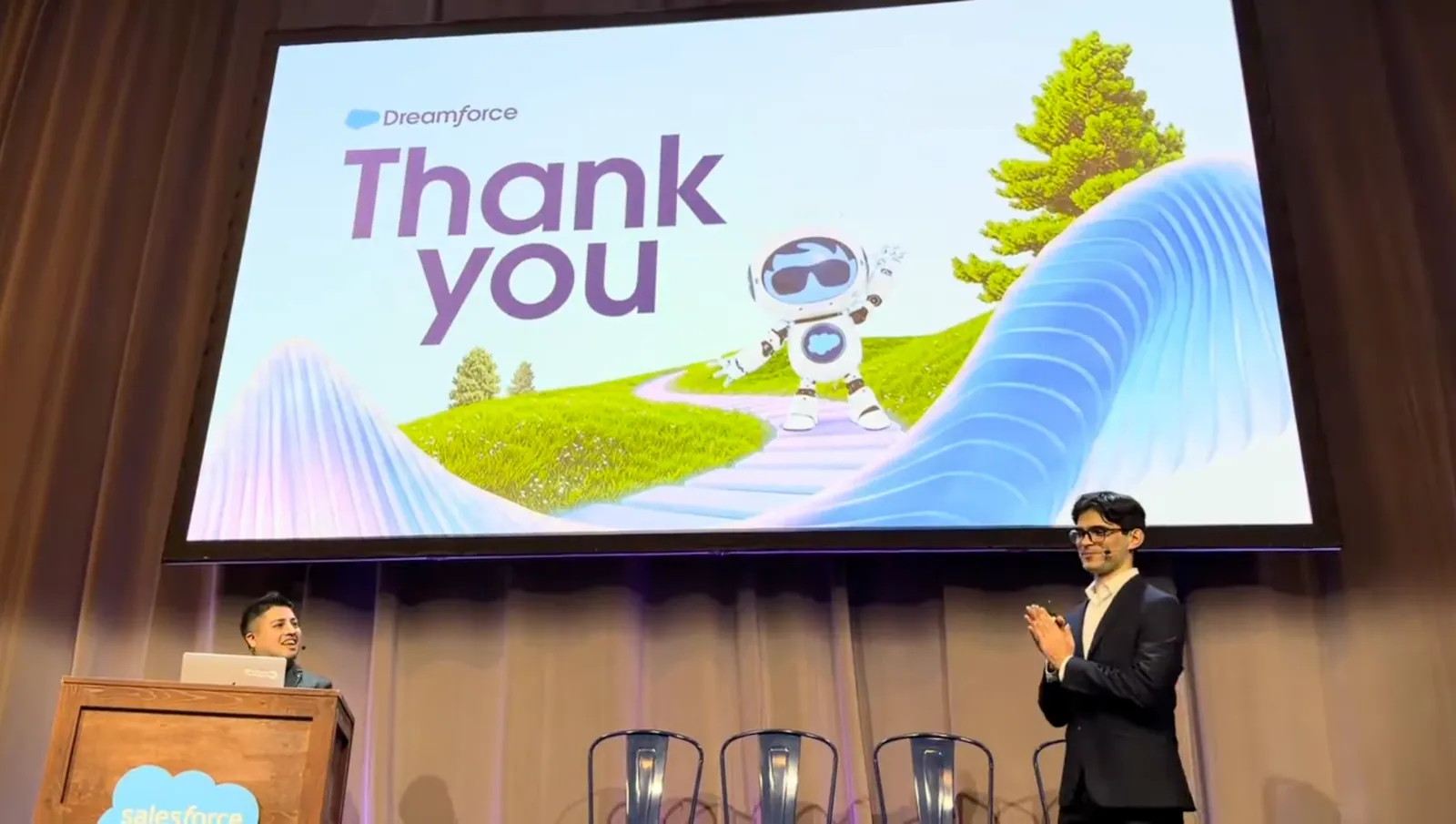
That is the core idea of the live session that Josué Mendoza (Josu) and Esteban Morales (Esti) gave at Dreamforce: Figma to Vibes: From Design to Lightning Web Components. They are part of the Vantegrate team, and in 20 minutes they showed the complete path, from the design to the component in the org.
In this article we walk you through how to go from a Figma frame to an LWC using Figma MCP, Salesforce skills and an agent. In the demo they used Agents for Vibes, though the same approach works with other agents.
If you are interested in the other session the team brought to Dreamforce, the one about agents that alert you on their own, it is covered in the article on proactive agents with Flow, Agentforce and Slack.
The handoff problem: a screenshot is not enough
Josu started with the design you want to bring into a Salesforce page. On screen they showed several layouts: account information, customer data, a service experience and an example to display contacts.
The goal of the session was to build that view. To start, you have to choose a single piece.
Josu said it plainly. What they want to avoid is taking a screenshot of all the designs and asking an agent to implement it in one go.
A design is not a picture of what you want to see. Inside it are states, colors, palettes, spacing and the behavior the component has to respect.
If you send only a capture, the agent has to guess that information. That is why the classic handoff falls short, even if the image looks perfect.
Esti reinforced it at one point: it is not enough. The design is more than an image, and there is a better way to give it to the agent.
Focus on a single frame, not the whole design
That is the first idea they wanted to make clear. Focus on one component within the design, not on the entire screen.
In the demo they chose a specific frame. The result they were after was the component bundle: the HTML, the CSS, the style and the metadata.
Josu summed it up like this: you select a focused frame in Figma and turn it into a component. That is the entry point, and afterward you can iterate on the rest of the view.
If you are building experiences for customers or partners, the same criterion shows up when you build a portal with Experience Cloud. There, the Lightning Web Component comes in when Flow falls short, not the other way around.
The missing context: Figma MCP
To avoid sending a vague description, you have to bring the agent more context. That is where Figma comes in and, above all, the protocol that connects the design with the editor.
Josu presented Figma MCP as the bridge between the Figma file and the environment where you are generating code. That route shares what a capture cannot carry: states, layers, padding and behavior.
MCP, in a few words, is a standard way to connect a tool to an agent. Here the tool is Figma, and the agent needs to read the actual frame, not a picture.
Without that connection, the model fills in gaps with assumptions. With that connection, it works from the information that already lives in the design.
On Pulse we have already seen how an MCP can connect live systems, for example in the article on Salesforce MCP with Jira, Confluence and Rovo. The idea is the same: less copy and paste, more direct context.
Salesforce skills (and why SLDS2 matters)
The design context is not enough for a good implementation in Salesforce. You need another piece that serves as a guide: the skills, or abilities, of the ecosystem.
Josu defined them as rules the agent follows to develop better. During Dreamforce they came up in many sessions, and they are not only for Lightning Web Components: there are skills for Apex, for Flows, for metadata and for other types of work.
Salesforce has a repository with that material. The idea is to use it instead of explaining everything to the agent from scratch.
A concrete example: keeping the agent from inventing a style from the start. Inside Salesforce there is already SLDS2, the platform's design system, and one of the skills asks you to use it within the component.
That is not an aesthetic detail. If the agent improvises CSS, the result may look good in the preview and break the consistency of the org.
How SLDS2 comes up in other team conversations is covered in this article about secrets of a Salesforce release. With the context and the skills in place, the first draft of the component arrives, and only then do you decide the next step.
Three verbs: Design, Guide, Generate
Josu suggested remembering the whole flow with three short verbs that are easy to retain.
Design: create your design in Figma.
Guide: guide the agent with the MCP and the skills.
Generate: generate the component.
Context and skills, together, are the guide for correct development. The design alone is not enough, and neither is the agent alone.
Josu's last message, before handing the floor to Esti, was direct: always review the result of your vibe coding. Agents sometimes guess, and in your org there may be names or graphic conventions that the component has to respect.
That is why review is part of the method: you generate, you look, you correct, and only then do you iterate. That same discipline shows up in Pulse's articles on developing with AI in Salesforce.
The prompt as a contract
Esti took the second half with a simple idea. When you bring AI into the development loop, everything starts with a prompt.
He compared it to how you already interact with ChatGPT or Claude. The difference is how you think about that text: Esti likes to see the prompt as the contract between what you want to do and what you ask the agent.
In this case, the contract was clear. They wanted the agent to develop a Lightning Web Component from a design that already existed.
They showed an example prompt with four parts. The first: define the component name, because you don't want the agent to decide it for you.
The second: call the Figma MCP when it is available in the agent's context. The third: use the Salesforce skills, which speed up development because they bring rules and context that already exist.
Esti stressed that those skills work across different agents. You can use Claude, Codex or another tool, but you need those rules if you want the process to perform.
The fourth part of the contract is the review. You have to ask for a result you can look at afterward (usually in a local environment) and make it explicit that this step is not skipped.
That prompt is an example, not a single recipe. If you want to see how prompts are worked in Salesforce, check out the prompt pack for vibe coding.
Demo: Frame Link and Agents for Vibes
The moment everyone wanted to see arrived. Esti opened the real Figma design, built to look very similar to Salesforce, and showed the first practical move: in Figma, with a right click, you copy the link to the selection.
That is the Frame Link, the MCP they chose for this demo. Esti clarified that Figma has other MCPs, but to translate a frame into an LWC this one is enough.
Then they opened Agents for Vibes. They pasted the prompt with the requirements: build a Lightning Web Component, take care of accessibility and use SLDS plus the skills.
At the end they pasted the URL copied from Figma, which is what tells the agent that it has to use the MCP.
The agent started pulling information from the skills, detected that it needed the Figma MCP and asked for permission to connect (continue or cancel).
When it finished, the component was already created, with its files ready for review.
A practical detail: how to know whether the MCP is connected. In Agents for Vibes, in the servers section, Figma Frame Link appears; if it shows green, you are already talking to Figma.
The talk does not say you have to marry that tool. Esti repeated that you can use Claude or another agent with MCP capability, and that the benefit of Agents for Vibes, in his case, was that the skills set already came included.
If you are interested in the same style of work for integrations, in Pulse we covered MuleSoft Vibes and vibe coding. And if your go-to agent is Claude, you can also read how Salesforce comes into Claude.
The component already in Salesforce
With the bundle generated, they went to the org. They opened an account, refreshed and the component was there.
Esti described it as very similar or identical to what they had in Figma. Same clarity, same consistency, with the design's color palette.
That is the point of the demo. It is not a loose sketch: it is a component that already lives in Salesforce and can be viewed in the real context of a record.
The frame stops being a design file and becomes part of the experience the user sees. If your team still reviews an LWC by deploying the component to a test page, it is worth pairing this idea with the hacks from the latest releases, where the local preview of a Lightning Web Component appears.
Blueprints from the Salesforce community in Figma
The demo did not end with their own component. Esti reminded the audience that Salesforce has a community in Figma, with ready-to-use components as a starting point.
These are Blueprints. If you want something that is already built, for example an e-commerce store, you can take that Blueprint and start from there.
In the session they picked one, copied the selection, passed it to the agent with the skills and then went to Salesforce to see the result. The component was left available to place wherever it was needed.
This door is useful when the team does not want to reinvent patterns that already exist. And if later your portal needs to go beyond LWC, Pulse also has the article on Experience Cloud with React and multi-framework.
Start small and iterate
Esti closed that part with a method recommendation. Start with small components and, from there, iterate on the rest of your designs in Figma.
The agent should produce what you would expect in an LWC bundle: the HTML, the JavaScript if needed, the CSS of the design and the configuration file. That is what you need to review, not a new screenshot.
There is an important caveat, and Esti said it clearly: the agent speeds up development, but you are still the one developing. You tell it what to do and which design to use.
If you want to stay within the Salesforce visual system, you have to ask the agent for it. If you don't ask, it may go down another path.
The frame, the contract and the skills give you speed. The judgment is still yours.
Accessibility, sensitive data and local review
The last technical part of the talk was a checklist of precautions, not an optional extra. The first is accessibility.
A component that looks good does not mean it works for everyone. You have to ask for it in the contract from the start, as they did in the demo.
The second precaution is about security. Components should not expose sensitive information or API keys, and you should not put that data inside a prompt either.
Esti was emphatic: that is very dangerous. The prompt is a work contract, not a place to paste secrets.
If your concern is how to give an agent access without losing control, the article on security and governance in Salesforce will help. Speeding up can't mean opening one more door than you should.
The third precaution is the local review. Josu had asked for it at the start and Esti repeated it: look at the component locally before taking it to production or any other environment.
It is not enough that it looks the same as Figma on the first render. Someone has to validate how the component behaves inside the system.
What to take from the session
At the end they left a short list of takeaways: the map for repeating the demo in your organization.
Start with a small frame and a URL, and only then move on to larger components.
Focus on Figma first, not on a screenshot of the whole screen.
Use skills. Without them, the agent makes assumptions about a Lightning Web Component and never fully understands the structure.
Pick an agent that helps you. They used Agents for Vibes because it already came with the skills, but you can use Claude, Codex or another one.
Validate everything before deploying, and ask someone else to review accessibility and behavior.
Skills were a cross-cutting theme at Dreamforce, and Esti insisted they are not an accessory. They speed up the process because they keep the agent from improvising the shape of a Salesforce component.
If you are building agents as part of how you develop, you can also look at Agentforce DX and working with agents as code. The common thread is the same: clear rules and a human review before shipping anything.
At the end of the talk they showed a QR code with resources: a guide to connect the Figma MCP with Agents for Vibes, material for developing components and the Salesforce skills set to add to your agent.
Why this approach works for mid-sized companies
The most useful thing about the method is that it does not ask you to invent a new stack: it starts from a design in Figma, from skills that already exist and from an agent the team can choose.
For mid-sized companies, that lowers the barrier to entry. You don't need to redesign the whole experience or write every style by hand.
Start with one frame, a short contract and a local review. If that piece works, you iterate; if not, you adjust the prompt and the skills before scaling.
The promise is not that the agent replaces the developer. It is more honest: the agent speeds things up, and the team still decides what gets implemented and how it is validated.
From a frame to your first LWC
The change Josu and Esti proposed is one of method. You stop sending a picture of the design and start giving the agent the frame, the Salesforce rules and a contract that can be reviewed.
Pick a small component, copy the Frame Link and ask for a bundle you can look at locally. If the result resembles the Figma and respects SLDS, only then take the next step.