
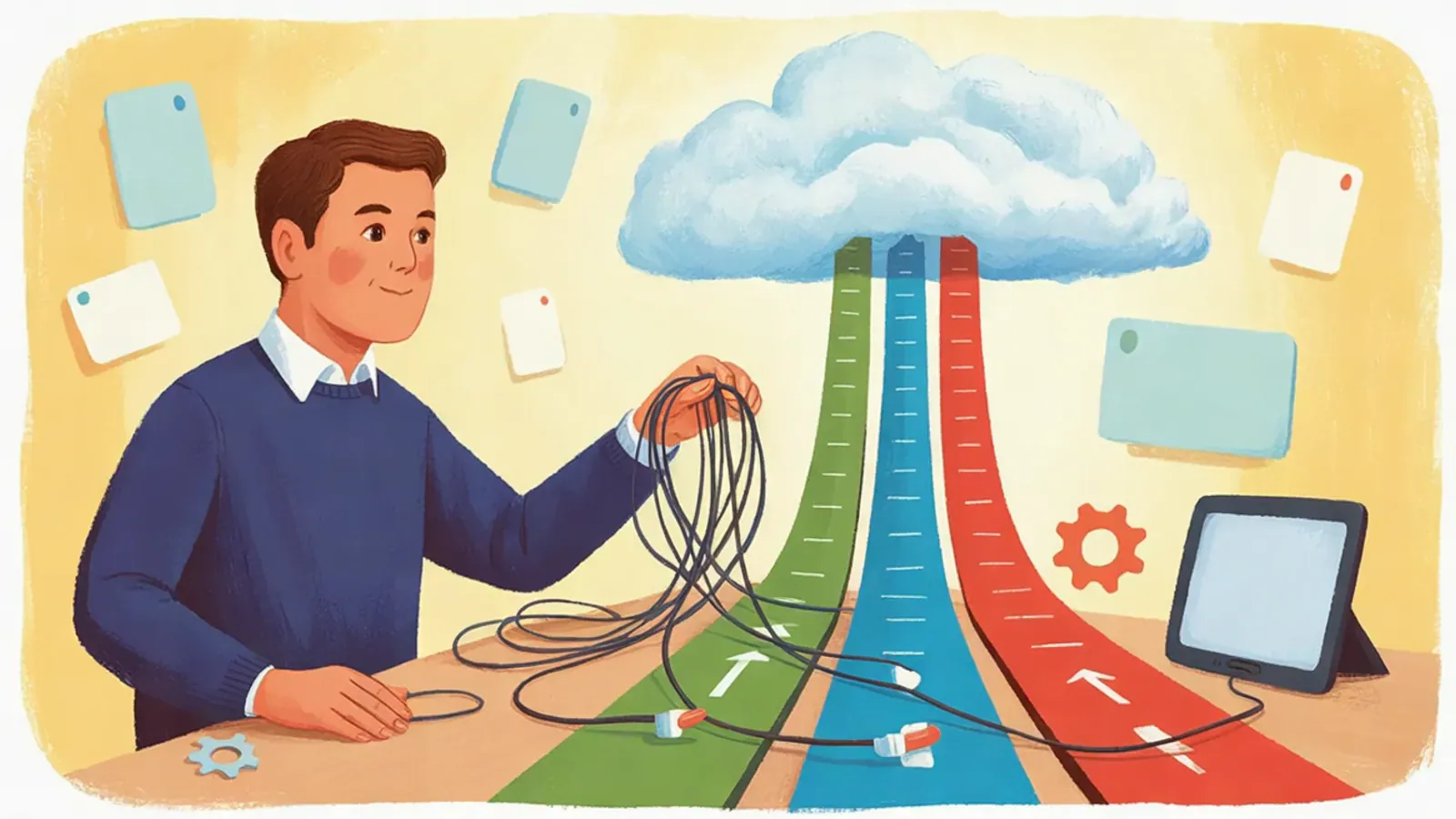
Raise your hand if you've ever lost an entire afternoon building a change set, adding components one by one, only to have the deploy fail in production because of a dependency nobody saw coming.
We've all been there. For years, change sets were the only declarative way to move changes between orgs, and we know how they are: slow, fragile, and with no trace of anything. There's no record of who changed what, or when, or why.
That's exactly what DevOps Center is here to bury. In the upcoming Vantegrate Masterclass, we'll see it working for real, with real use cases and live examples.
What DevOps Center is and why Salesforce includes it at no cost
We'll start with the essentials: what DevOps Center is, why it comes included at no cost with your org, and how it completely changes the way you work with Work Items, Pipelines, and version control, without you having to know Git or type a single command in the terminal.
Salesforce offers it at no additional charge in the Professional, Enterprise, Performance, Developer, and Unlimited editions, and you can even try it in a Trailhead Playground or a scratch org. It's not a product you pay for separately: it's already there, waiting for you to activate it.
The magic is in source tracking
Here is the fundamental change. You make your modifications in the sandbox as usual, and DevOps Center automatically detects what you touched and links it to your Work Item. No more asking "which components did I change?": the tool keeps track for you, builds the commits, manages the branches, and lets you promote changes stage by stage through the pipeline all the way to production.
Everything you used to write down by hand in a spreadsheet is now recorded automatically, with complete end-to-end traceability.
Scenarios we face every day
We'll walk through concrete cases, not theory. An admin who needs to move a Flow and three new fields from one environment to another. A team with several developers working in parallel on the same org. And the usual uncomfortable moment: what happens when two Work Items touch the same component and you have to resolve the conflict before it blows up in the deploy.
And because we don't sell smoke here
This is the part almost nobody tells you about, and we're going to face it head on.
You'll need sandboxes with source tracking enabled for automatic detection to work: without it, the tool can't keep track of your changes. As for version control, the integration is with GitHub, with Bitbucket Cloud still in beta, and it doesn't cover GitLab, Azure DevOps, or self-hosted versions such as GitHub Enterprise Server. There is also metadata that isn't supported for now, so it pays to know in advance what's left out and how to work around it. And before enabling it for your team, it's worth reviewing the permissions and licenses you'll need.
One fact we can't skip: at TDX 2026, Salesforce introduced the next generation of DevOps Center, native to the platform and with agentic capabilities, which is activated from Setup without installing any package. Since April 2026, new installations of the managed package are no longer available, although those who already had it installed can keep using it. The good news is that the concepts you'll learn in the class (Work Items, Pipelines, source tracking, zero Git) carry over almost intact. If you want to dig deeper into where all this is heading, the Salesforce Admins blog explains it well.
When it's enough and when it falls short
The idea is for you to leave with the full picture. When DevOps Center is more than enough, and when it falls short and it makes sense to look at heavier tools, the ones that add automatic rollback, backups, built-in testing, or connections to ticketing systems. And a concrete checklist to start using it this very week.
A tour of Vanguard
Also, in this class we'll do something special: a live walkthrough of Vanguard, our e-learning platform, where you'll be able to keep learning at your own pace after each Masterclass.
We'll spend time on the Agentforce module, which has all the content to master Salesforce's agentic wave: from the fundamentals to agent orchestration, with structured lessons, practical examples, and the material from our previous classes.
A class designed for admins, developers, consultants, and anyone who deploys changes in Salesforce and wants to stop suffering with every release.